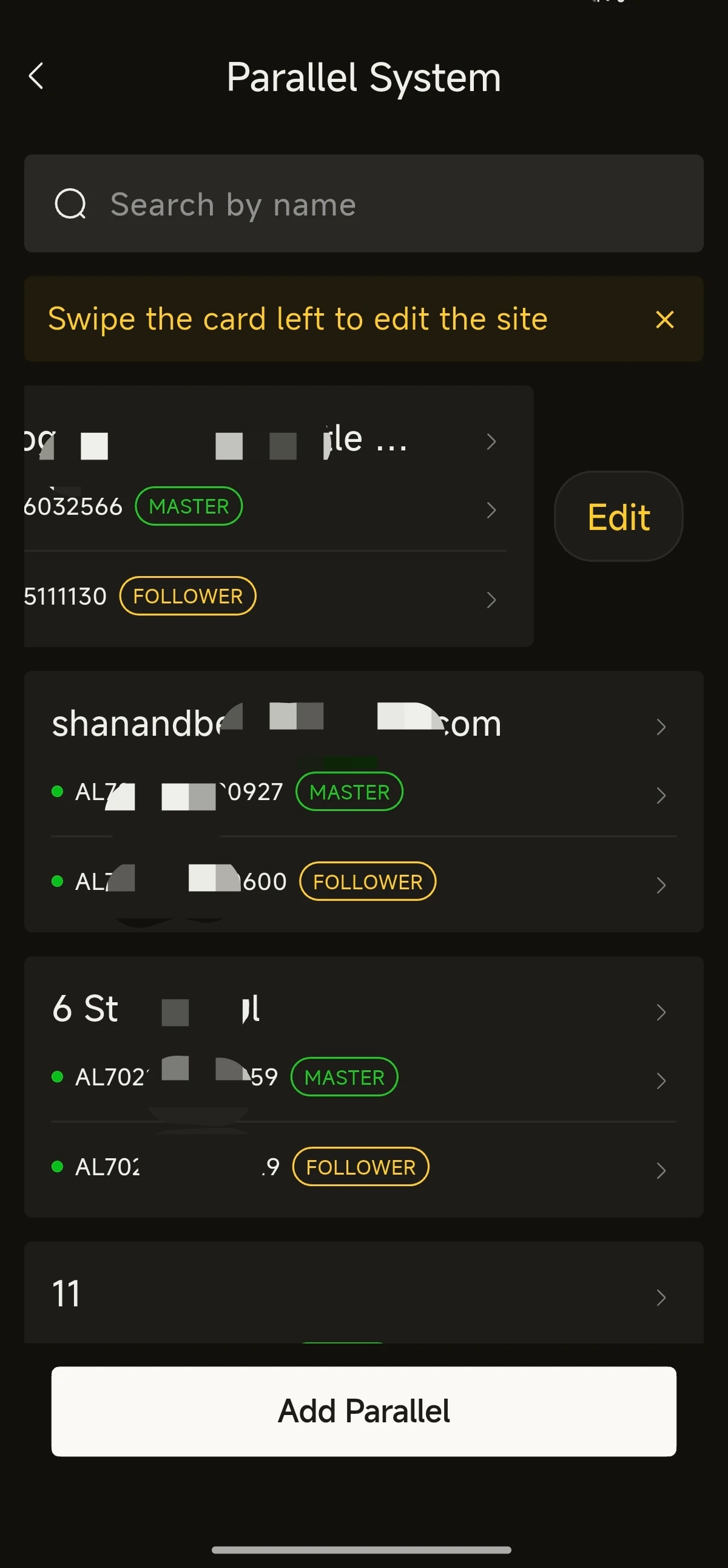
Parallel System Installation
(I) Parallel System Installation
- Install each unit individually, one after another (for single-unit installation, refer to Section 4: Wi-Fi Network Configuration and Commissioning).
- Select Parallel System in the quick tools, then follow the prompts to distinguish the SN and check code of the master unit and slave units.
- Submit the parallel system details. Once the system has completed the software update, the parallel installation is finished.
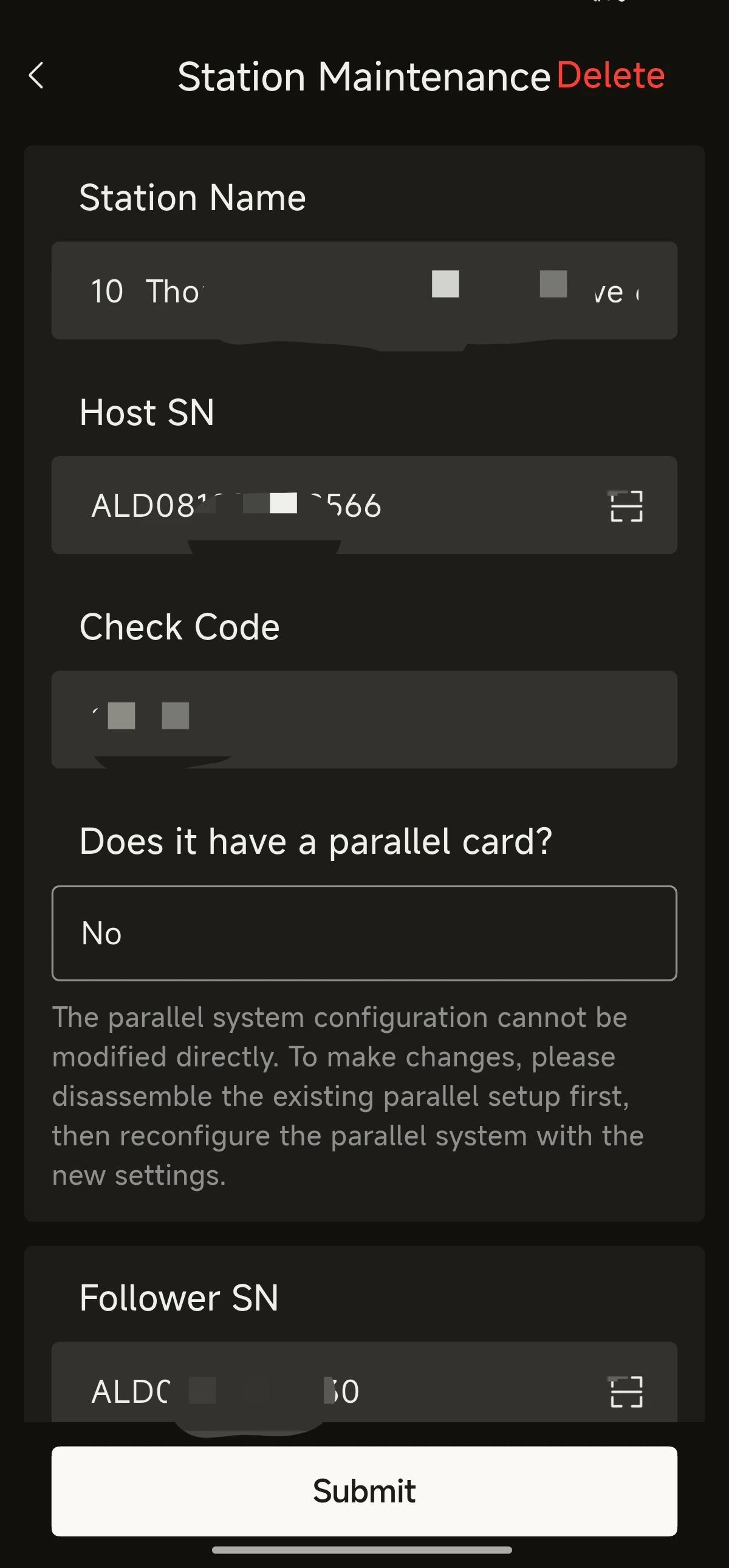
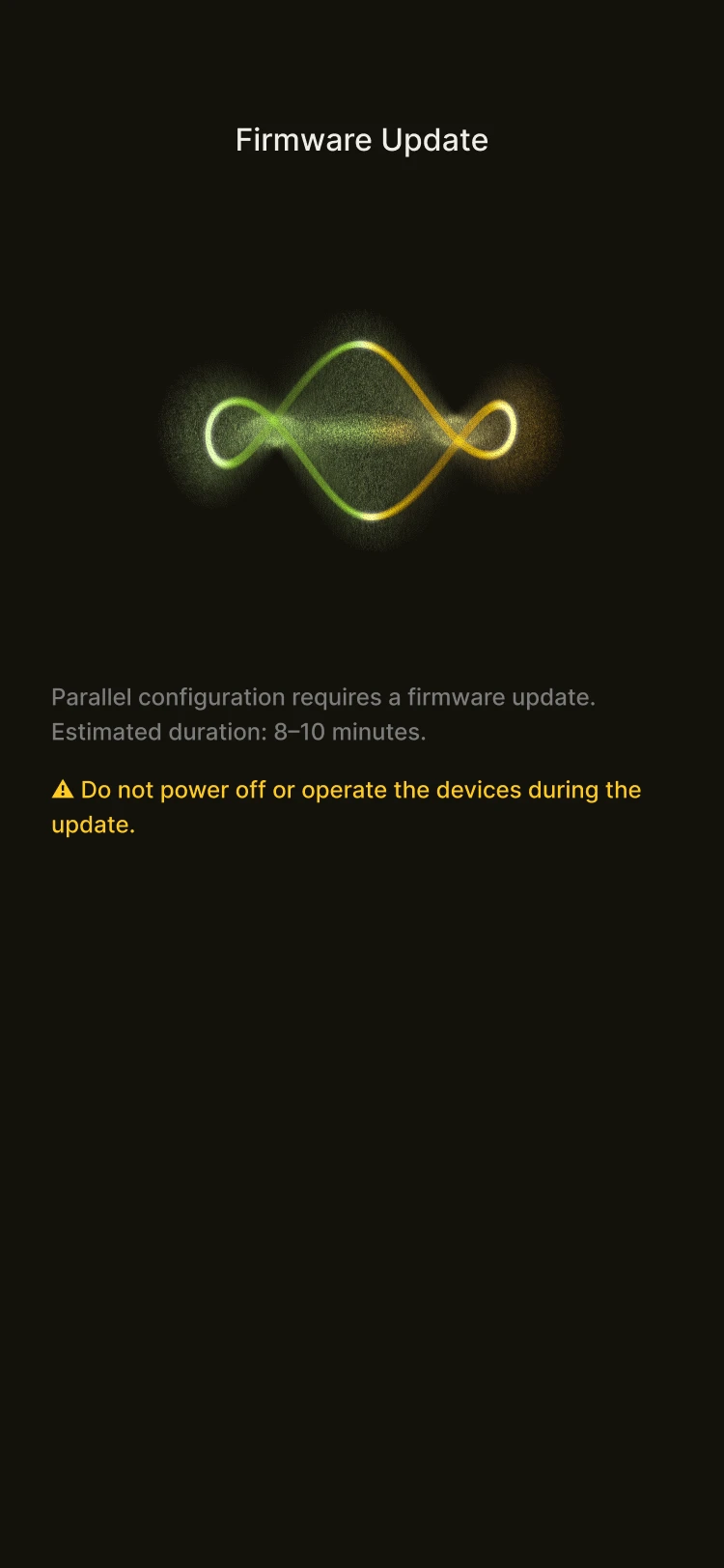
(II) Parallel System Management
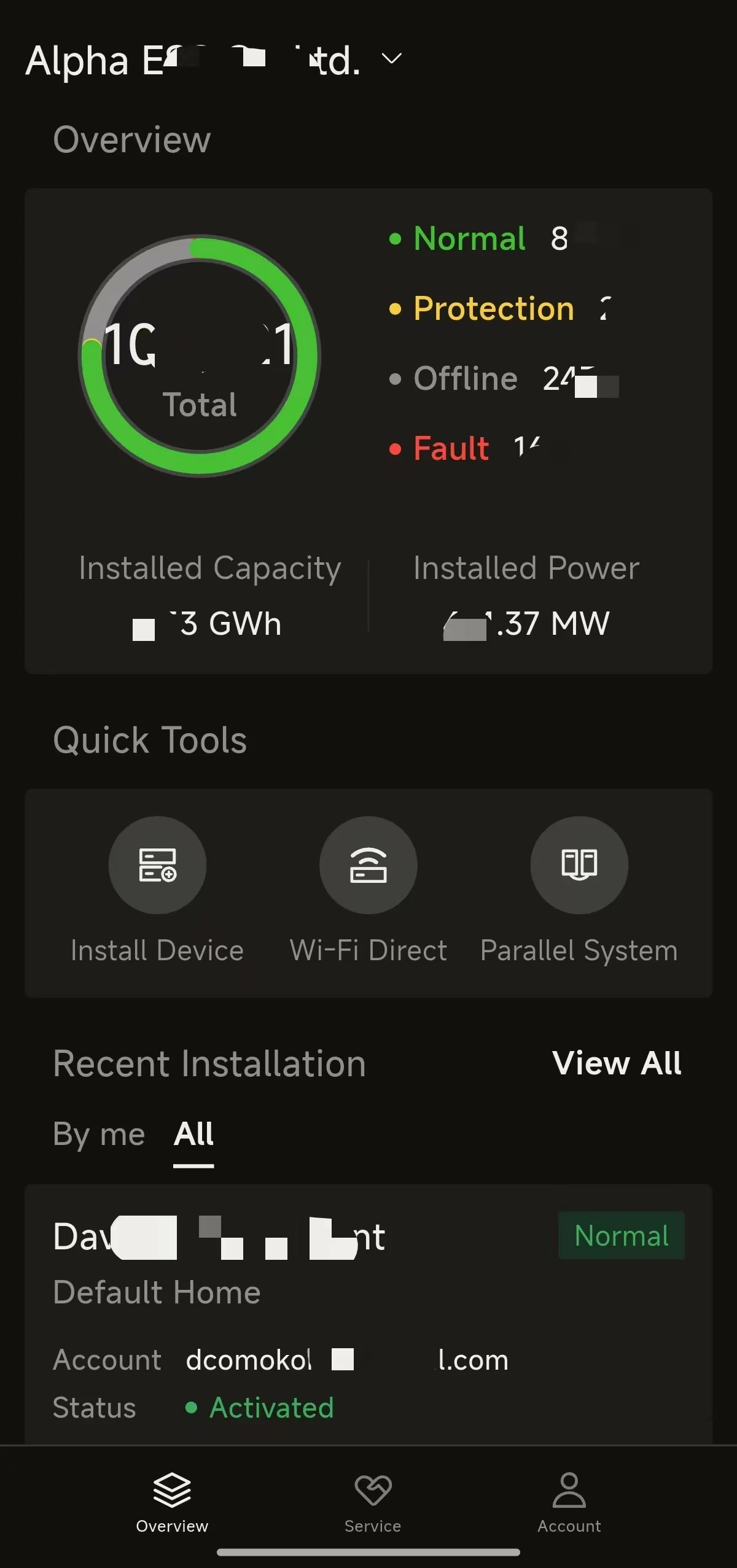
- Select Parallel System in the quick tools on the home page.
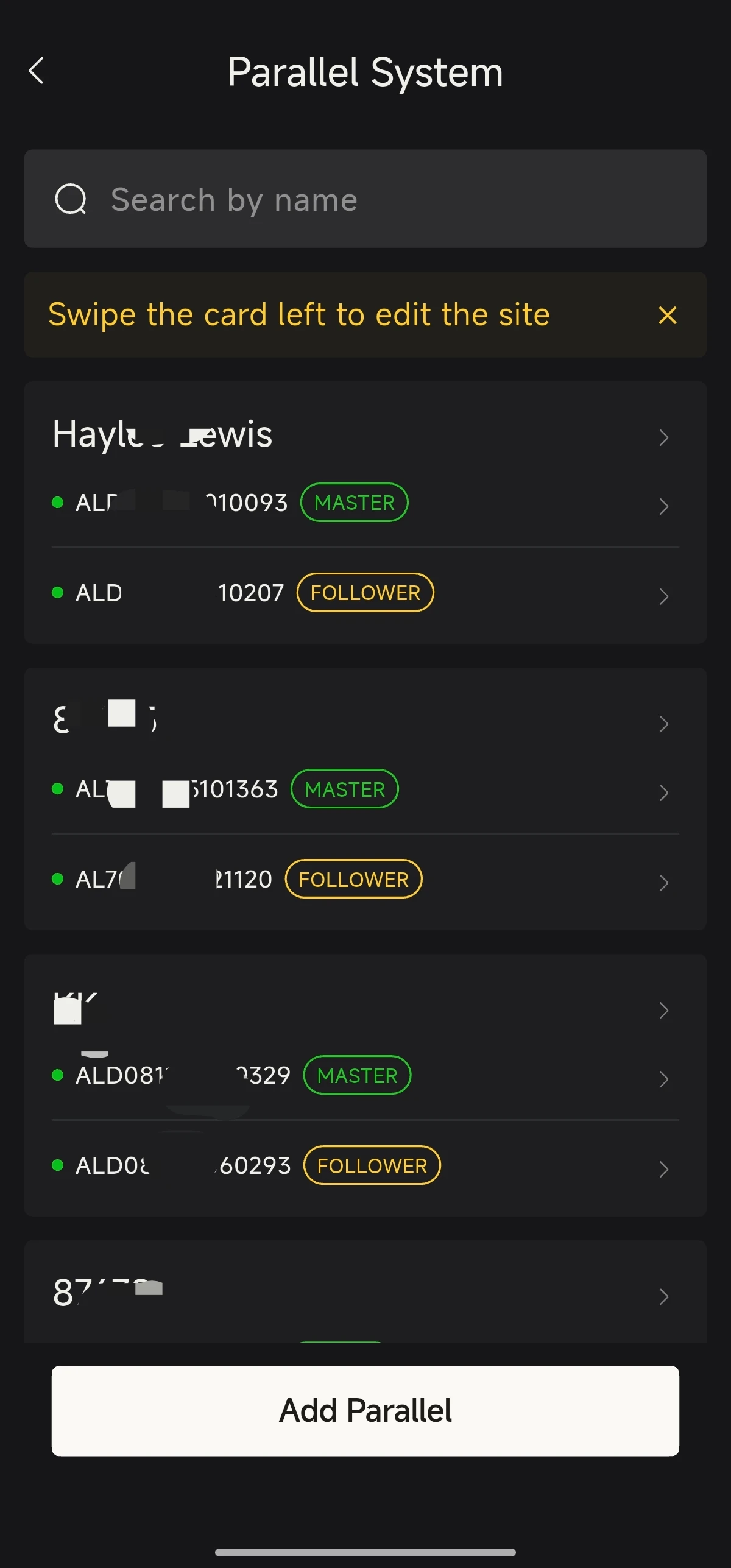
- View the parallel system list and select a parallel system site to enter.
- View the overall operating information for the parallel system site. You can also switch to a single-unit view at the top.
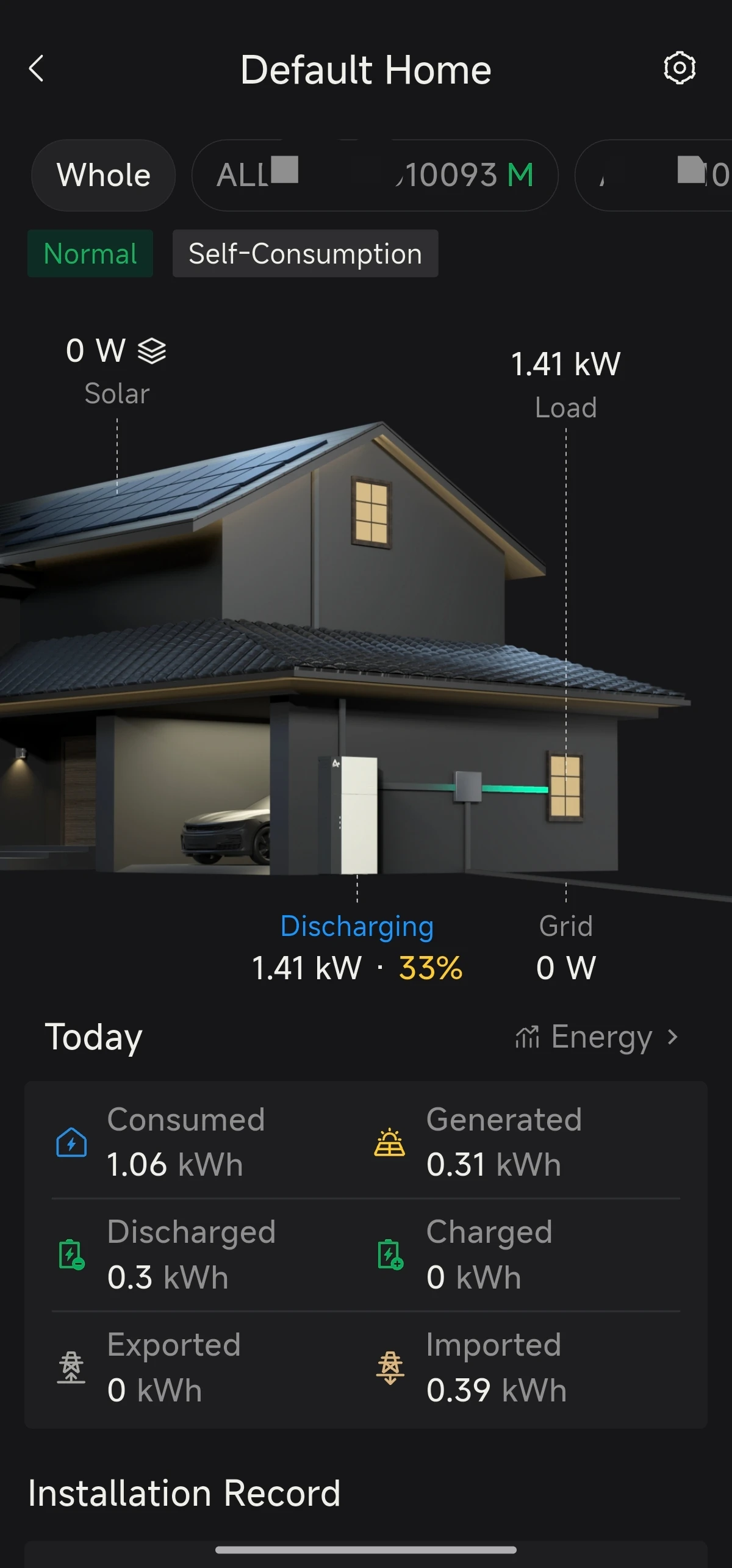
(III) Deleting a Parallel System
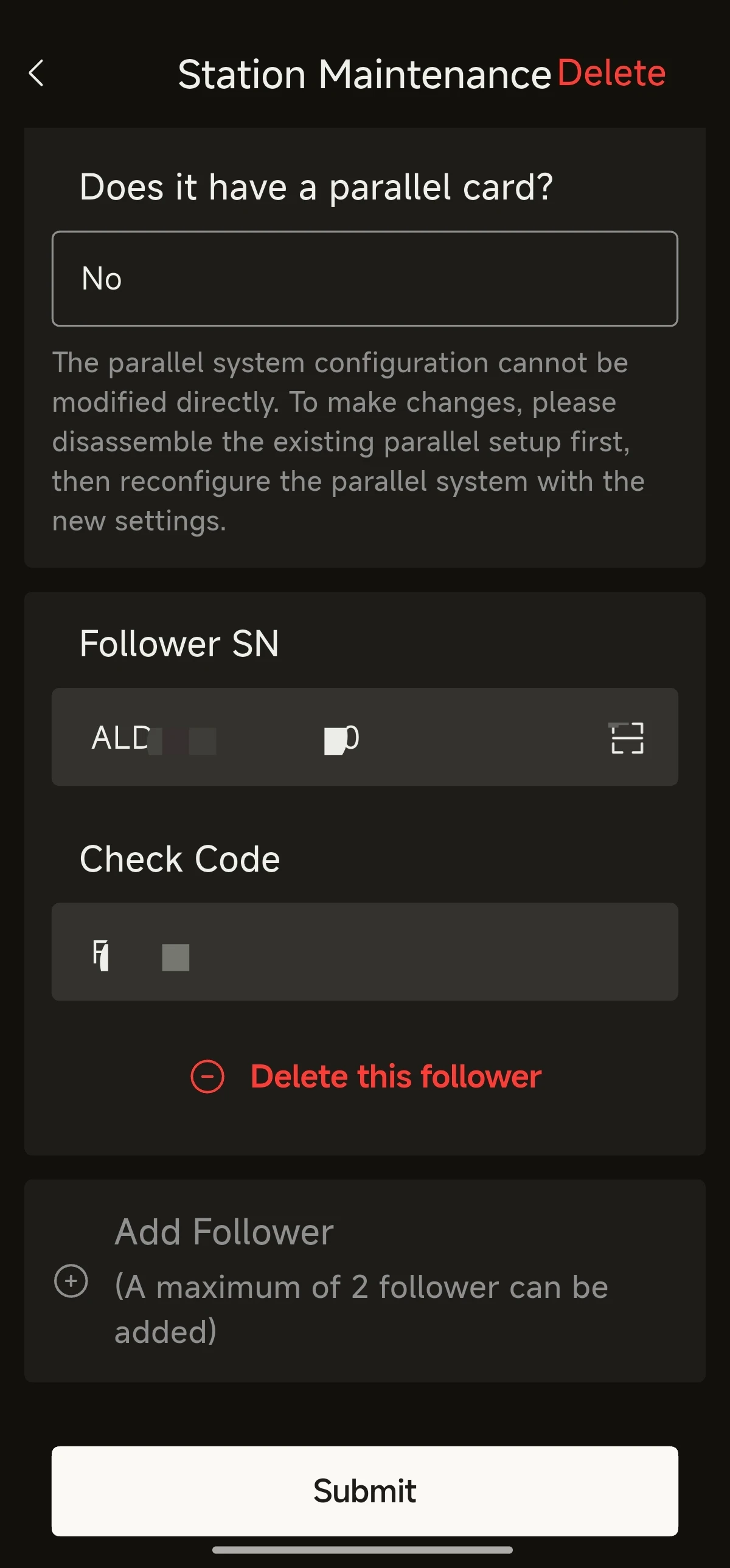
- In the parallel system list, select the site you wish to remove, then swipe left to edit.
- In the edit details, tap Delete to remove the parallel system site.
- Deleting a parallel system ≠ removing devices from the site: once the parallel relationship is dissolved, the devices remain in their original site.
- Removing devices from the site is a separate, second step that must be carried out on its own.