Device Management and Details
(I) Device List
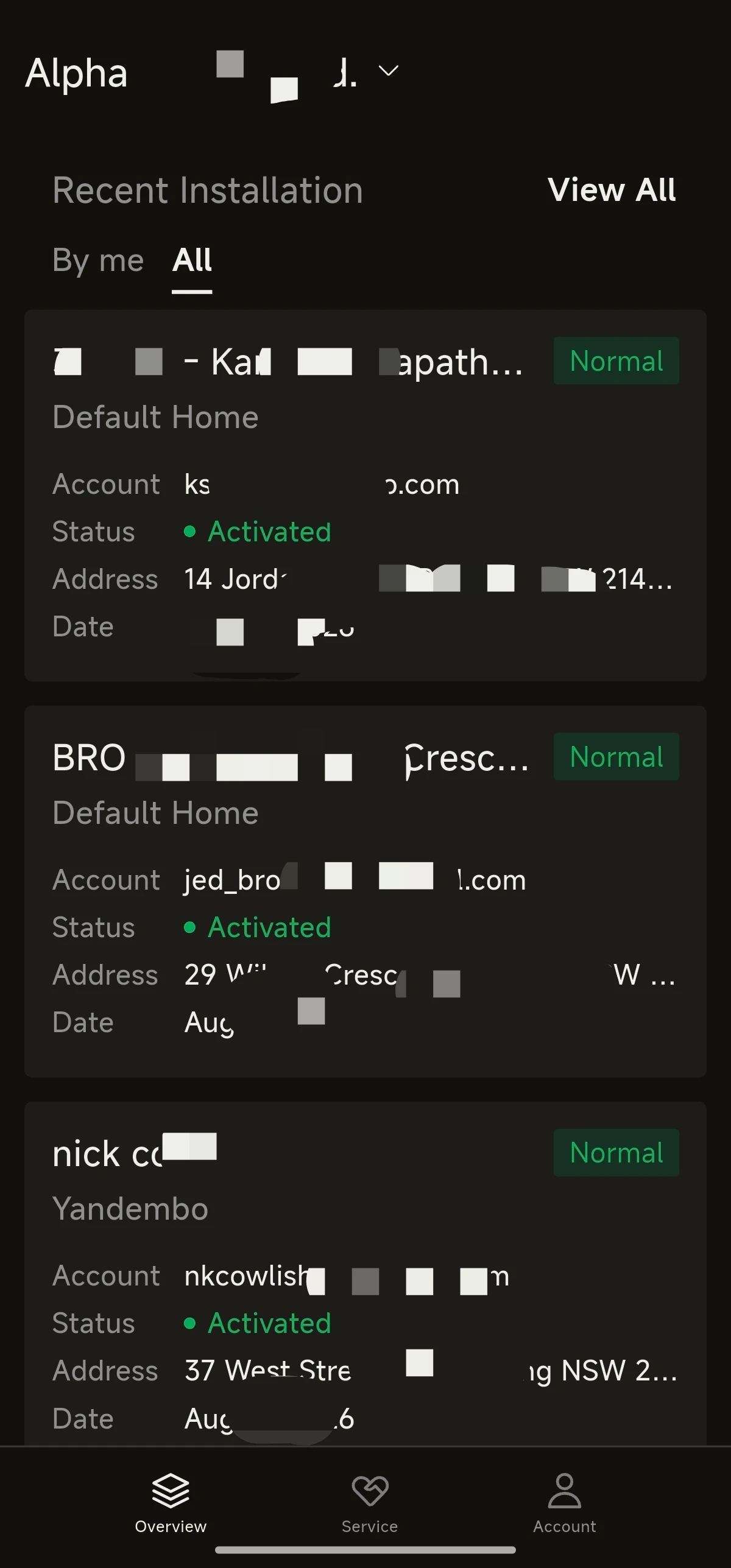
- Under the plant, go to Device List to view the model, SN and online status of each device at that plant.
- Tap the target device to open its details.
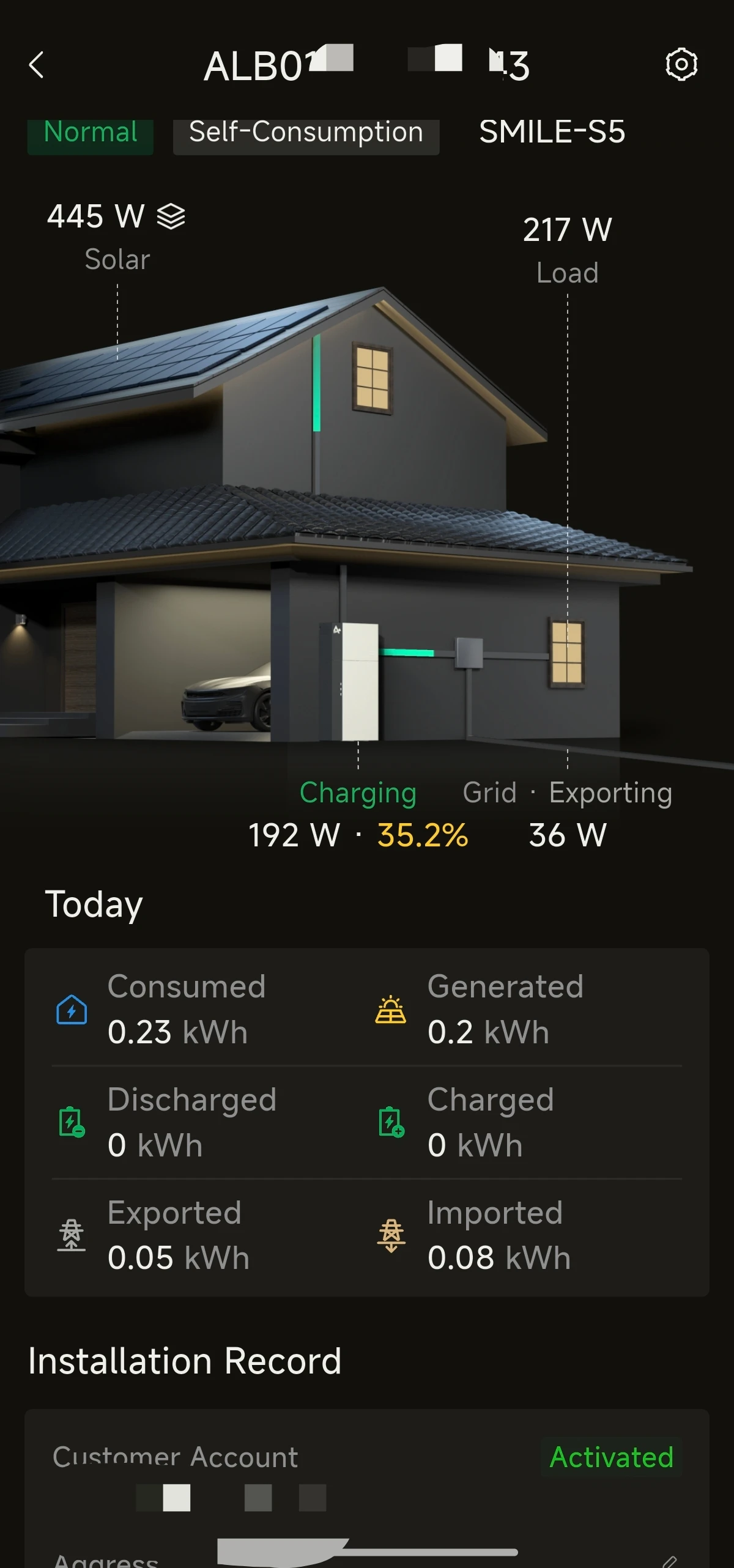
(II) Device Details
- Tap the device icon on the home page of a residential plant to view the device details.
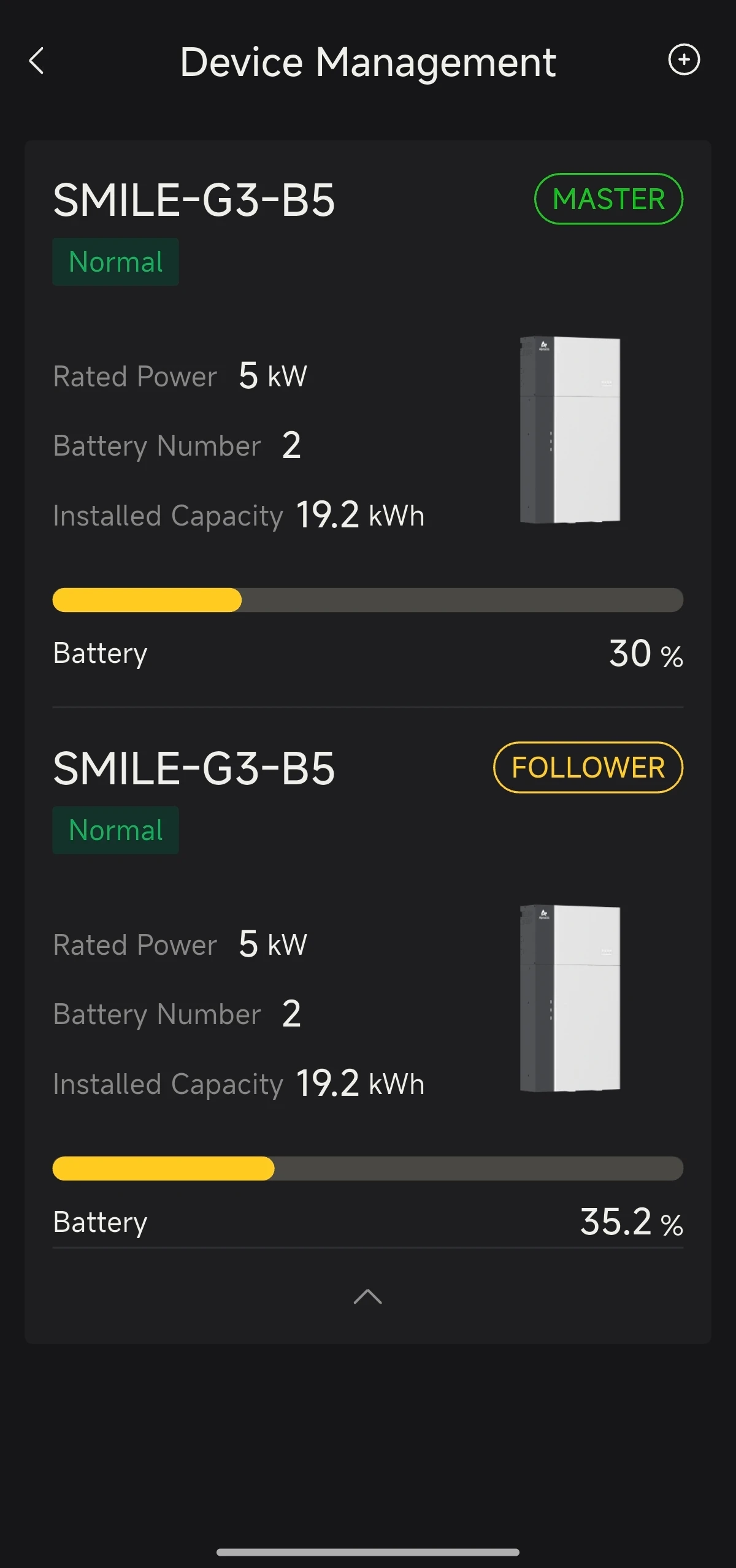
- Basic information about the devices at the plant: current power, number of batteries, installed capacity, working status, etc.
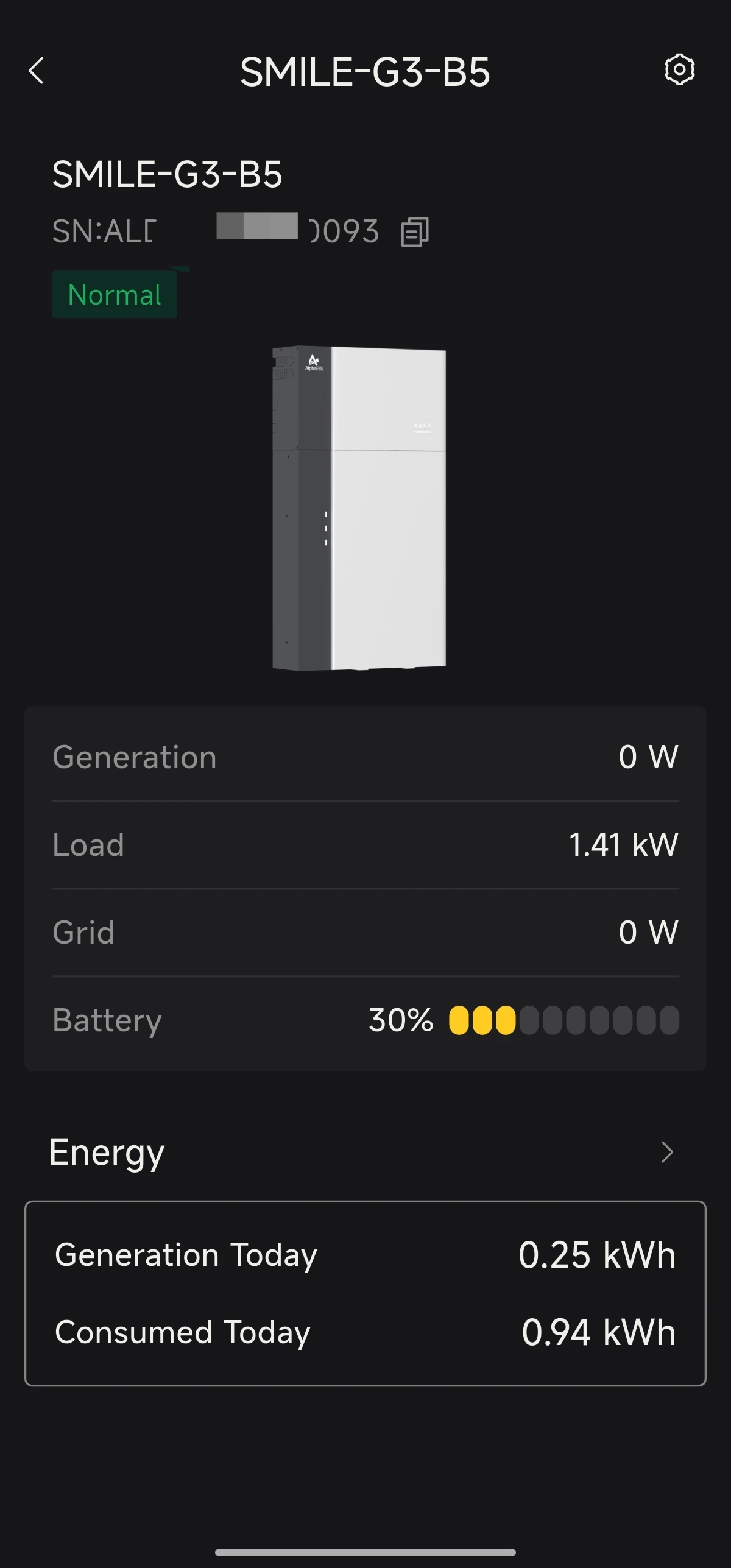
- Tap a device to view further details: real-time power, SOC, load power, energy statistics for the day, etc.
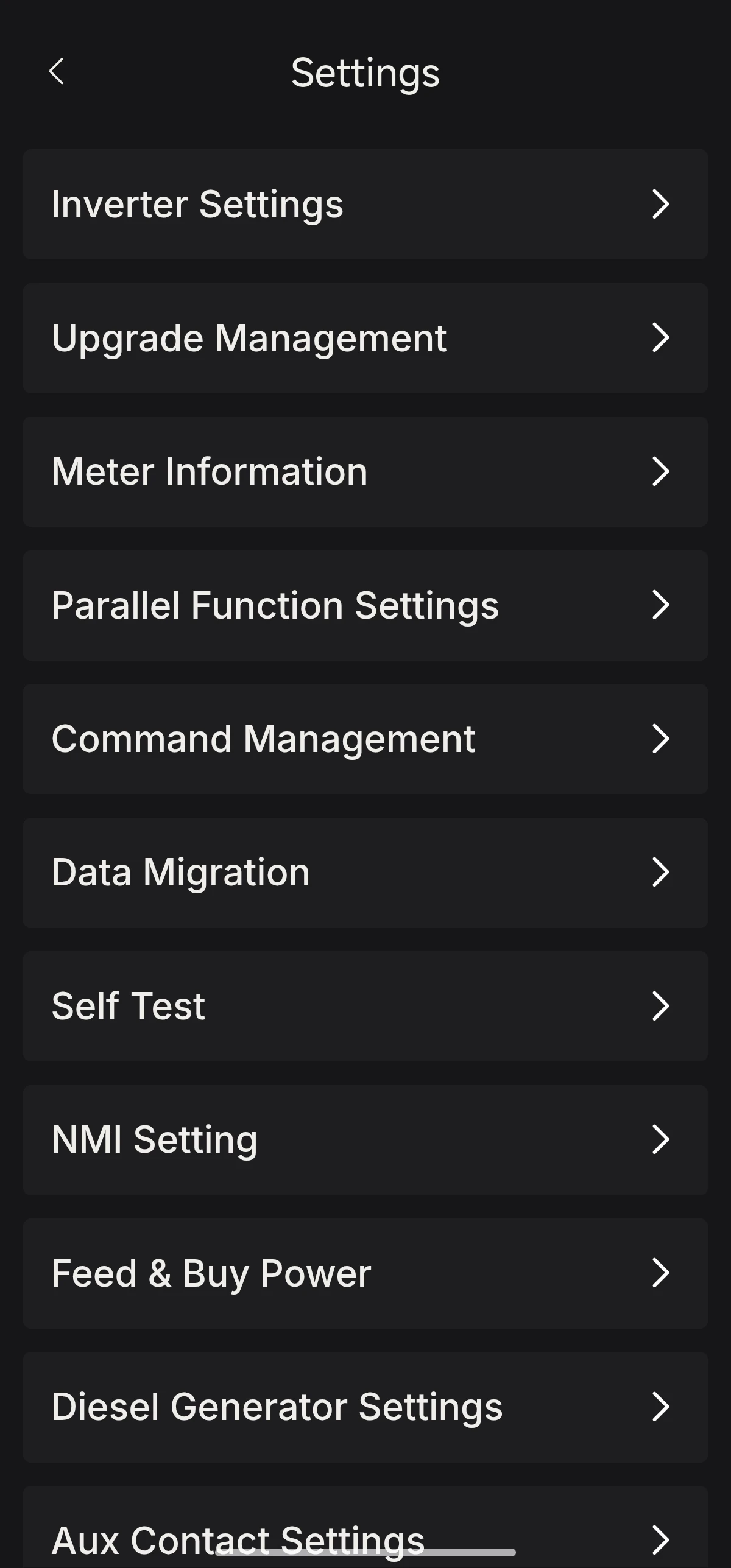
- Tap the settings button in the top right corner to configure the device details.