

Storm Guard
What is Storm Guard
Storm Guard is a battery protection feature based on weather alerts. When the system detects that severe weather is approaching your area, it automatically charges the battery to 100% at maximum power, making sure you have plenty of backup power during a possible outage.
While Storm Guard is charging, the system will not sell energy to the grid or discharge for any other reason — all stored energy is reserved entirely for your home to use in an emergency. Once the weather alert expires, the system automatically returns to normal operation.
How to turn it on
Before using Storm Guard, please make sure you have entered your complete home address in the App settings. The system needs your country, state/province and city to look up local weather alerts. Without this information, Storm Guard cannot retrieve the weather conditions for your area.
Once your address is set, simply turn on Storm Guard in the App. The system will immediately check whether any weather warning is currently in effect for your area.
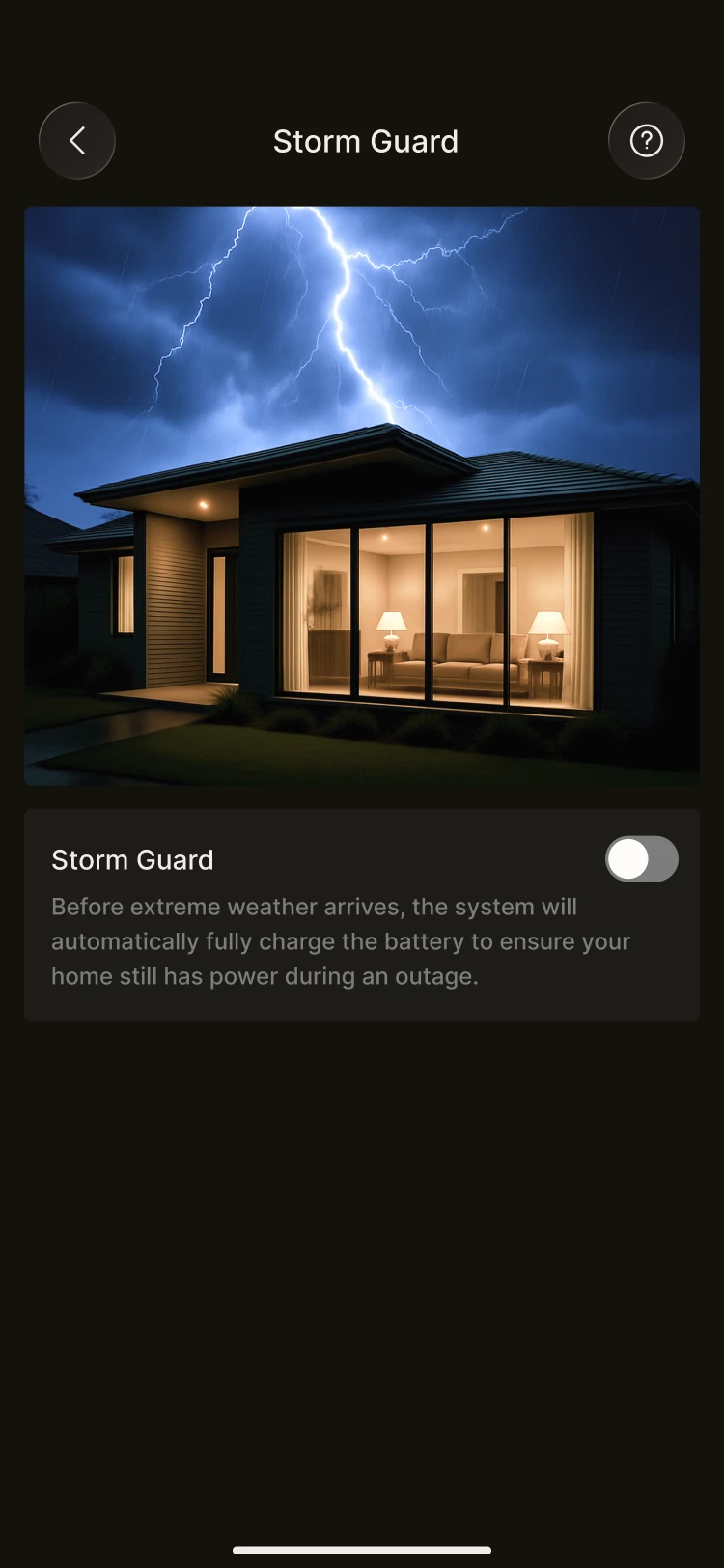
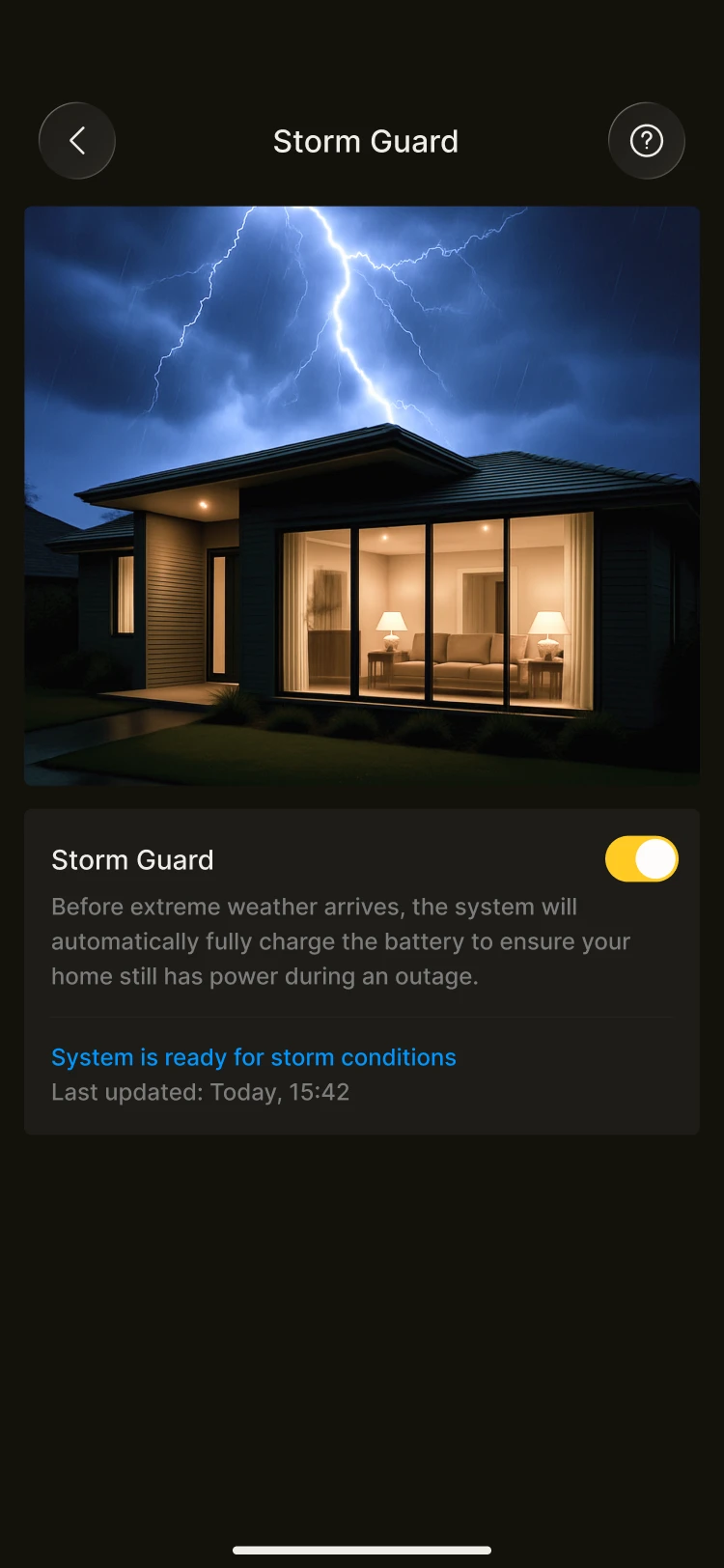
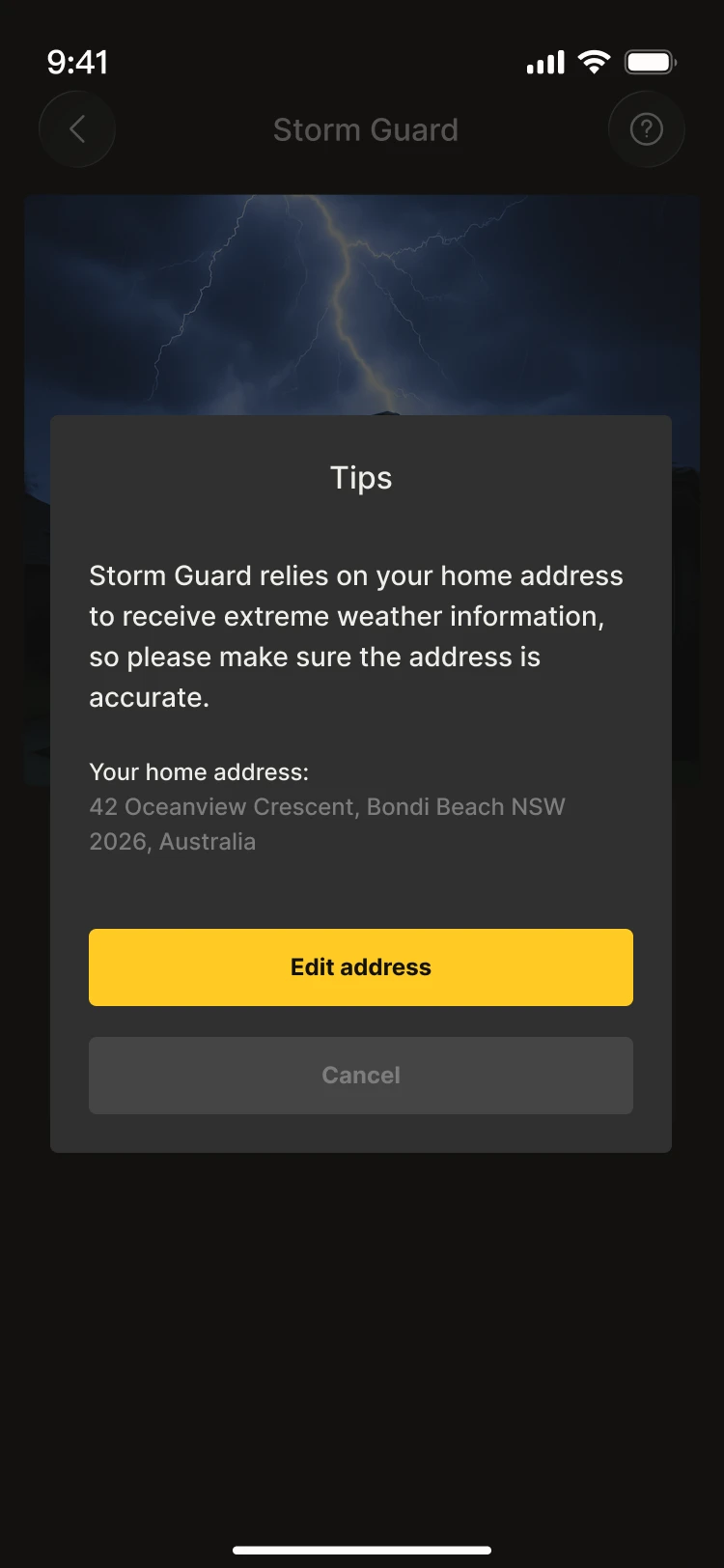
INFO
Please make sure your home address is set correctly so that the system can obtain accurate weather data.
What happens after you turn on Storm Guard
Storm Guard checks the official weather alerts for your area every hour, and only activates when your local meteorological authority issues an alert at Warning level — meaning severe weather has been confirmed or is imminent. Typical cases include storm warnings, hurricane warnings and extreme weather warnings.
Lower-level alerts will not trigger Storm Guard, as these levels indicate that the weather anomaly is mild or the threat is still uncertain.
Once activated:
- The battery charges at full power to 100%
- Charging continues until the weather alert expires
- During charging, the battery is reserved for home use only — no energy is sold to the grid and no scheduled discharging is carried out
- Storm Guard takes priority over all other scheduling, including energy trading and AI Mode (BETA)
Once the weather alert is lifted, Storm Guard automatically releases control and your normal settings are restored — usually within an hour.
Frequently asked questions
- Storm Guard is switched on, but charging has not been triggered. This means there is currently no Warning-level weather alert for your area. Storm Guard only activates during confirmed severe weather. Please check that your home address (country, state/province, city) is complete — missing information prevents the system from looking up weather data for your area.
- I cannot sell energy or discharge during a storm. This is normal. While a weather warning is in effect, Storm Guard locks the battery to keep it fully charged for home use. Energy trading schedules and AI Mode are temporarily suspended until the alert is lifted.
- What happens after the storm? Once the weather warning is lifted, Storm Guard automatically stops charging and unlocks the battery. Your normal schedules (energy trading, AI Mode, etc.) will resume within an hour.
- What happens if I turn Storm Guard off manually? All pending Storm Guard charging schedules are cancelled immediately, and your normal schedules resume straight away.