Advanced Settings
INFO
Note: If you are unsure about these settings, please consult a qualified installation engineer first.
Battery Calibration
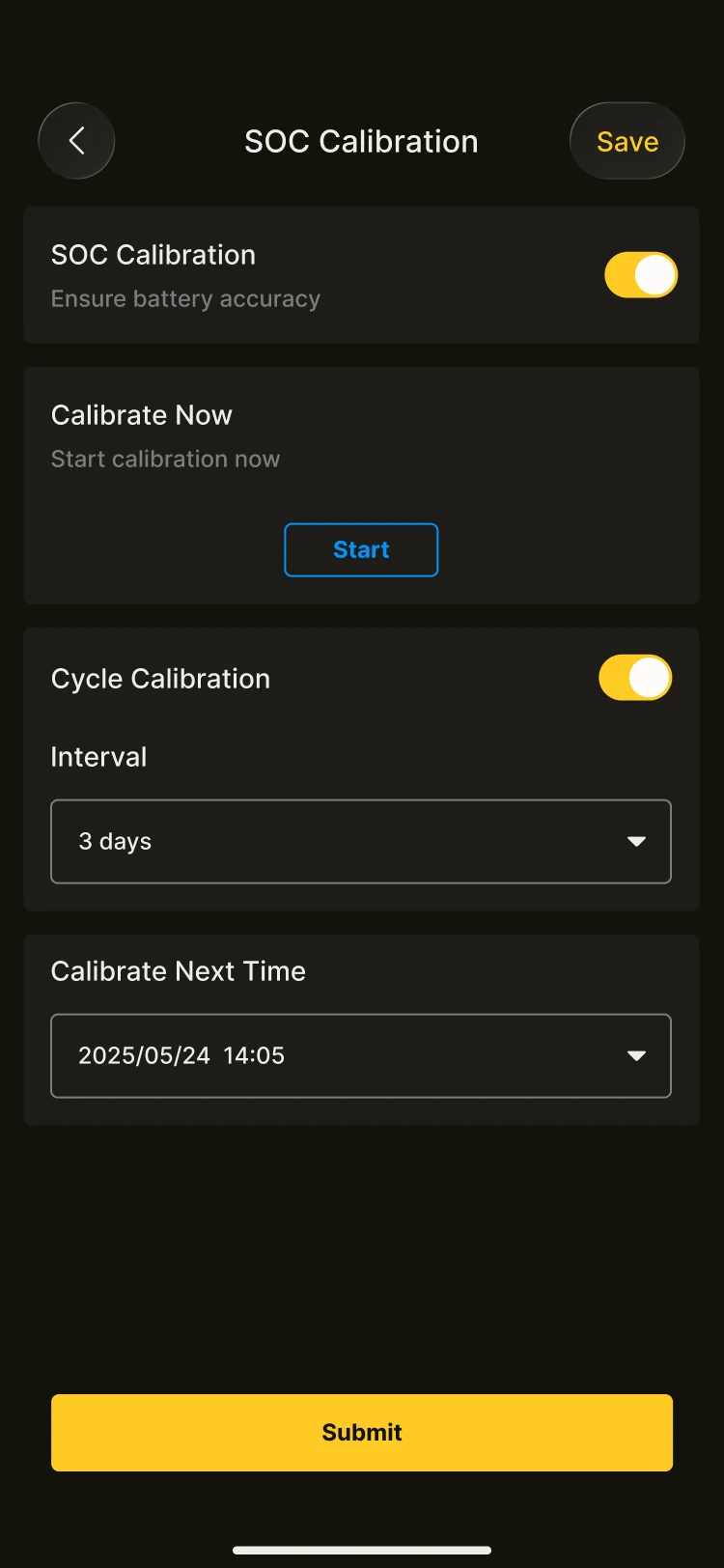
This is used to make the battery level display more accurate. It is suitable for systems that have not been fully charged/discharged for a long period. The home page will display the "Next calibration time", so you can check the current strategy status at any time.
How to adjust battery calibration settings
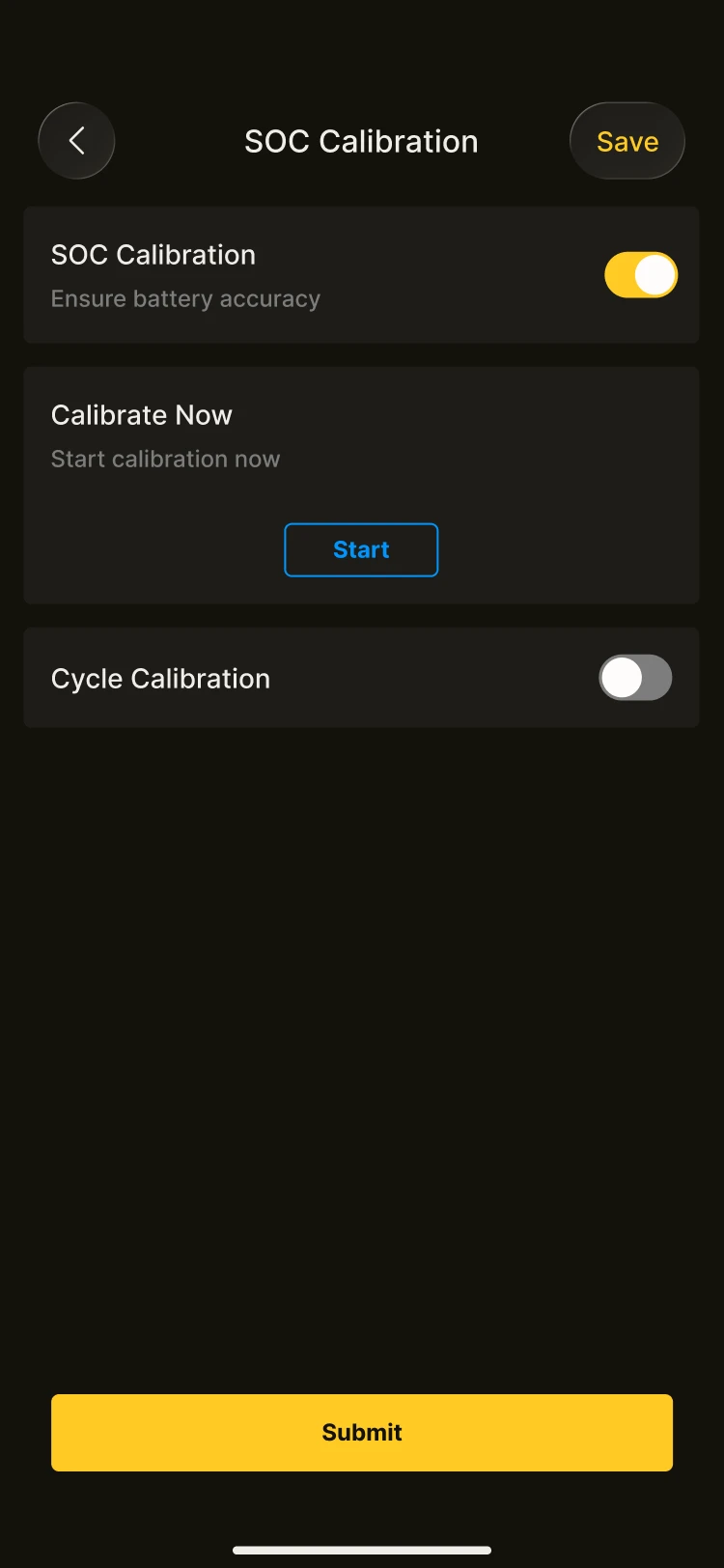
Master switch: this must be turned on before you can set the calibration method. Calibration method: AlphaESS provides flexible battery calibration settings
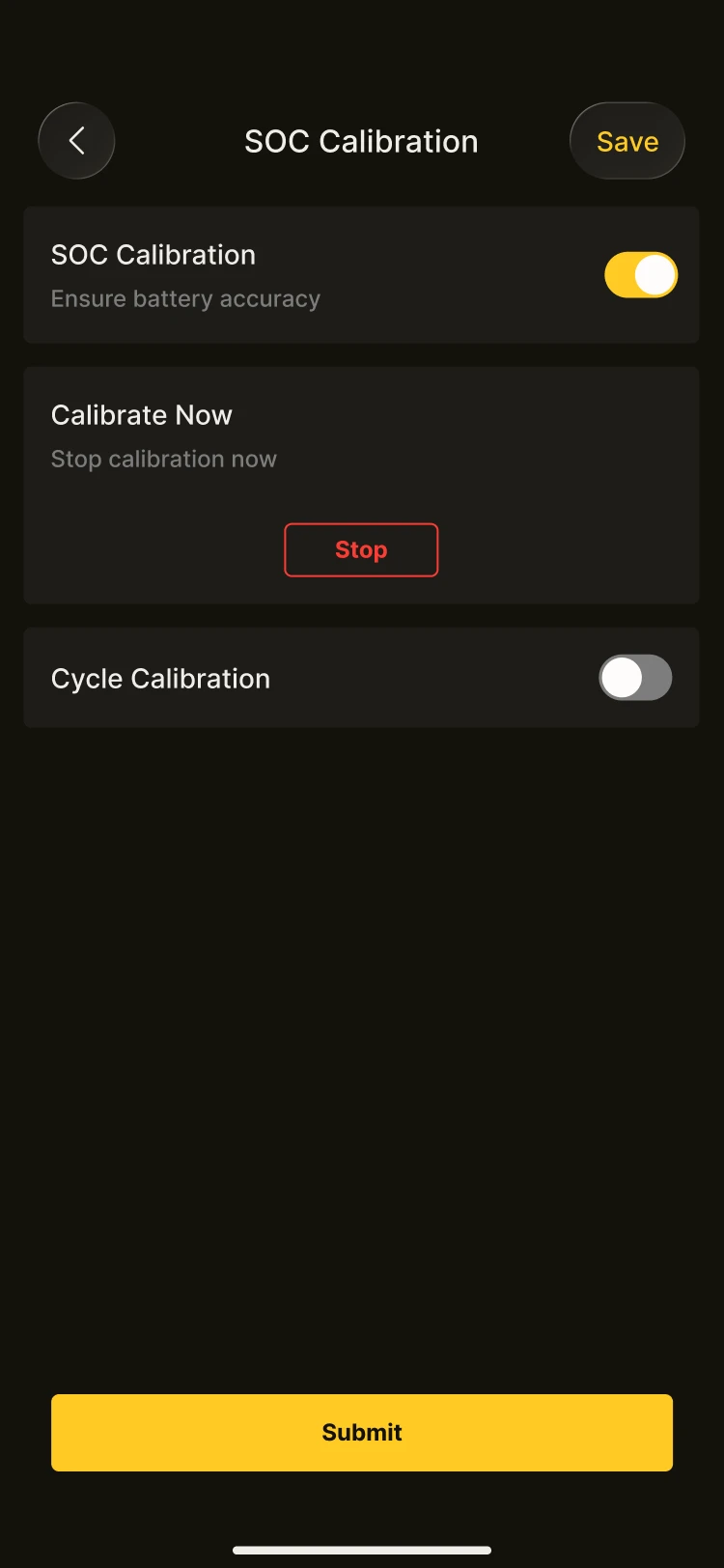
- Calibrate now: manually control the calibration behaviour. When you tap Start, the system will immediately perform a full calibration, and you can tap Stop at any time to interrupt the process.
- Cyclic calibration: if enabled, the system will automatically perform calibration according to the cycle you set (for example, once every 3 days).
- Scheduled calibration: select a point in time in the future, and the system will automatically complete the next calibration then.
INFO
Note:
- If you enable cyclic or scheduled calibration, the system will run automatically according to the plan you set.
- The calibration process takes some time, so please carry it out when the load is low.
Power Support
Once enabled, the system will provide additional support during brief voltage fluctuations or minor disturbances, keeping the device running more stably. In most scenarios, simply keep the system default setting.
Diesel Generator Settings
This is used to connect and manage a diesel generator. Once enabled, the energy storage system will work together with the diesel generator to provide backup power supply or support high loads.
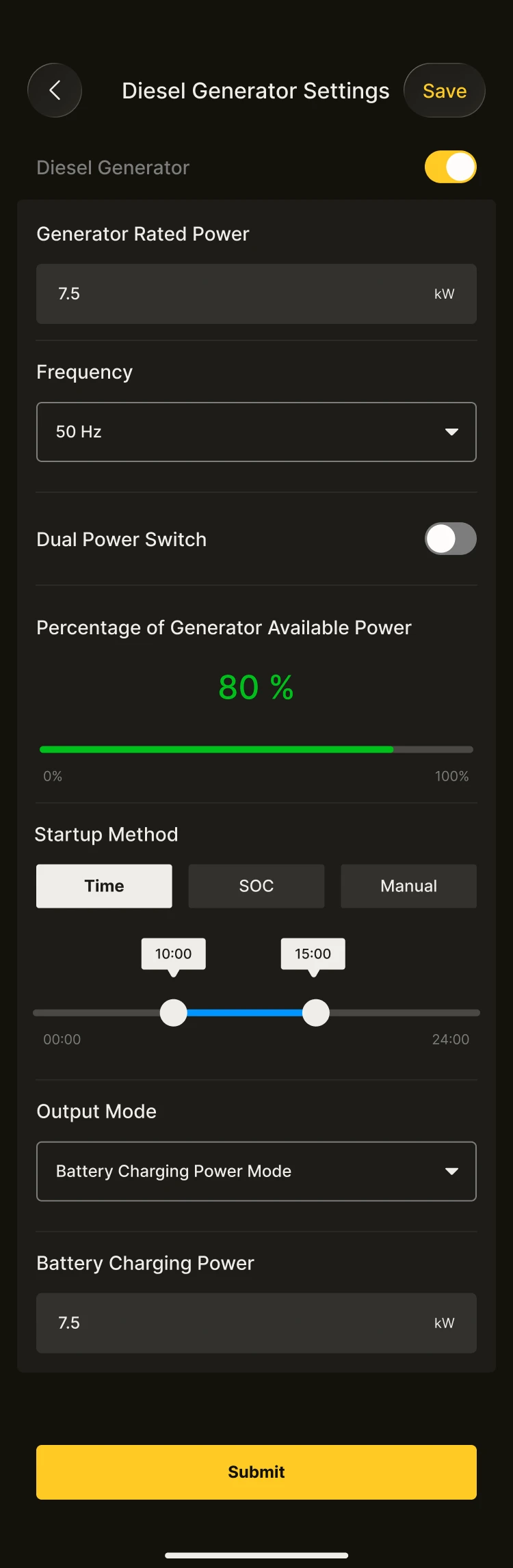
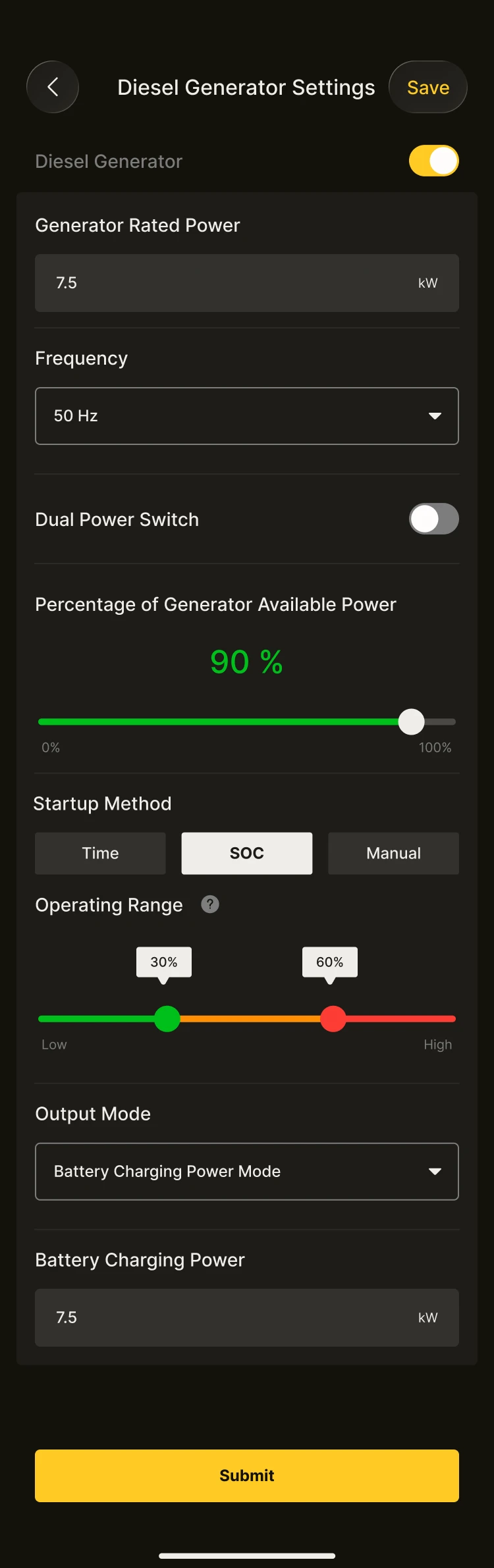
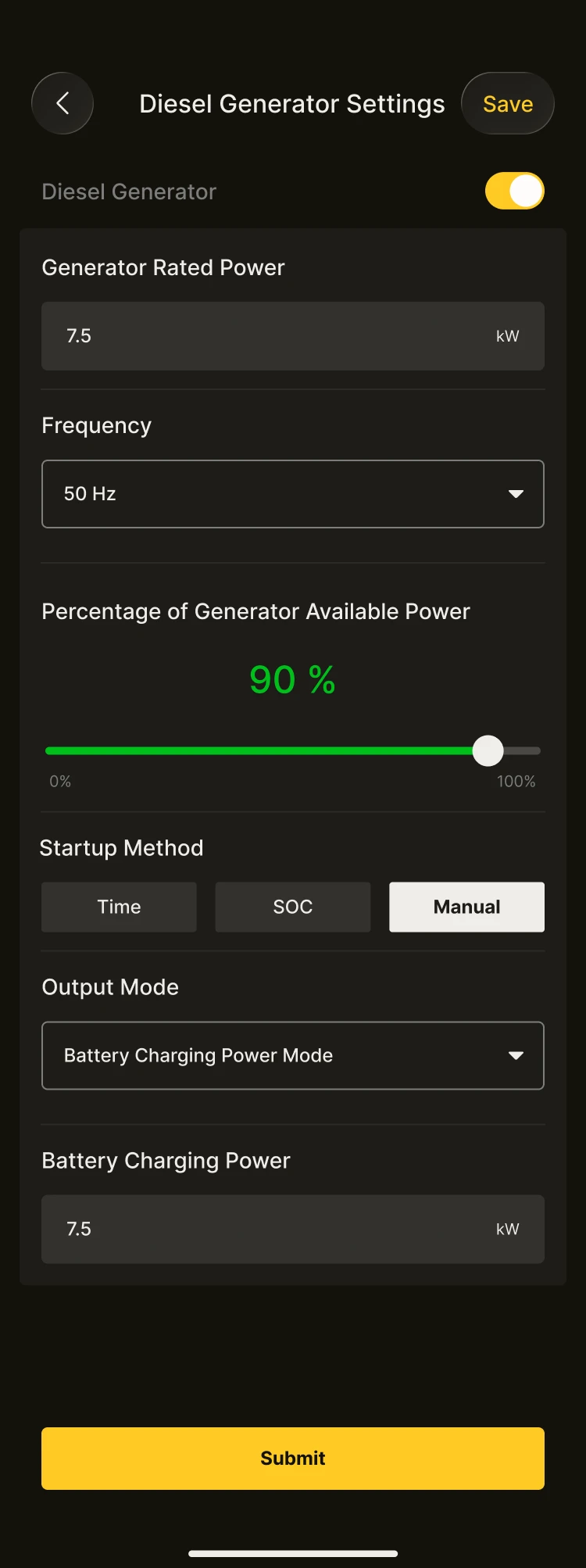
How to adjust diesel generator settings
The rated power and frequency settings of the diesel generator are not affected by the generator status; these parameters can be set even when the diesel generator option is switched off. The control mode and output mode settings can only be operated when the generator option is switched on.
- Control mode options: SOC control, time control or manual control.
- Output mode options: battery charging power mode or diesel generator rated power mode.
AUX Settings
AUX is a passive switch with two states: closed and open. There is no polarity between the contacts. This function is designed to control the closing or opening of the contacts under the conditions you set, thereby connecting or disconnecting a load.
How to adjust AUX settings
Before you start configuring, please make sure the AUX contacts have been wired correctly.
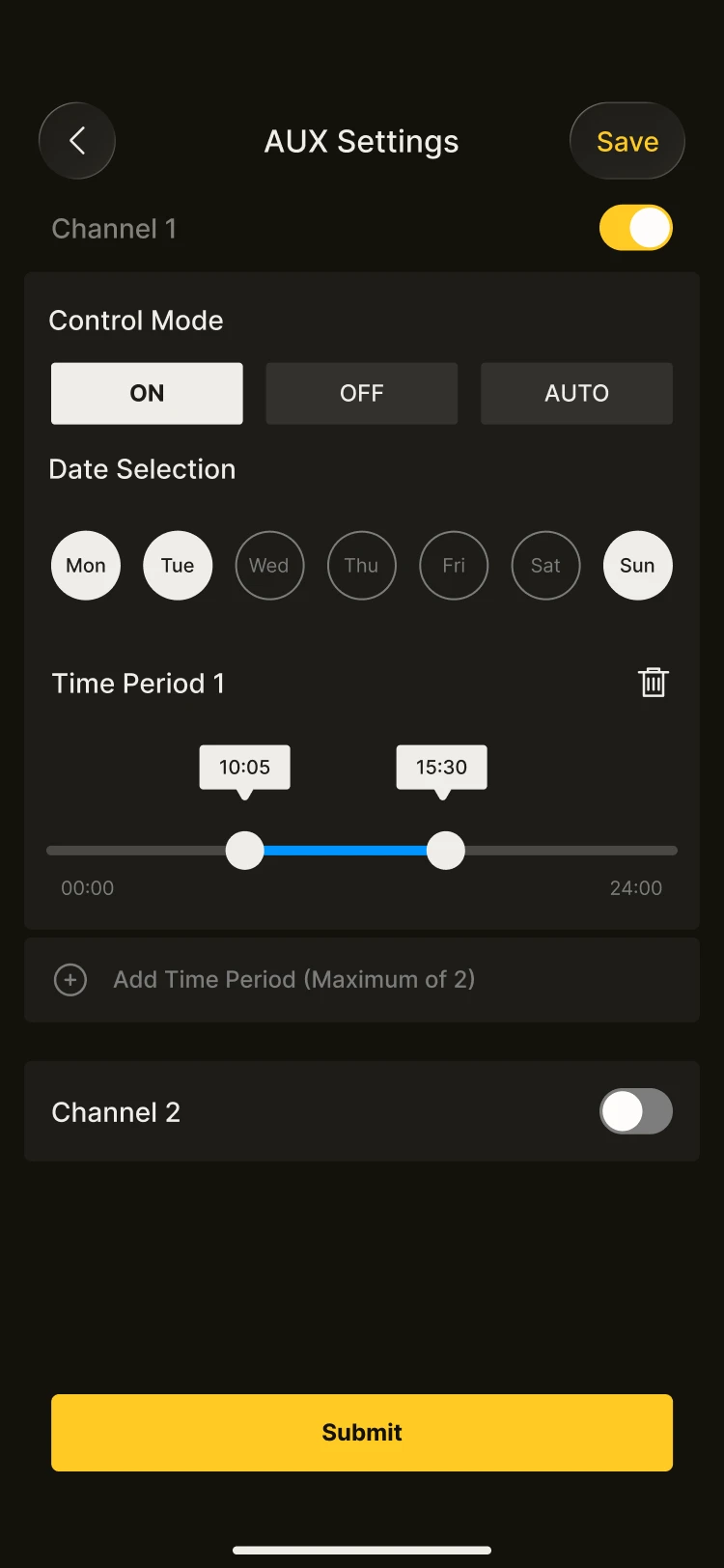
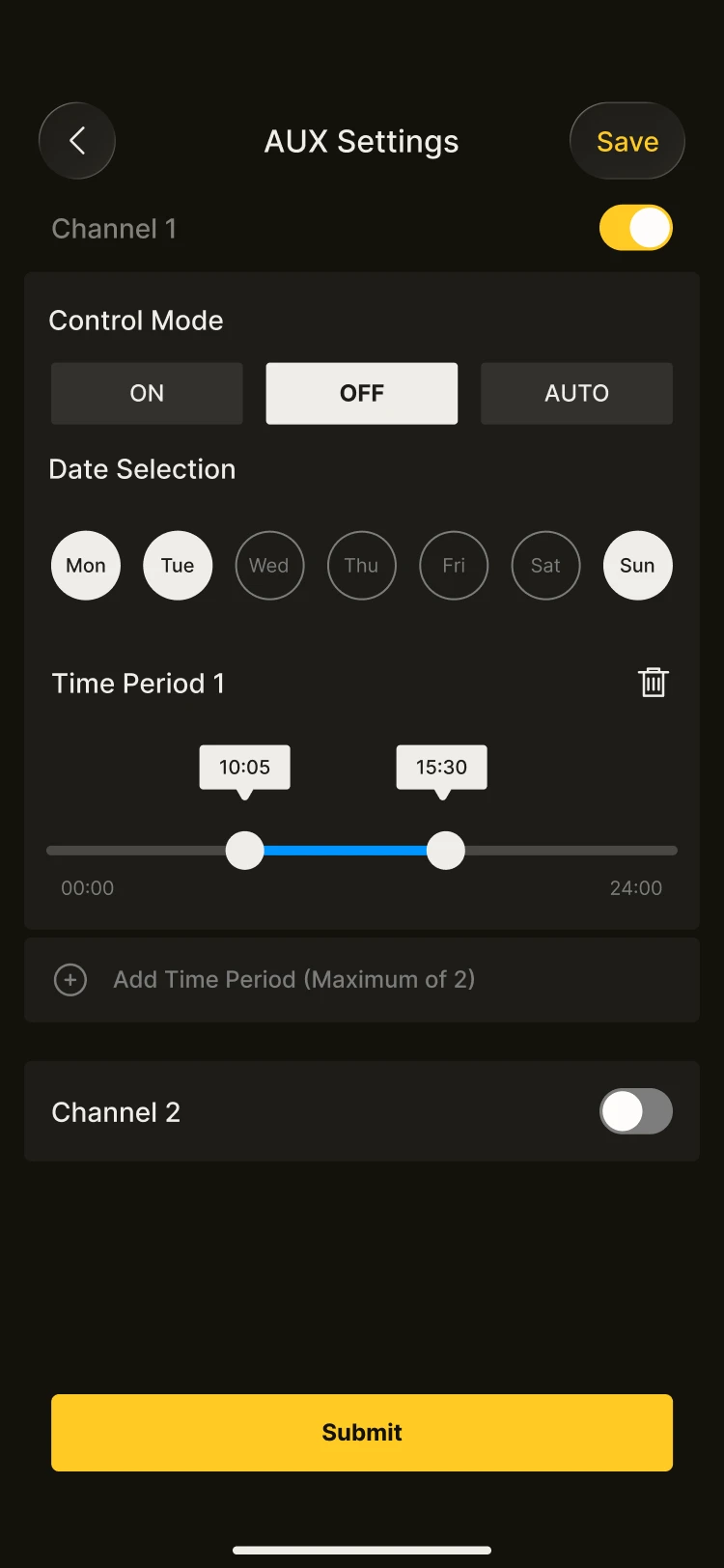
- Tap the AUX contact channel to select Channel 1 or Channel 2; up to two devices can be controlled. (Some models have only one channel and can therefore control only one device.)
- The AUX contacts can be set to "normally open" or "normally closed" mode. When using this function, select a channel and tap the "ON" button to enable that channel.
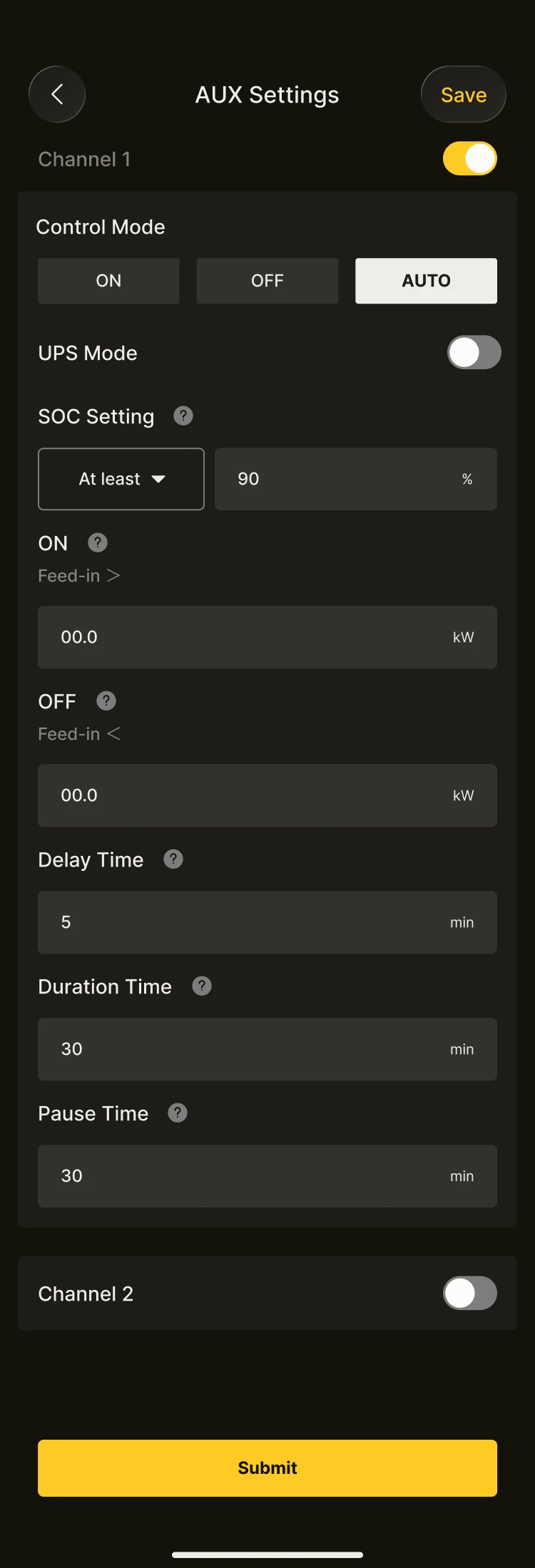
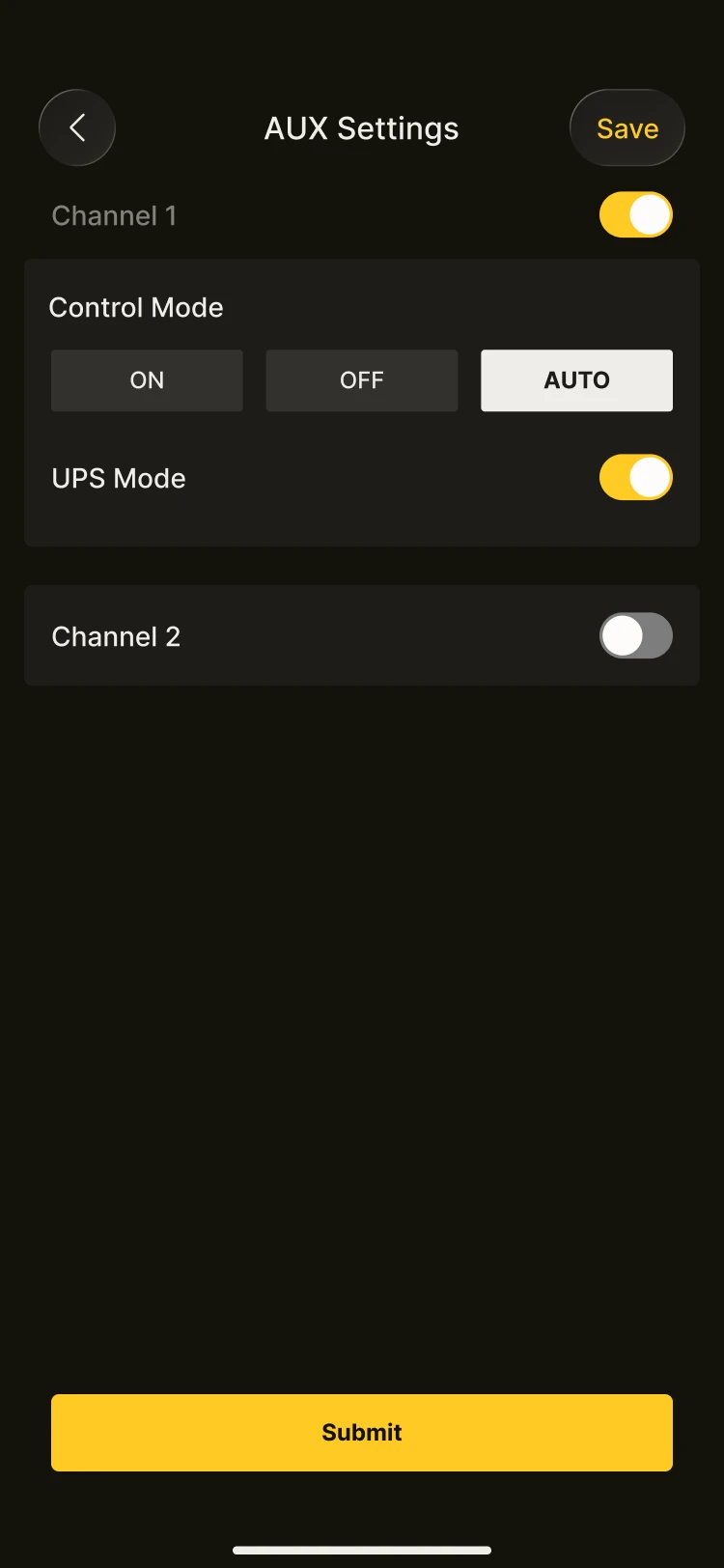
- Tap "Control mode" to set the function mode. The AUX contacts offer three modes: ON, OFF and AUTO.
- When control mode ON is selected, the normally open contact will close during the time period you set. Outside that period, the normally open contact remains open. If no time period is set, this function will not take effect.
- When control mode OFF is selected, the normally closed contact will open during the time period you set. Outside that period, the normally closed contact remains closed. If no time period is set, this function will not take effect.
- When control mode AUTO is selected, the normally open and normally closed contacts will be triggered according to the SOC and switch settings.
INFO
Note: The functions shown on this page may differ between models; please refer to your actual device.
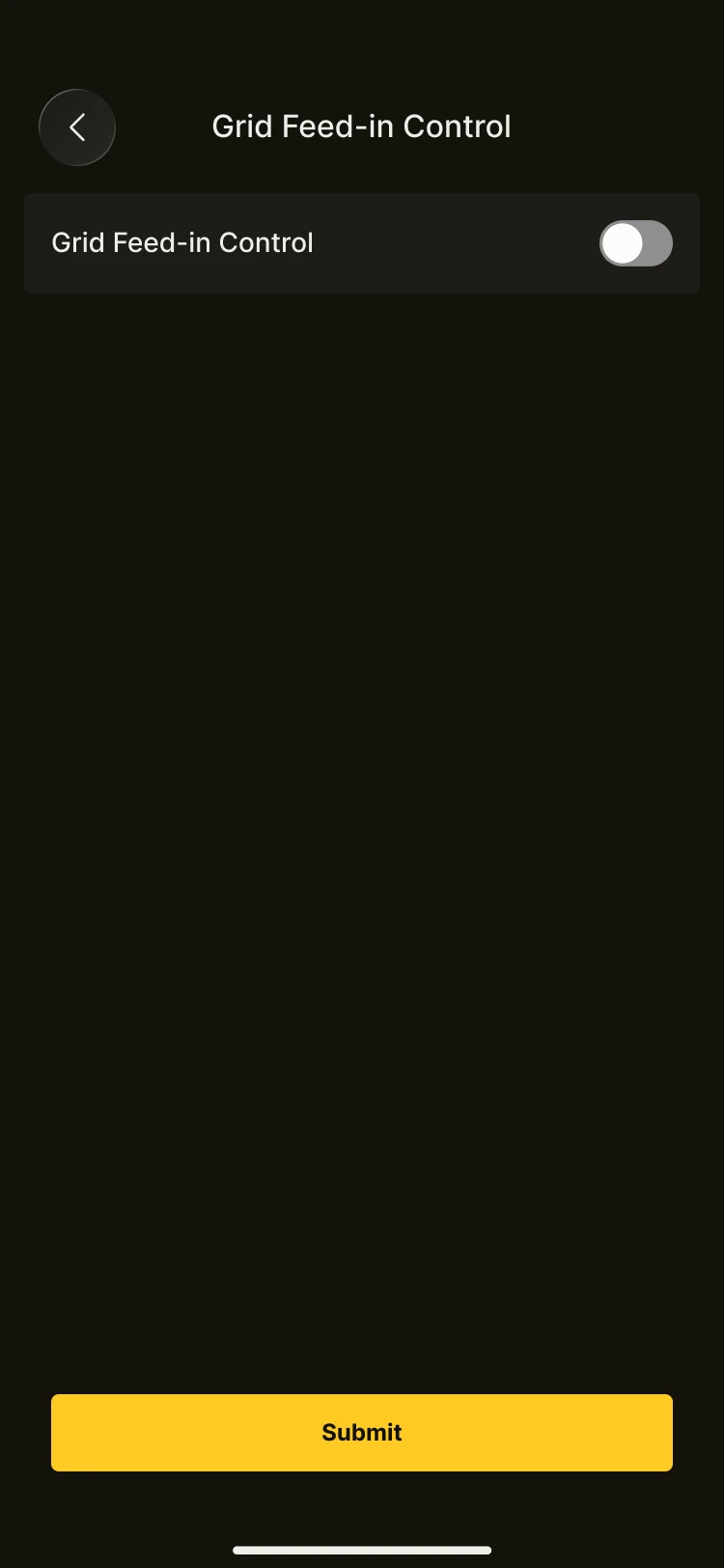
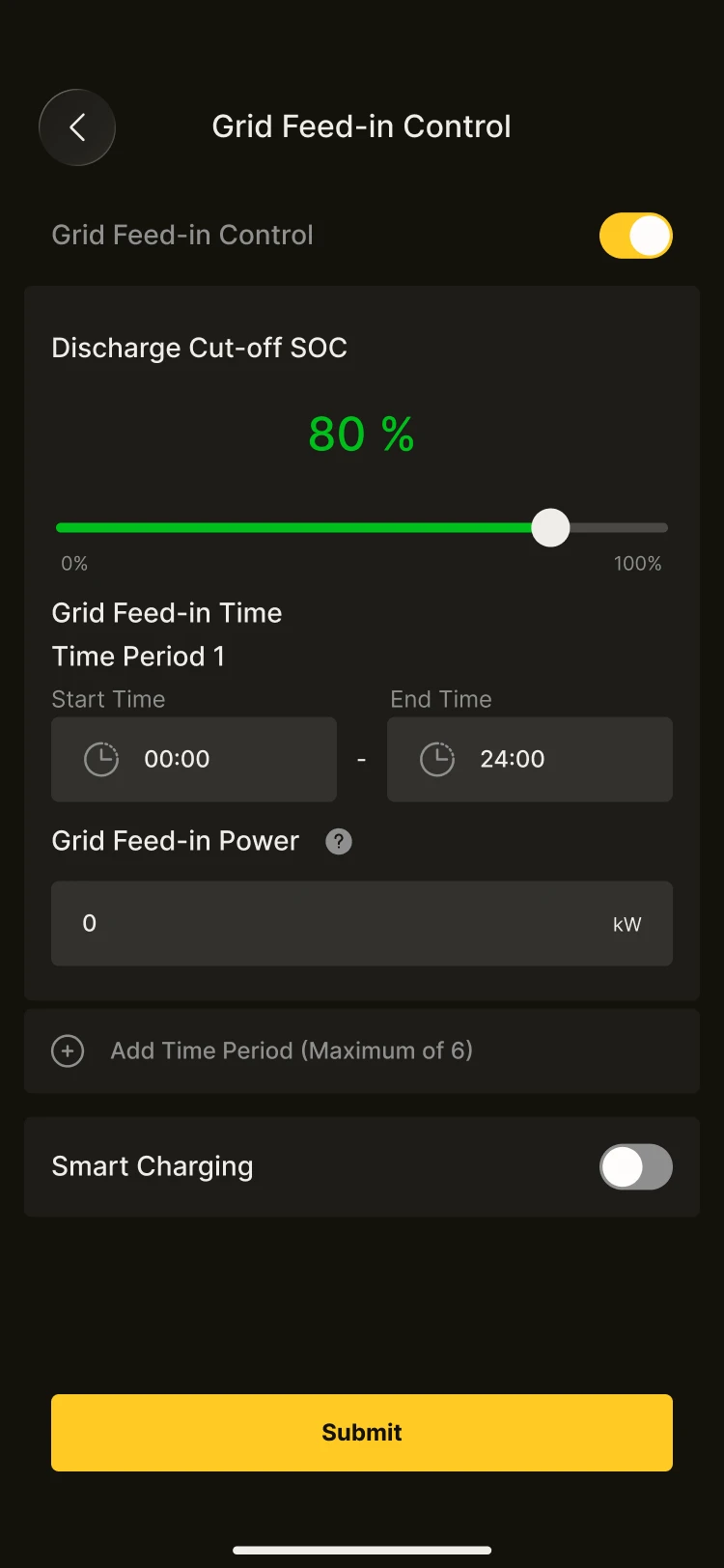
Feed-in Control
Feed-in control is a function used to manage the surplus energy from PV generation and battery discharge that is fed into the grid (i.e. selling electricity). It helps avoid issues such as grid-connection violations and fines, whilst also allowing you to set feed-in related parameters to maximise your returns.