

EV Charger
Viewing Charging Status
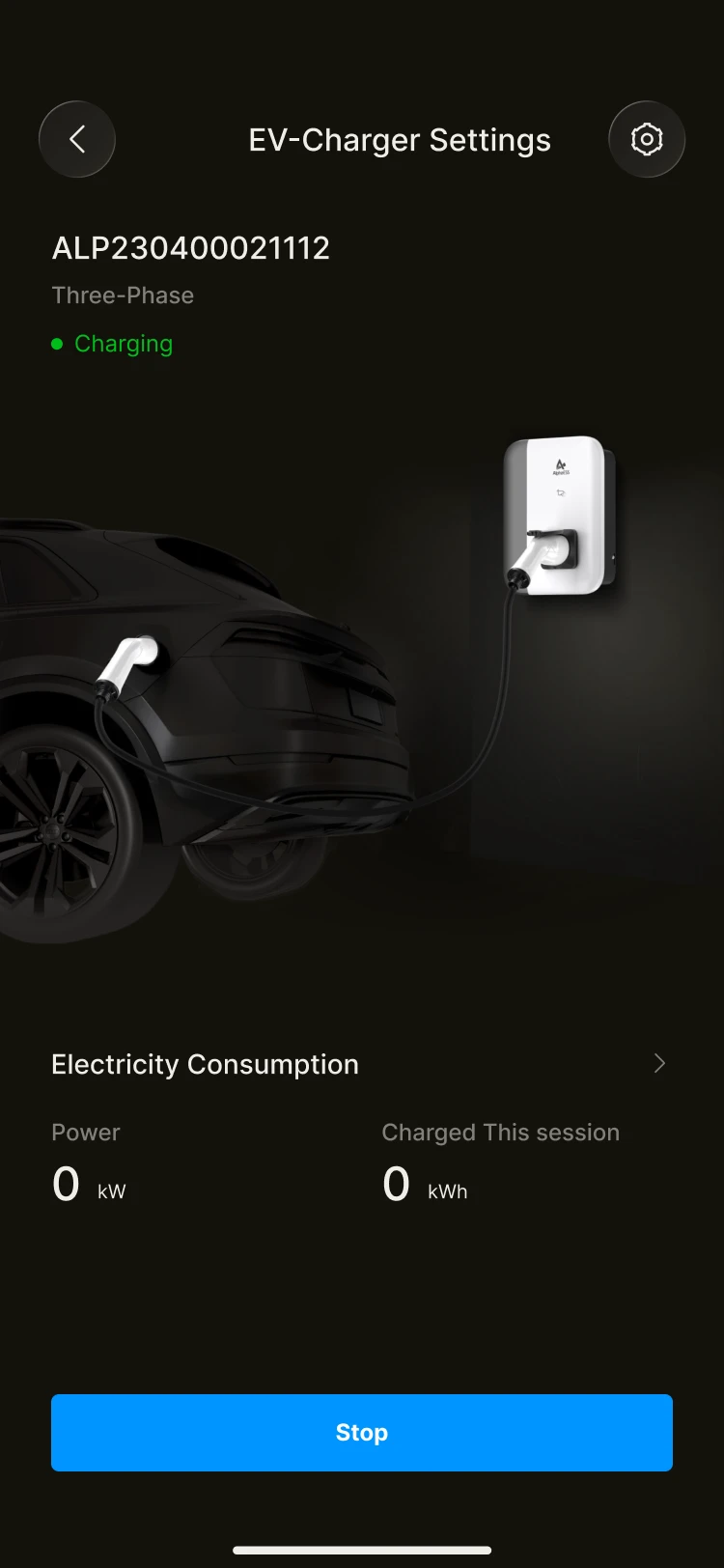
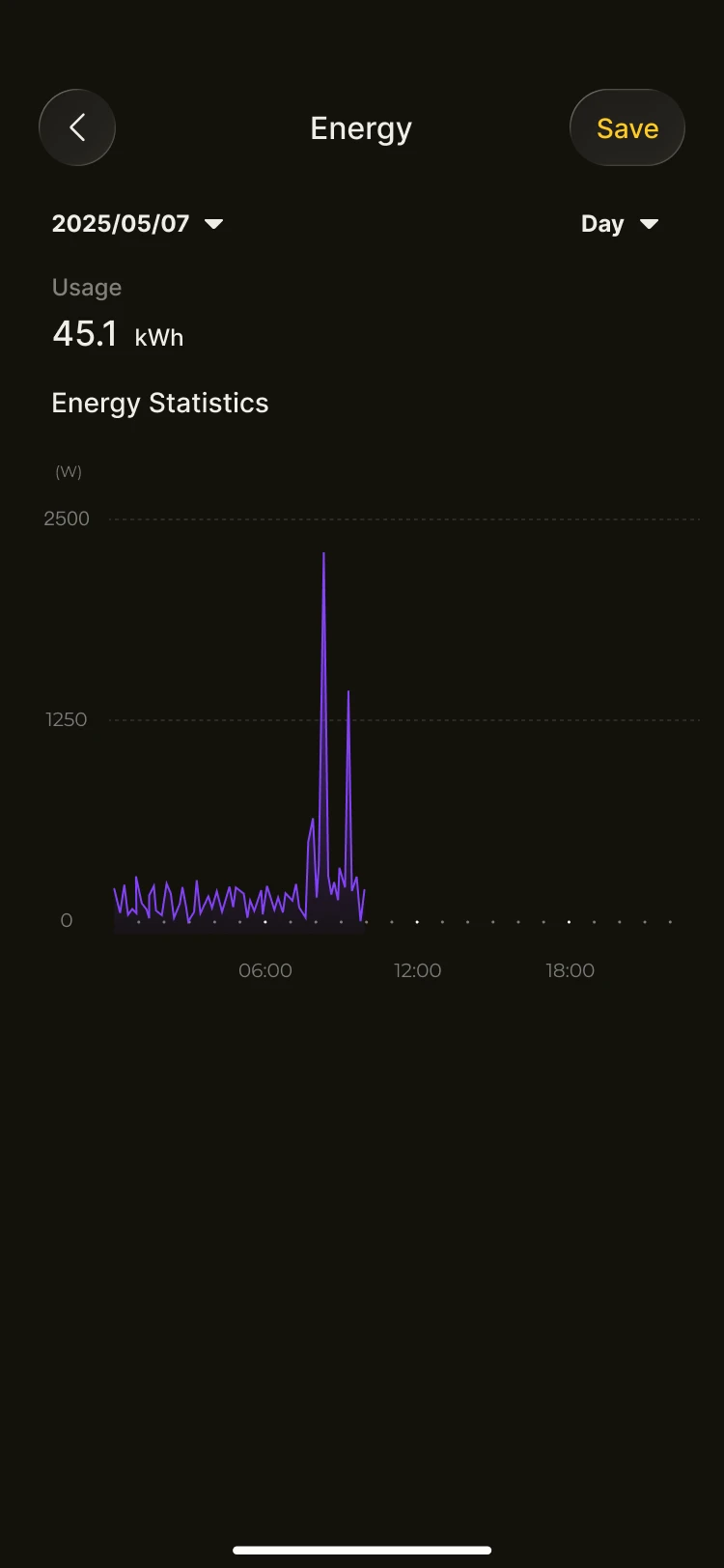
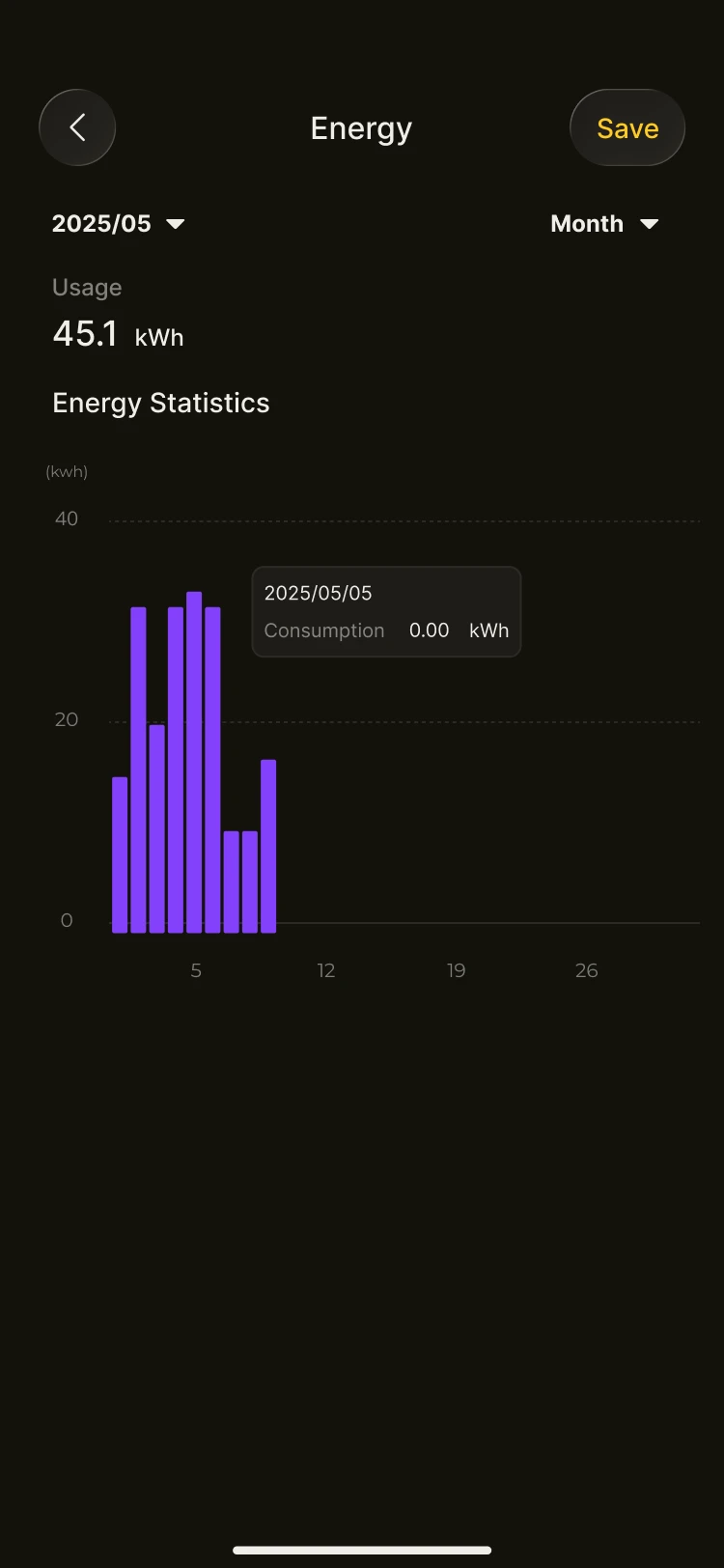
On the home page or the EV charger device page, you can view:
- Whether the electric vehicle is currently charging
- The current charging power
When the EV charger is operating, its power is shown in the energy flow diagram.
Where the charging power comes from
During charging, the power may come from:
- PV generation
- The energy storage system
- The grid
The system automatically allocates the available power according to the current energy status.
Relationship with household consumption
- The EV charger's consumption is included in your total household consumption statistics
- In the energy charts, EV charger consumption is shown as part of the household load
- This helps you understand how EV charging affects your home's energy profile
EV Charger Settings
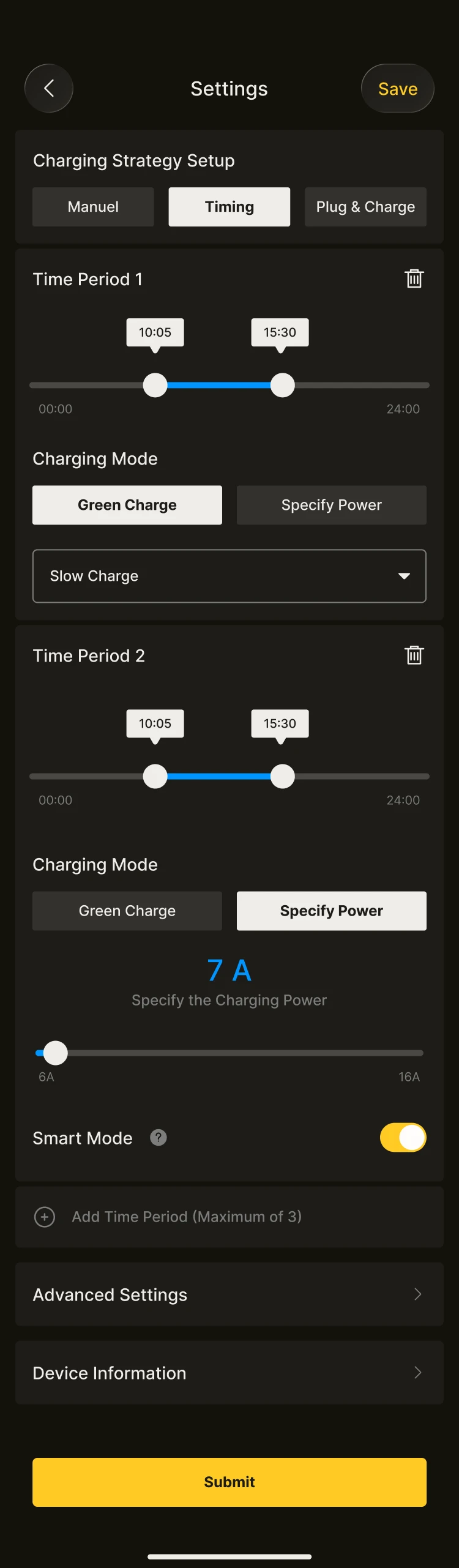
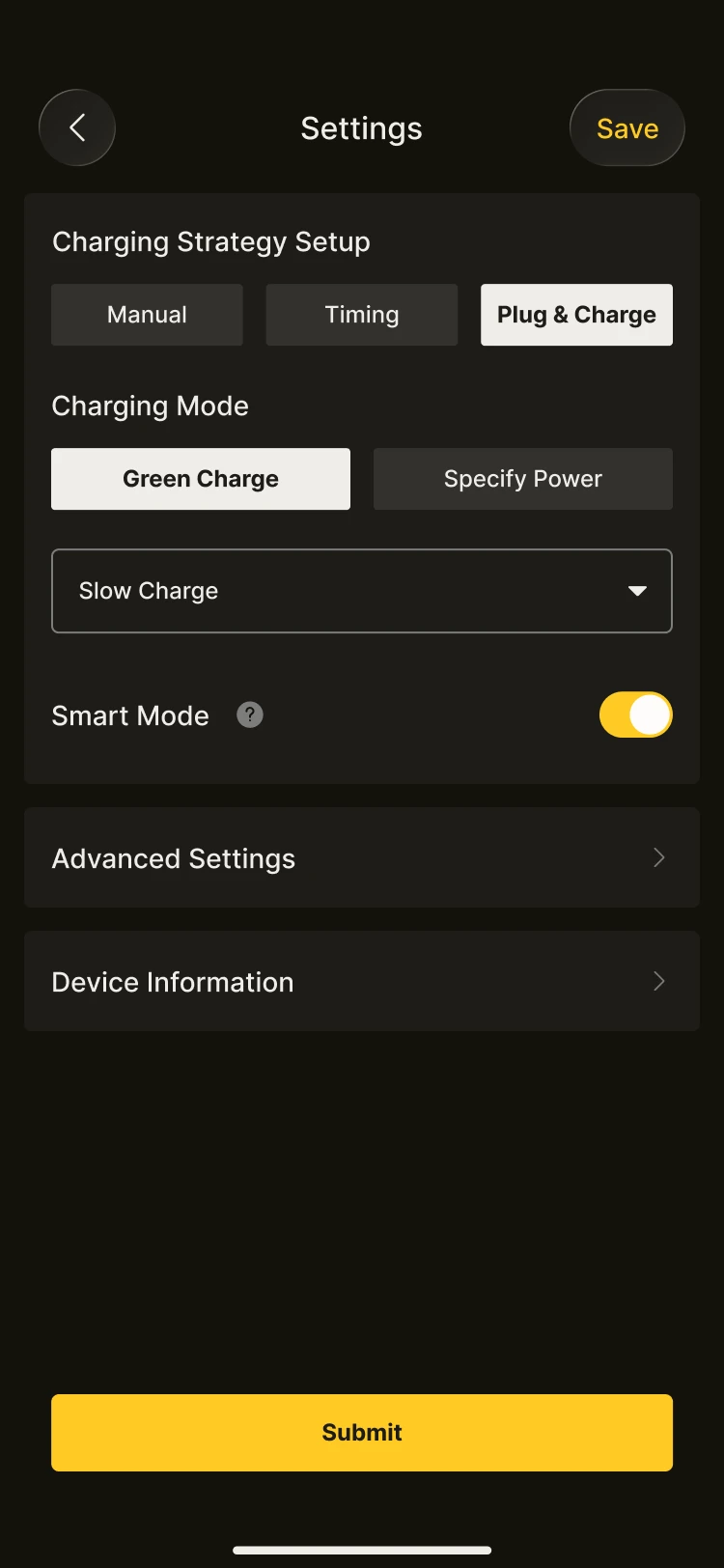
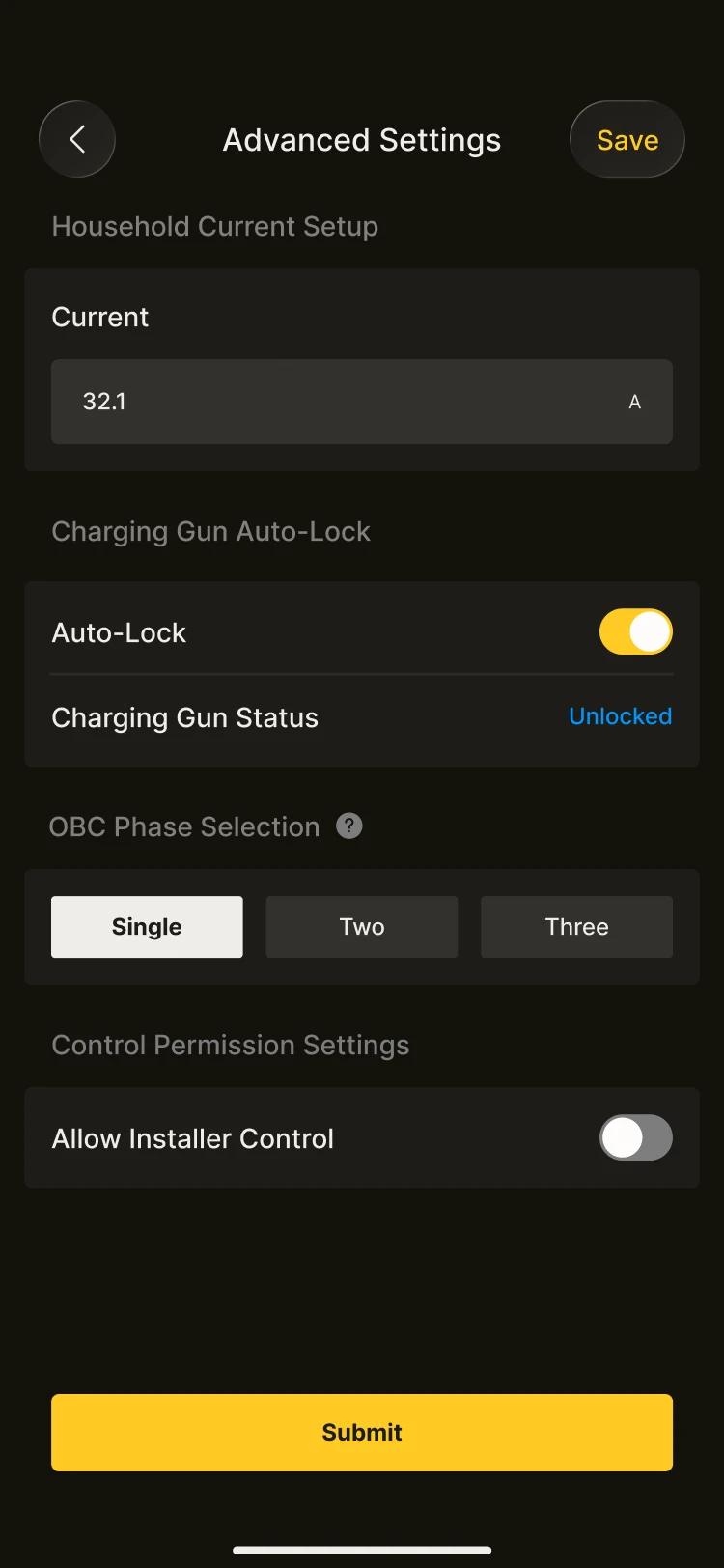
On systems with an AlphaESS EV charger connected, you can carry out some basic configuration of the charging behaviour so that it better matches your home's energy status.
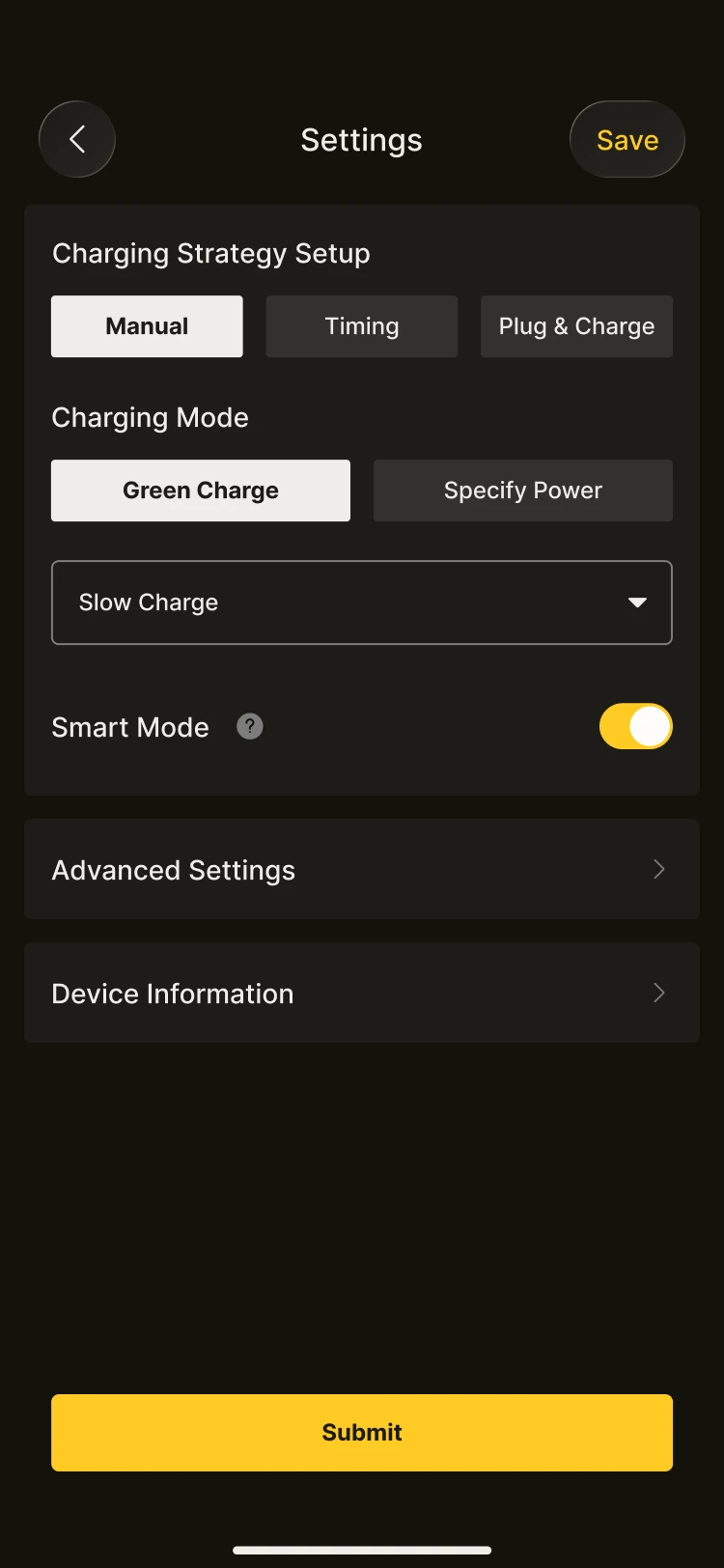
Configurable options
Depending on your device model and system version, you may be able to set:
- Enabling or disabling the EV charger
- Different charging strategies
- The maximum permitted charging current or power
- Whether to prioritise PV or system power for charging
These settings affect the power allocation and power sources used when charging your electric vehicle.
Usage tips
- Charging behaviour affects the day's consumption and profit statistics
- Charging power may vary with the household load and generation conditions
- When there is not enough available energy, the system may draw power from the grid
- If you are unsure what a setting means, we recommend keeping the system default configuration
INFO
Note: some settings may only be available for certain models or regions. Always refer to what is actually shown in the App.