Single-Unit Installation
(1) Prerequisites
- Device side: The energy storage system is powered on, the Wi-Fi communication stick is properly inserted, and the POWER indicator is on steadily.
- Home router: The network name and password are known, the 2.4GHz band is enabled, and the signal covers the device installation location.
- Mobile phone: Both Wi-Fi and Bluetooth are enabled, and location permission has been granted (required on Android for Wi-Fi scanning and silent connection). Stand within a few metres of the device.
- Phone connectivity: We recommend enabling mobile data — when falling back to a direct AP connection, the phone temporarily switches to the device hotspot and loses internet access.
(2) Network Configuration
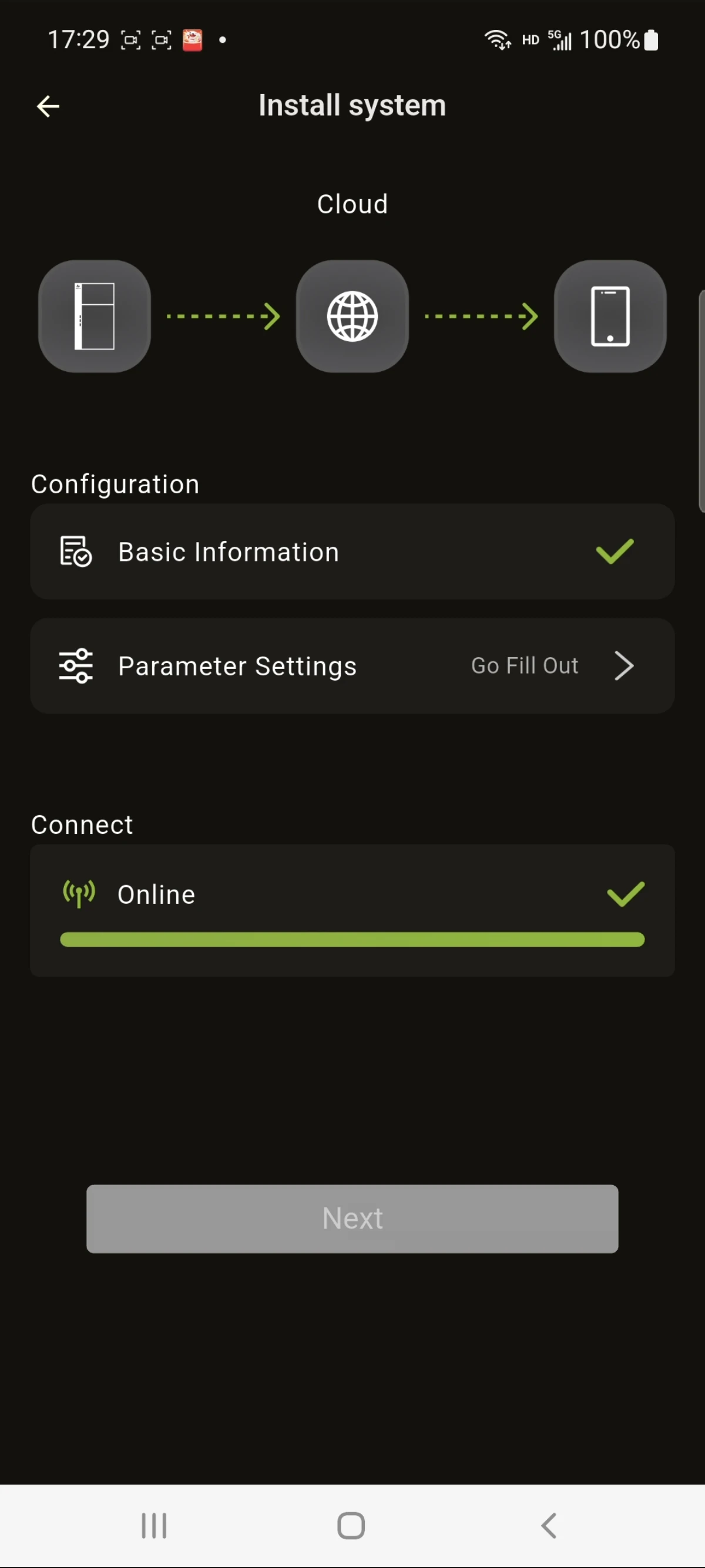
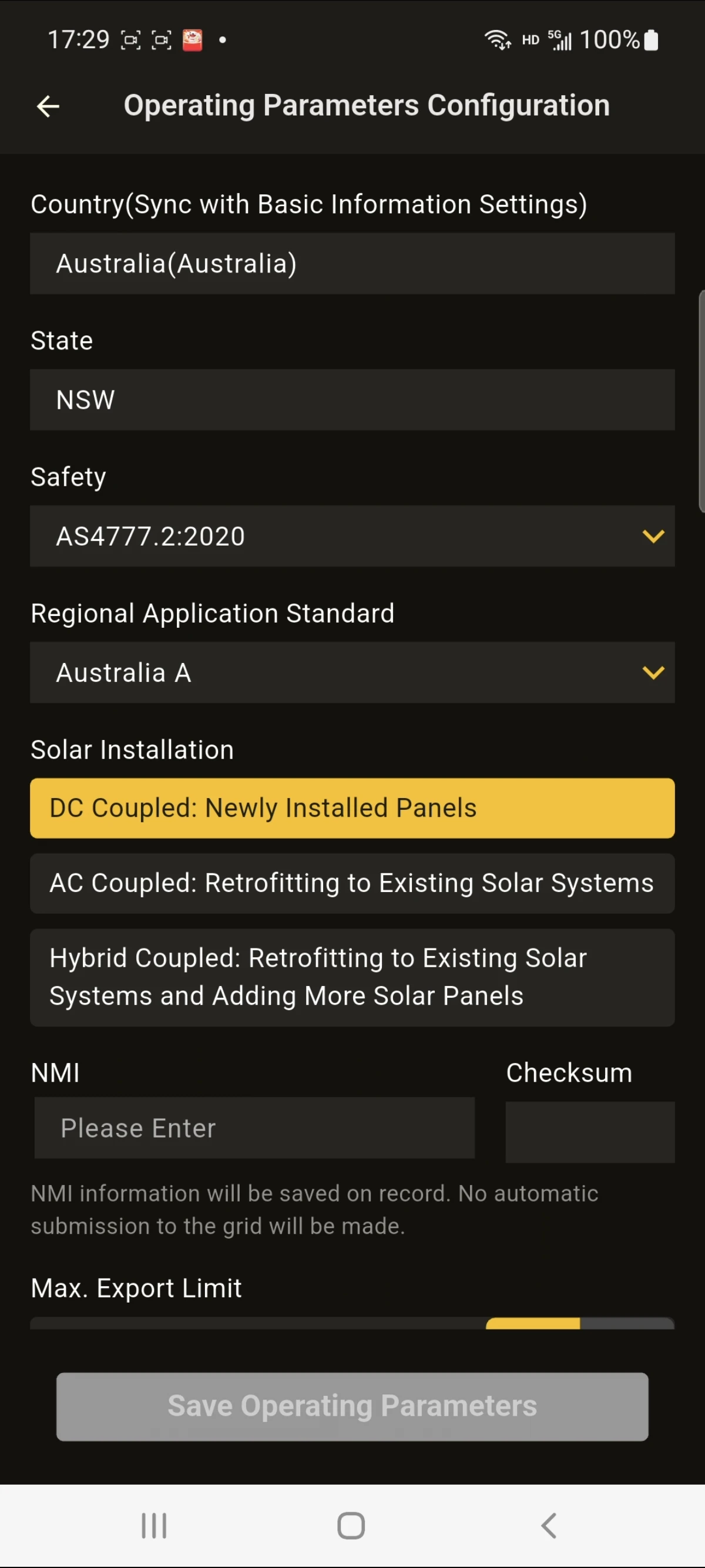
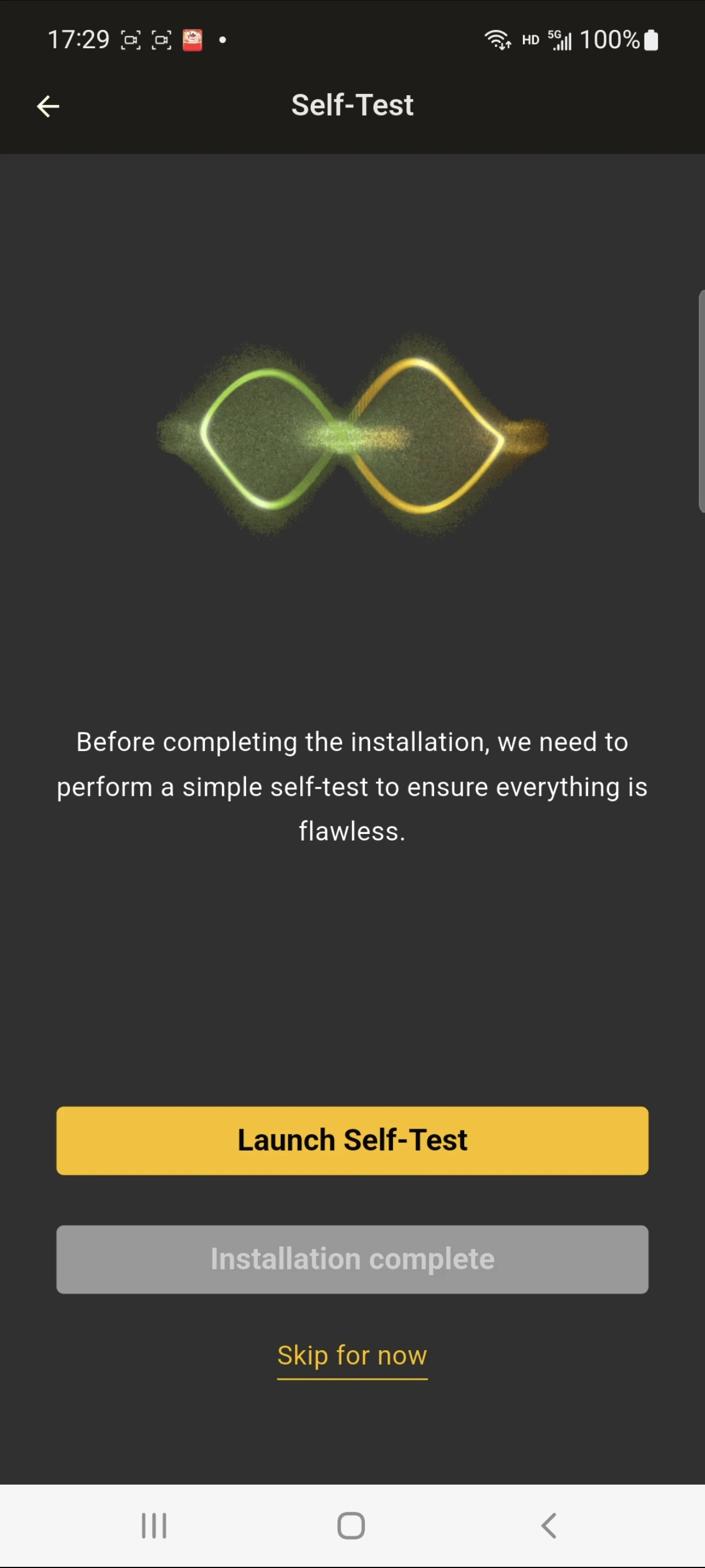
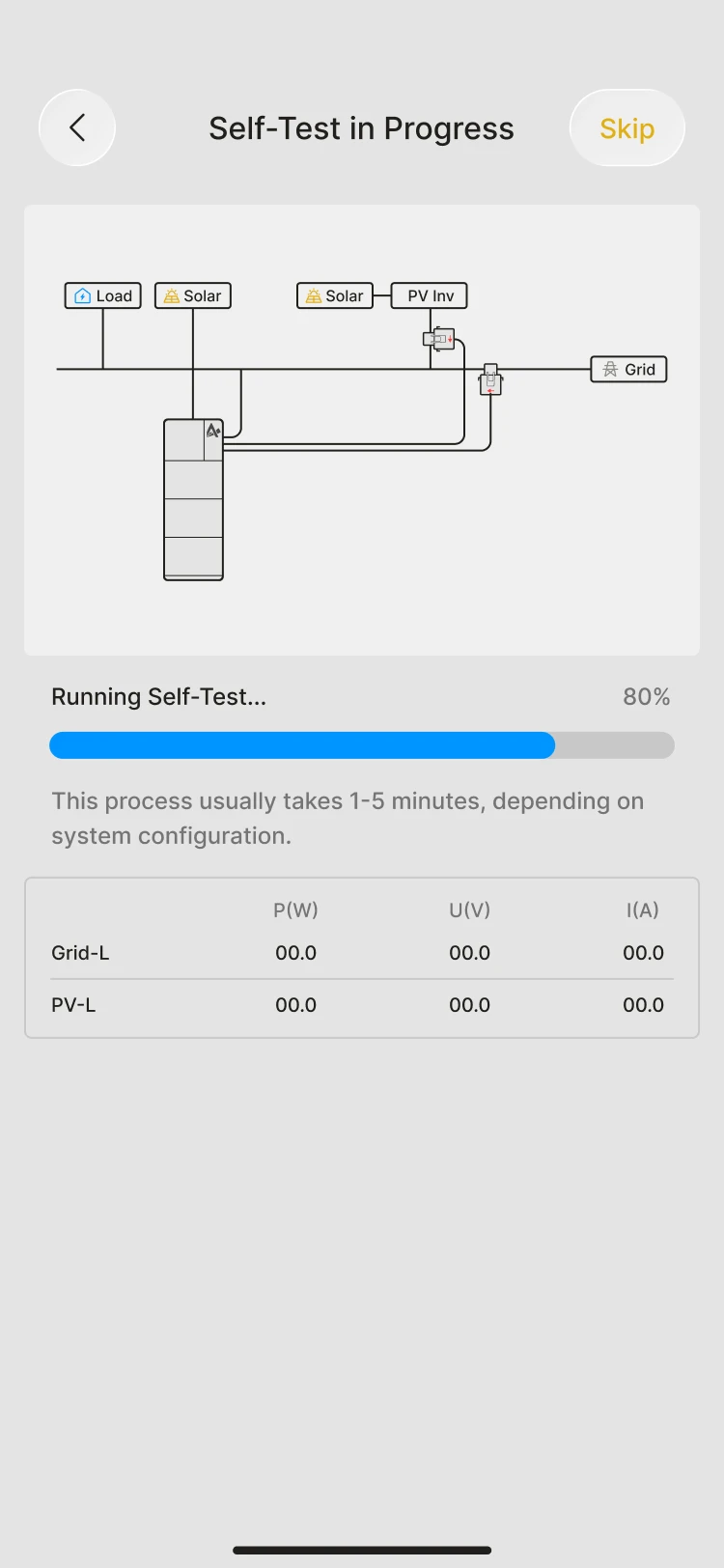
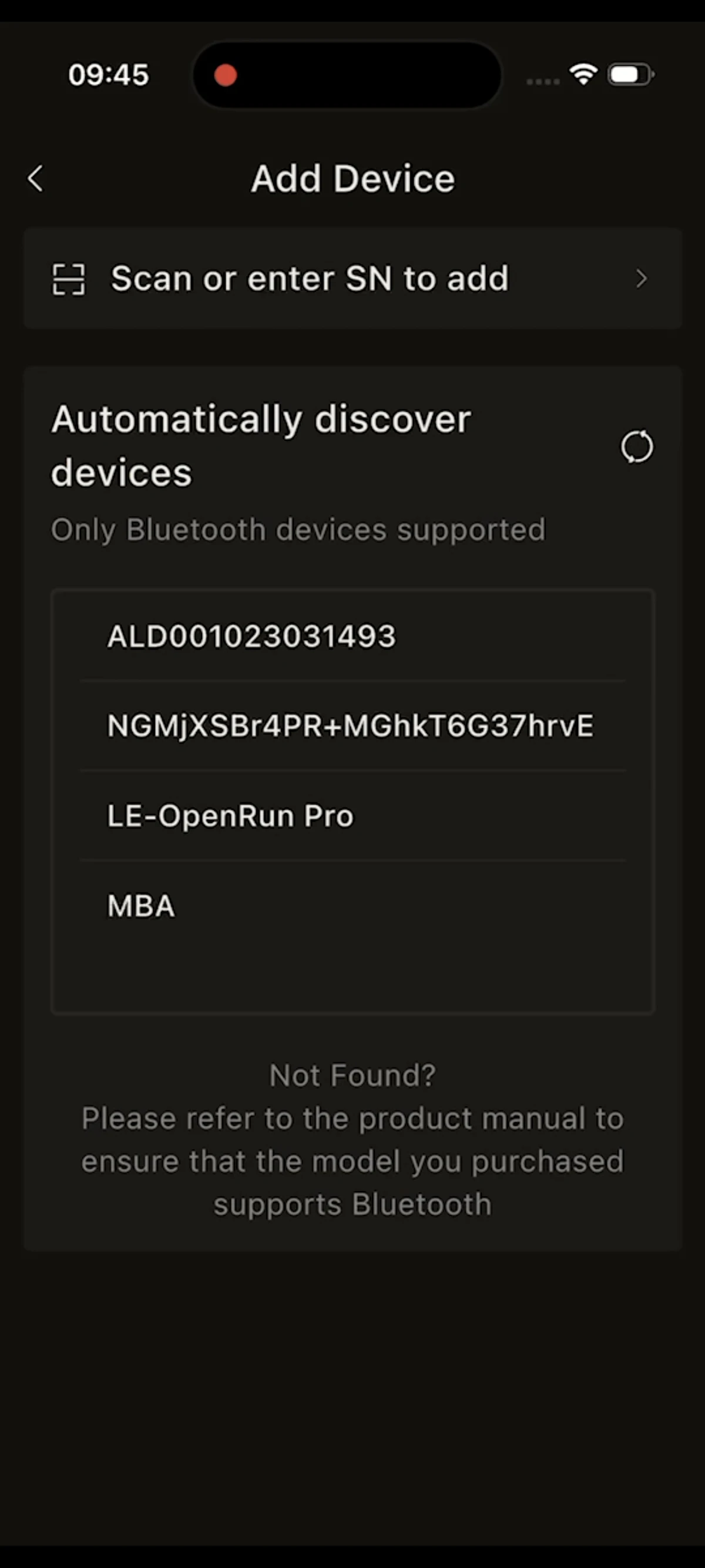
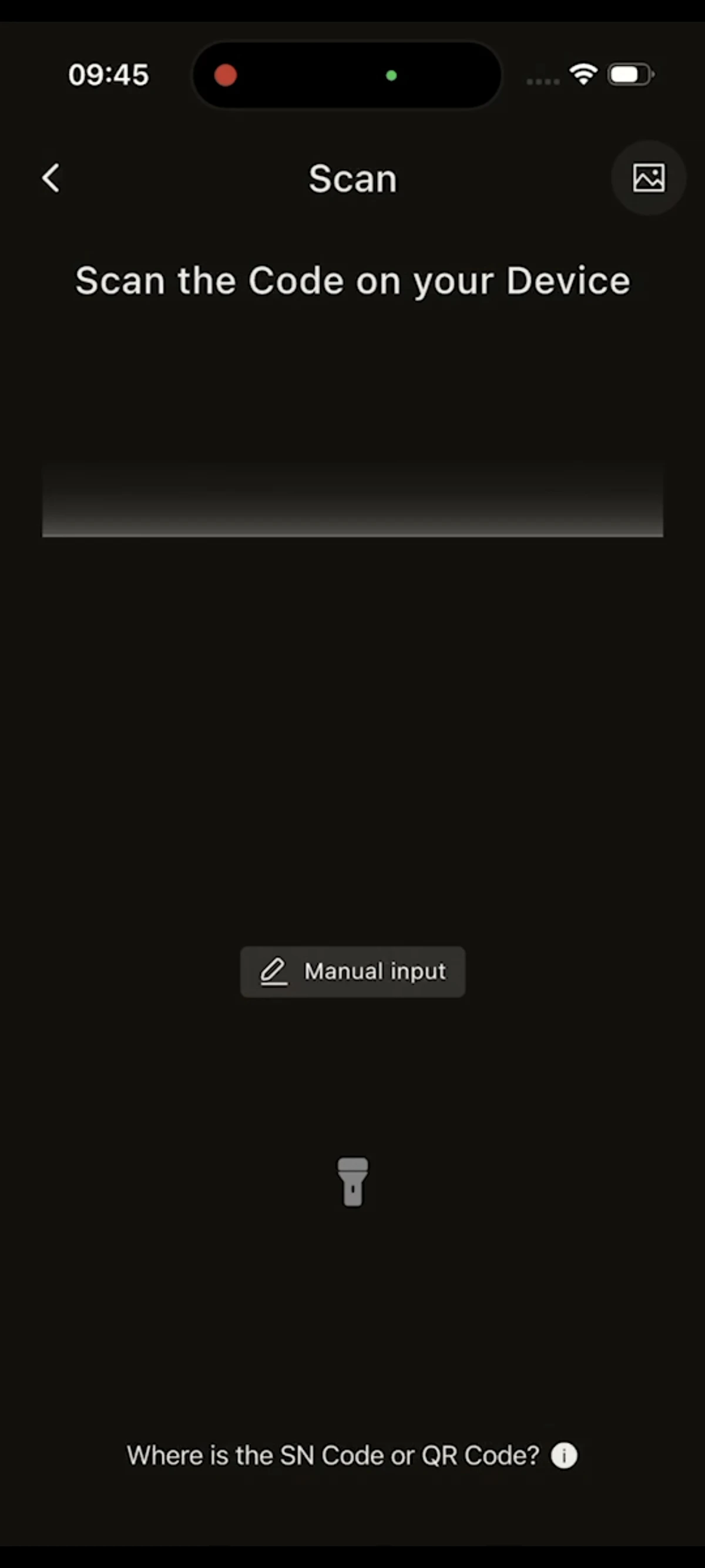
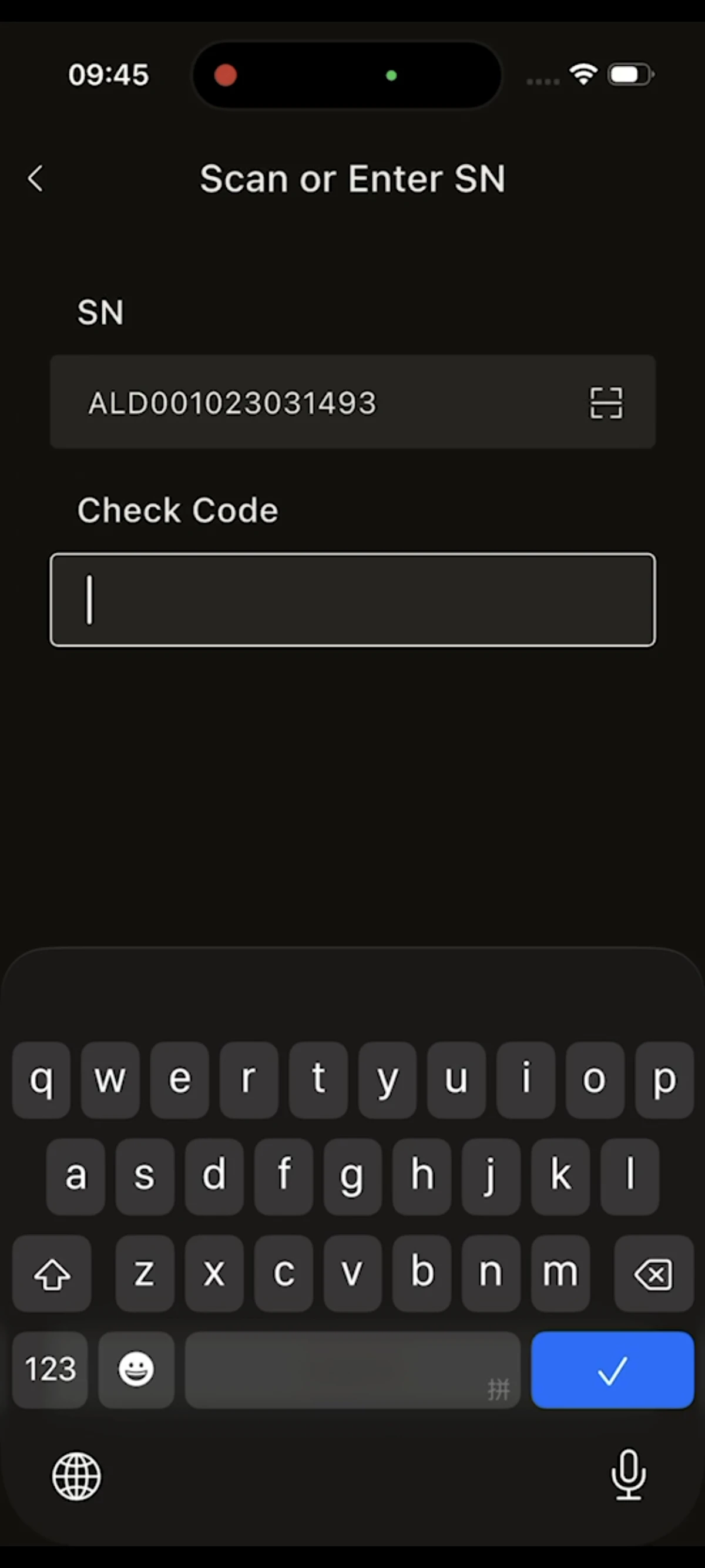
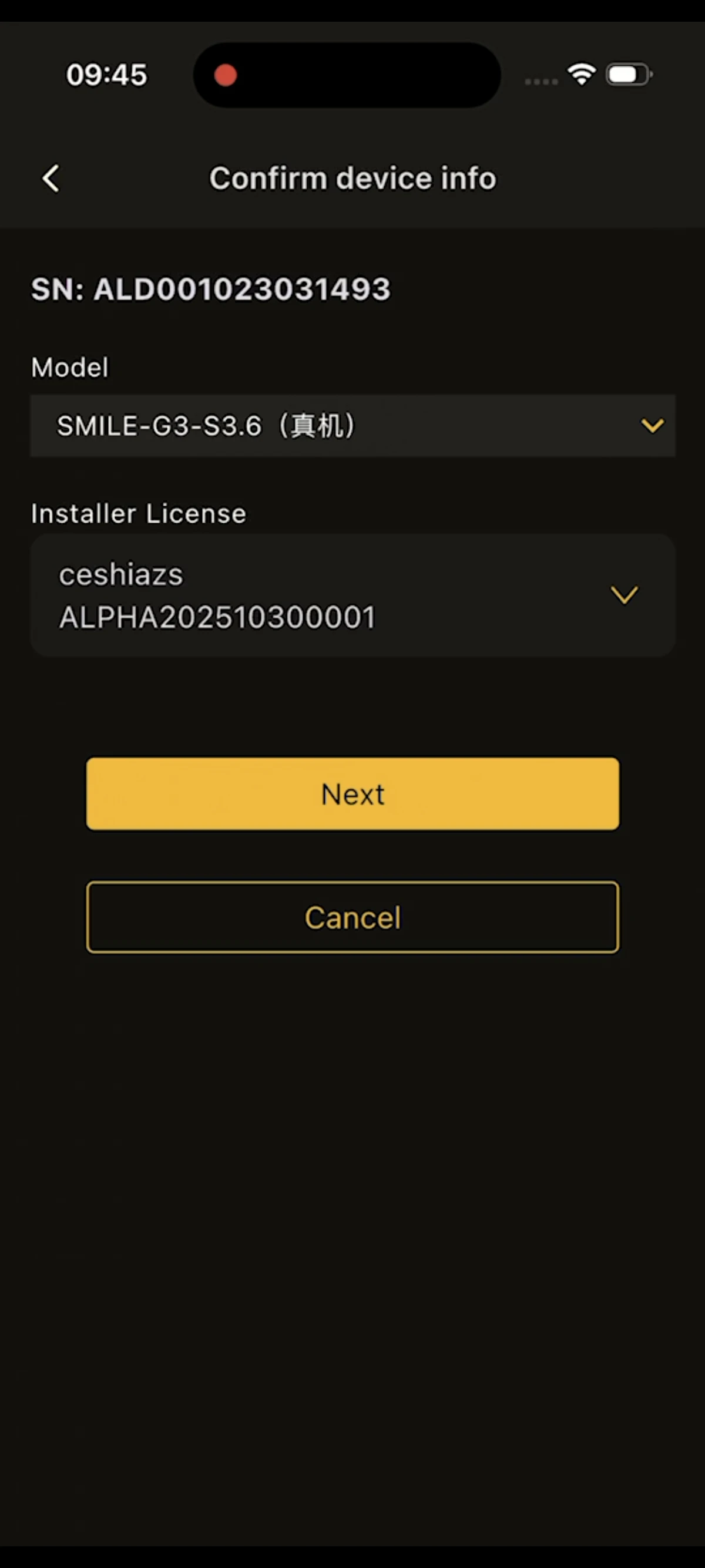
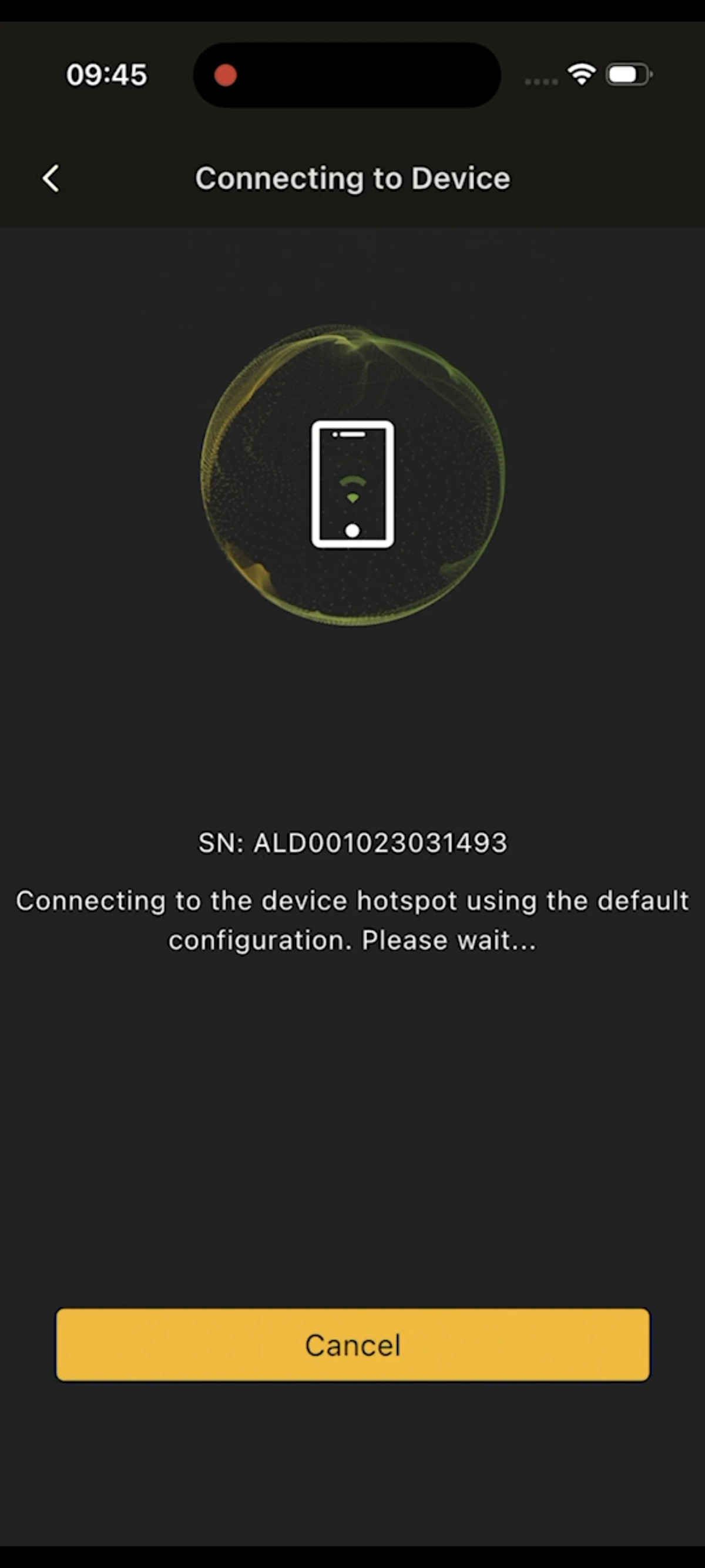
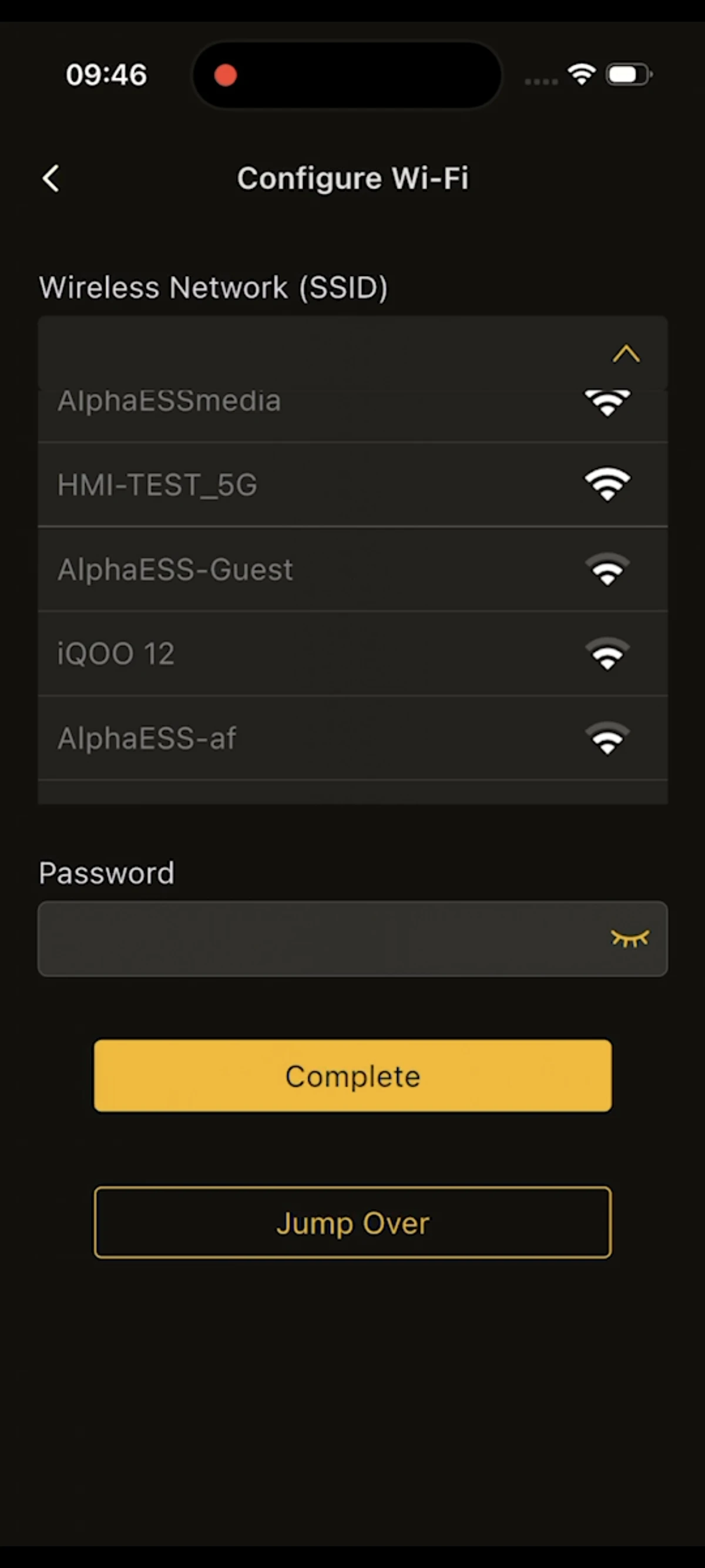
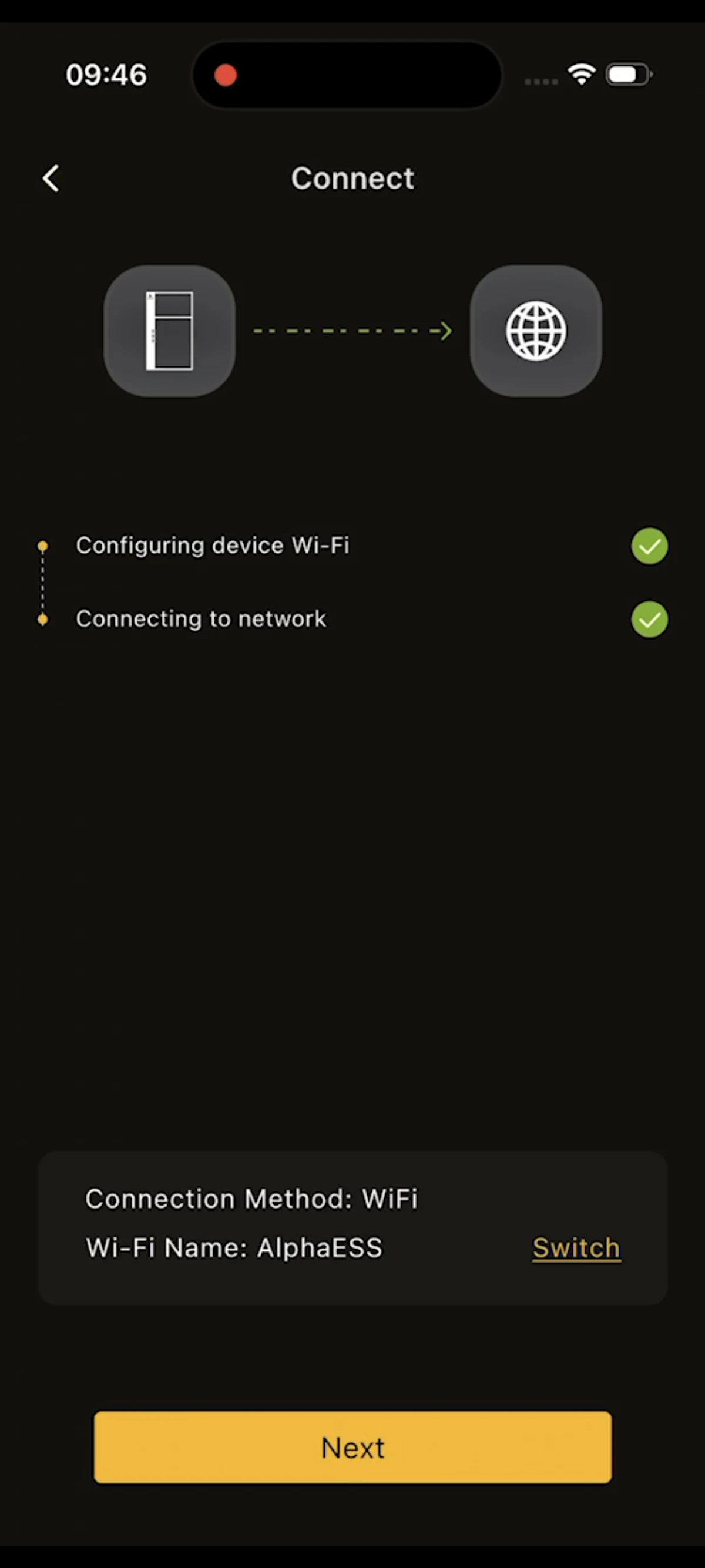
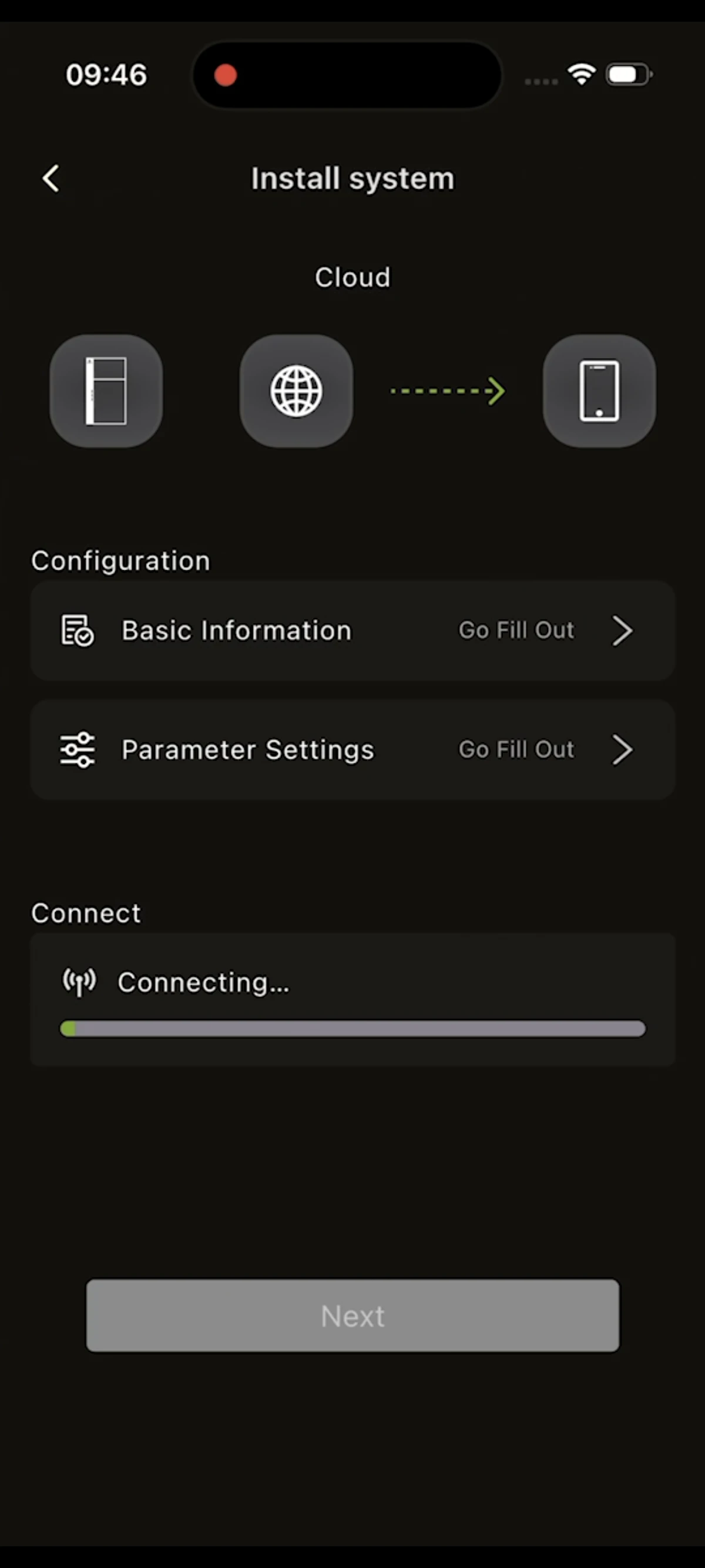
The screenshots below are arranged according to steps 1–7. Please view them from left to right and top to bottom.
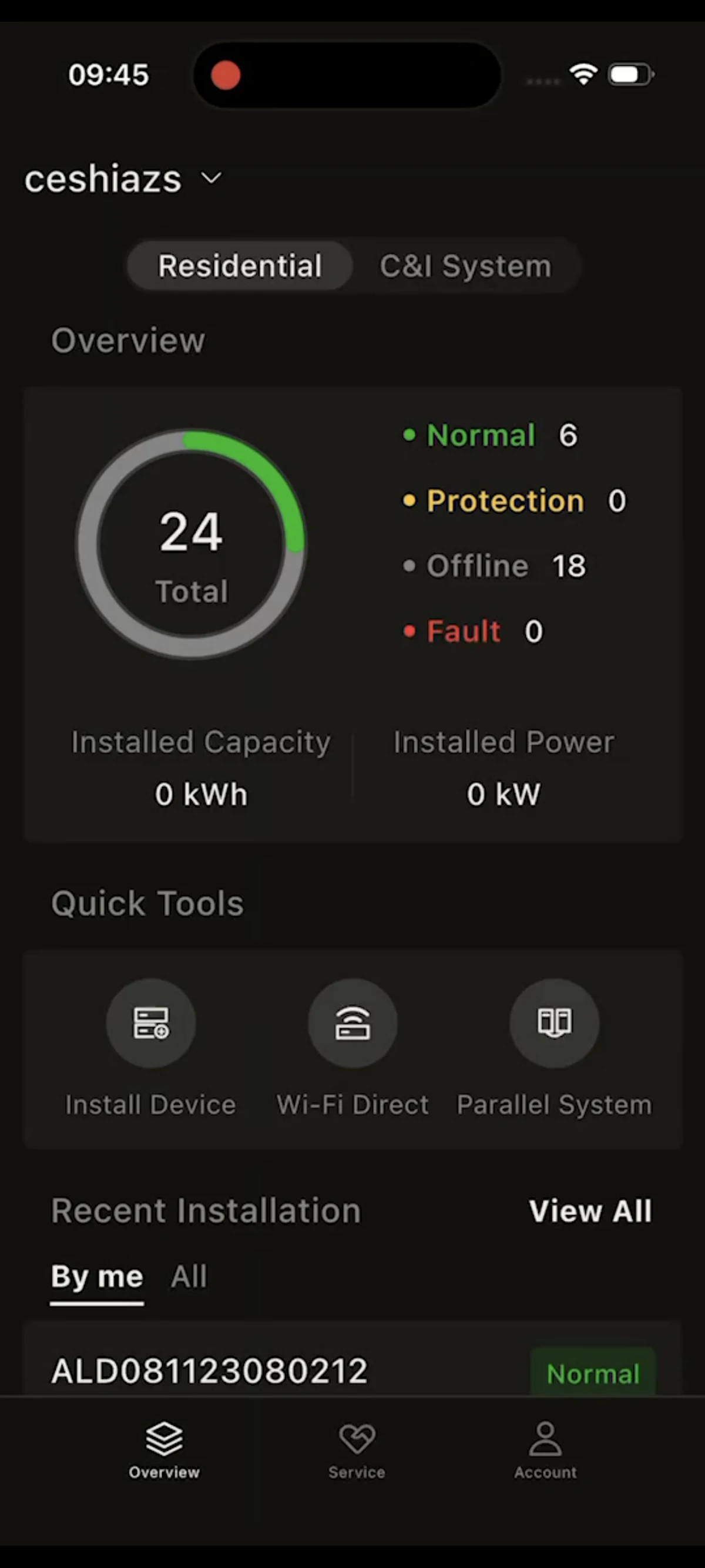
- Step 1:Tap Quick Tools — Install Device
- Step 2:Bluetooth automatically scans for nearby devices, usually named beginning with "AL", matching the device SN. (If the device does not support Bluetooth, it will not be found.)
- Step 3:Select the device found via Bluetooth and enter the device check code.
- Step 4:Wait for the phone to connect to the device.
- Step 5:Once the phone has connected to the device successfully, select the home Wi-Fi the device needs to connect to and enter the correct password.
- Step 6:Wait for the device to connect to the network and come online in the cloud.
(3) Entering Basic Information
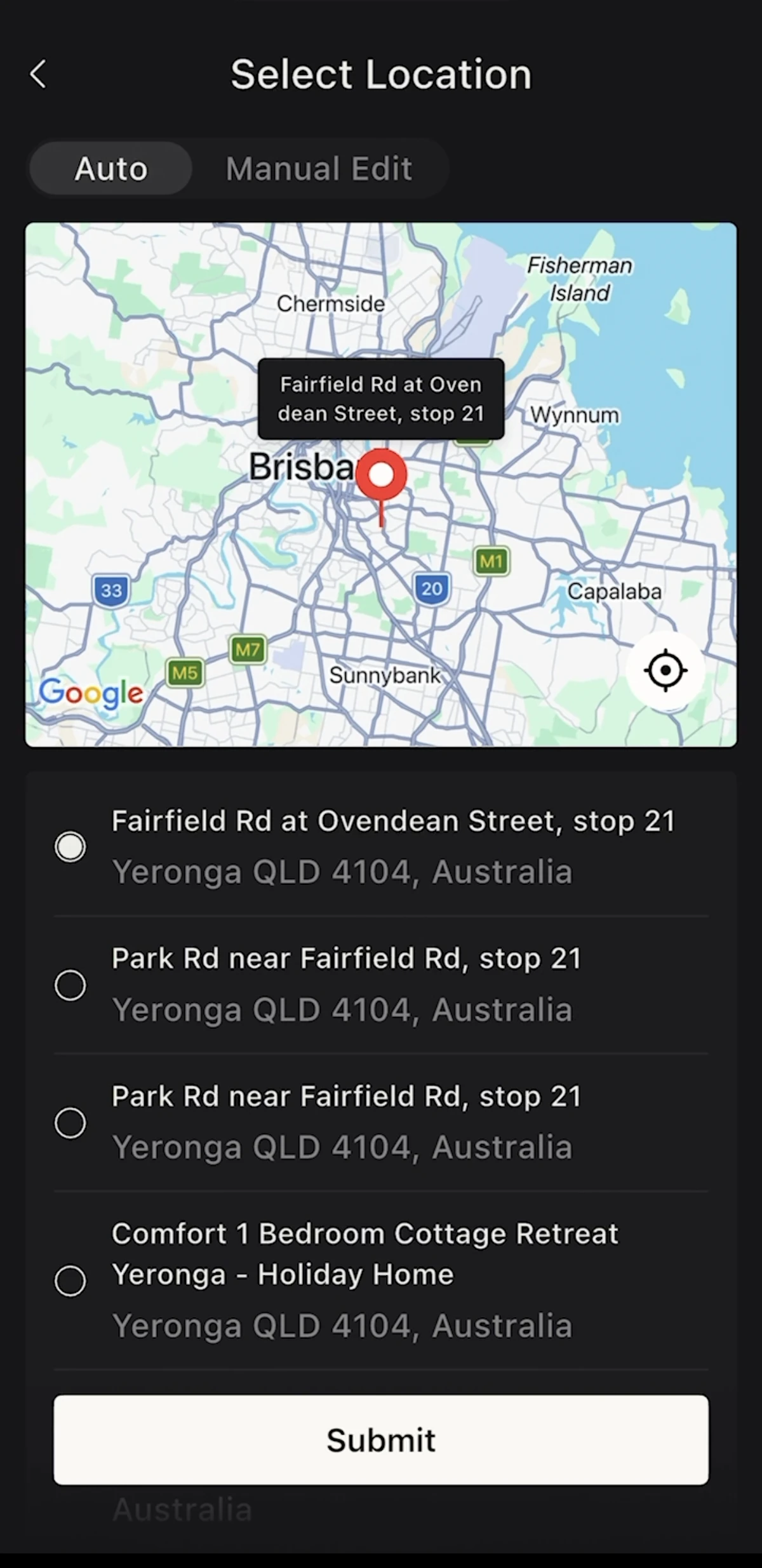
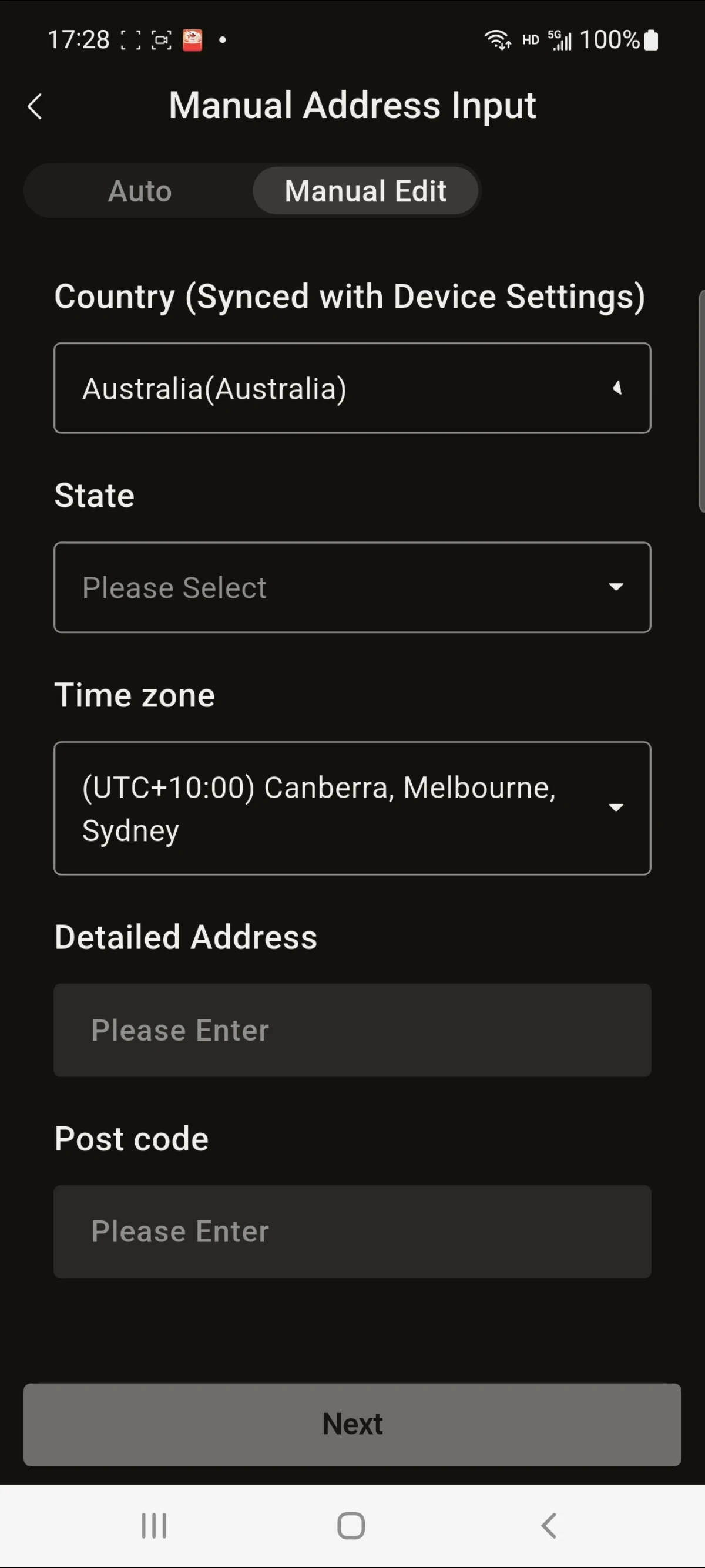
- Step 1:Automatically locate or manually enter the device installation address.
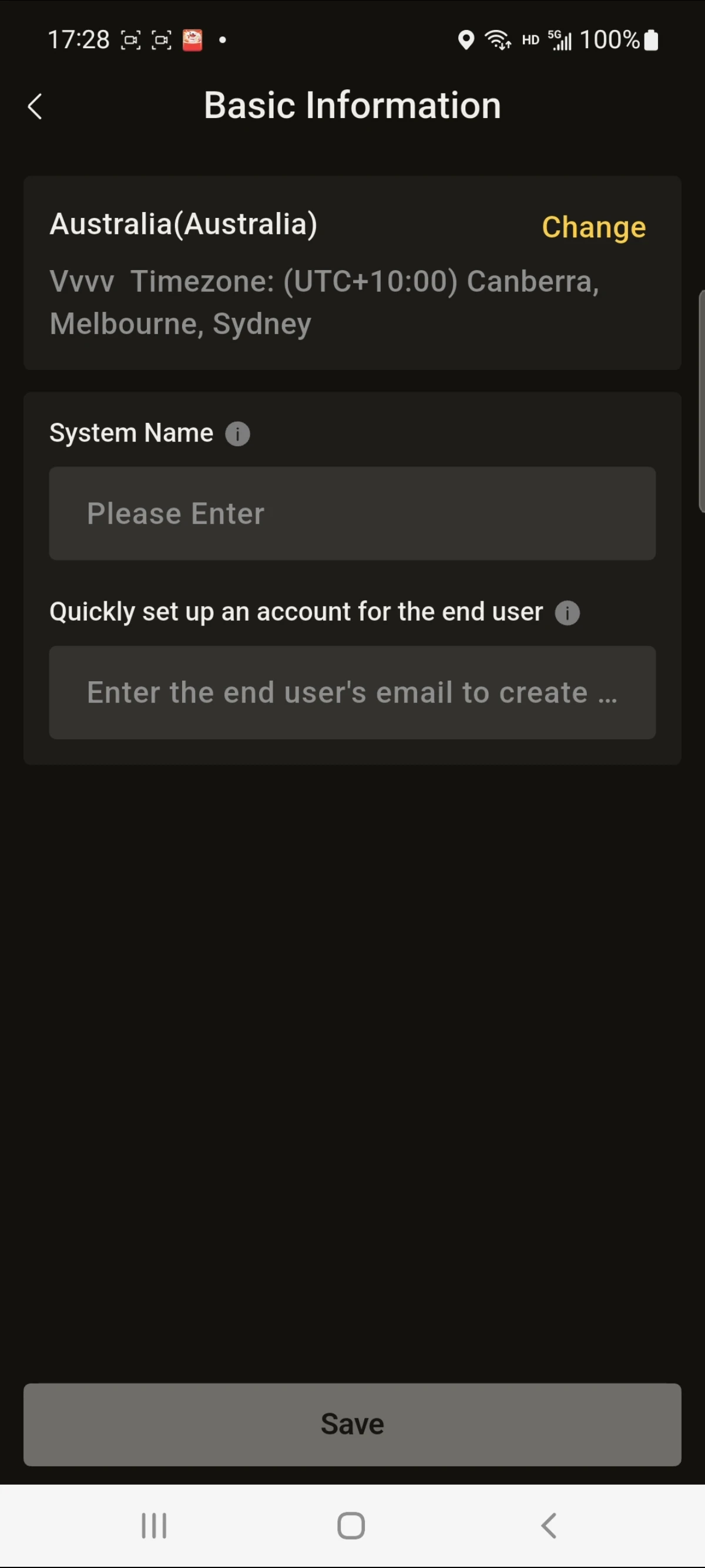
- Step 2:Set the device site name and enter the end user's account.
(4) Device Parameter Configuration
- Step 1:Enter the device installation mode, PV installed capacity, maximum PV feed-in power limit, meter type and other information. (For AU, region, DNSP, NMI and other information must be entered.)
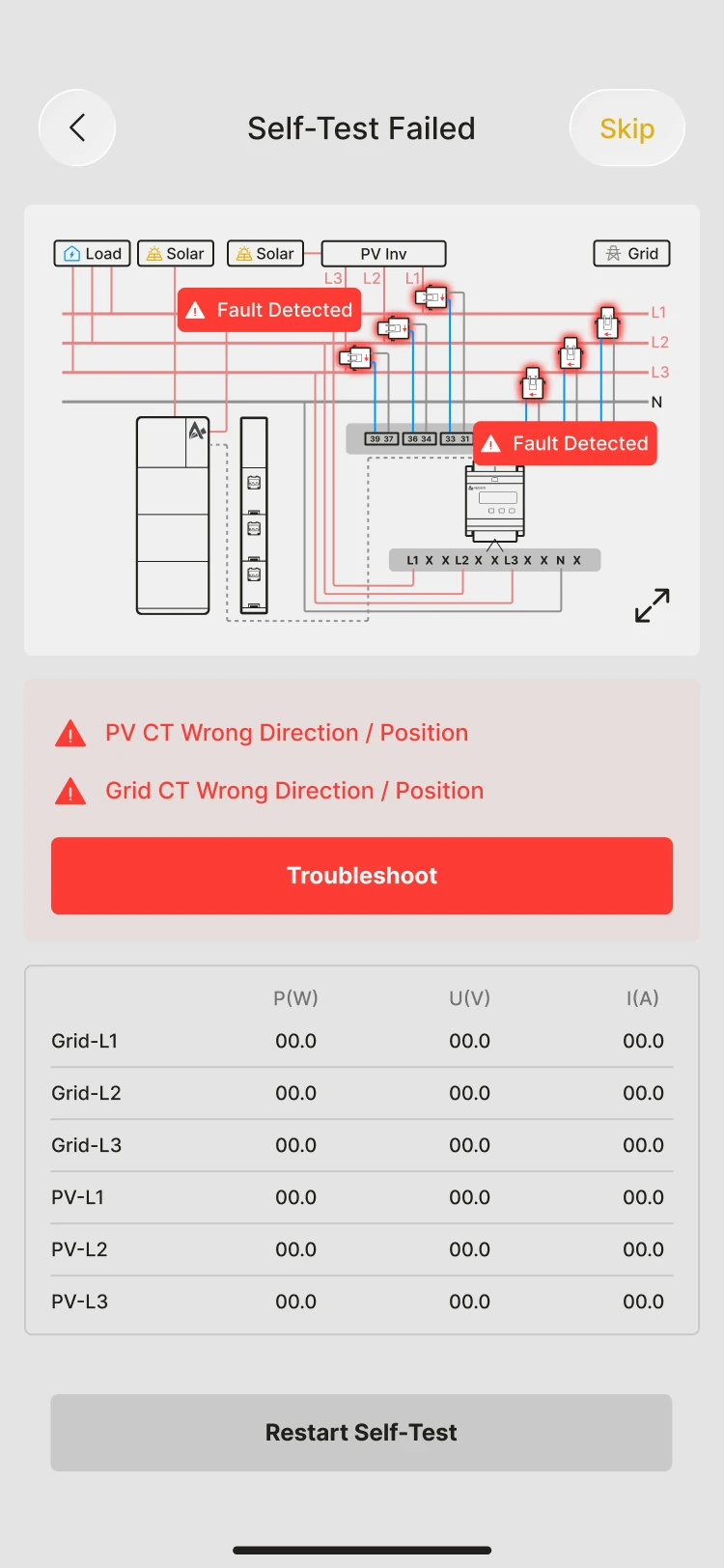
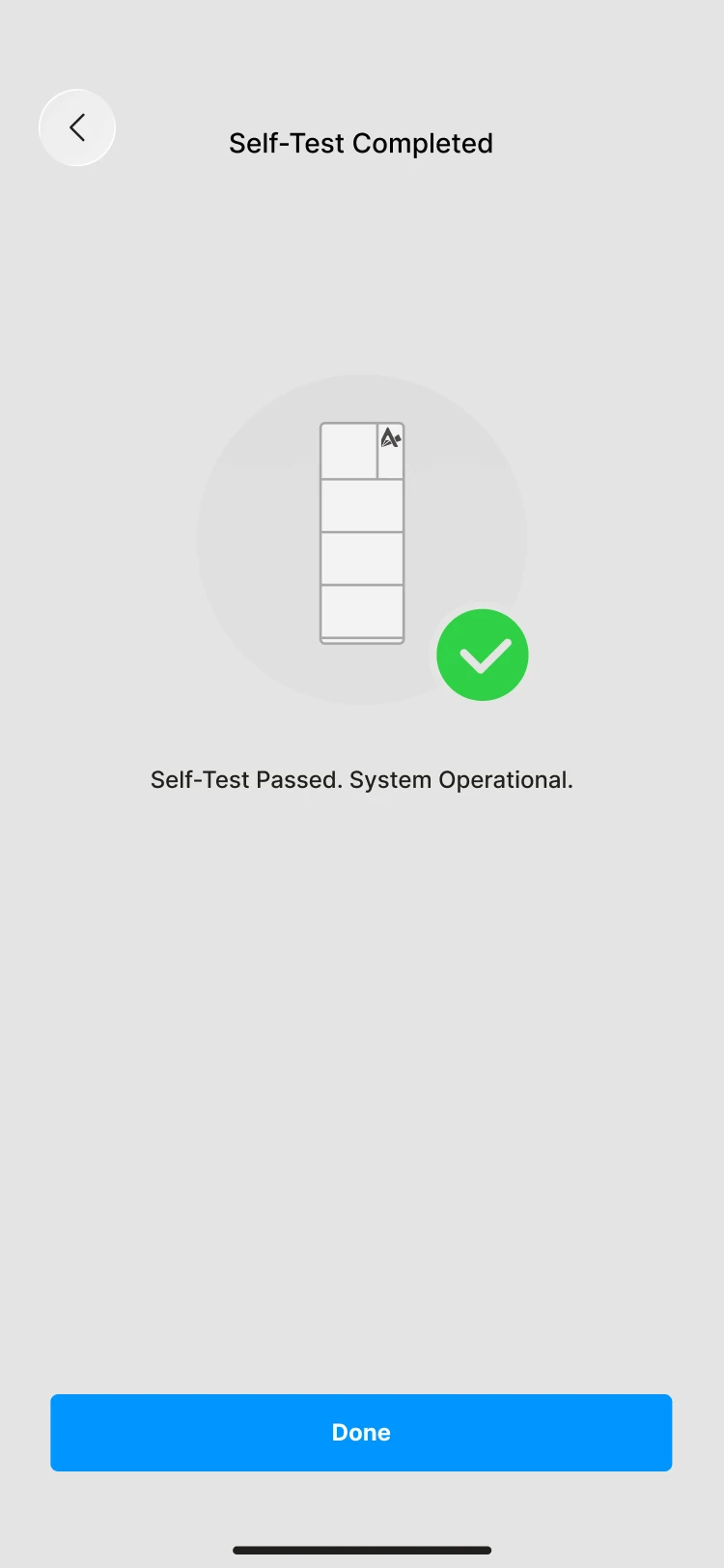
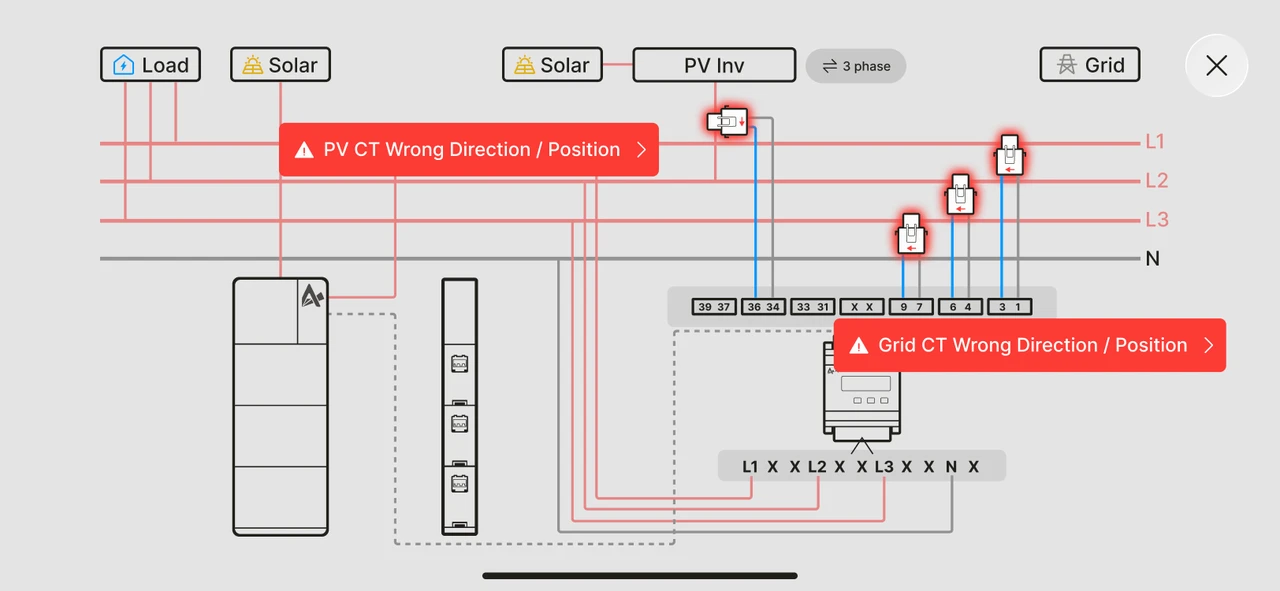
- Step 2:Choose to run a device self-test or skip it (only some models support the self-test).
Models that support the self-test: SMILE-G3 series, SMILE-M series.