

Home Settings
Settings → Settings holds the controls that shape how your system behaves day to day: battery limits, the work mode, storm protection and away mode.
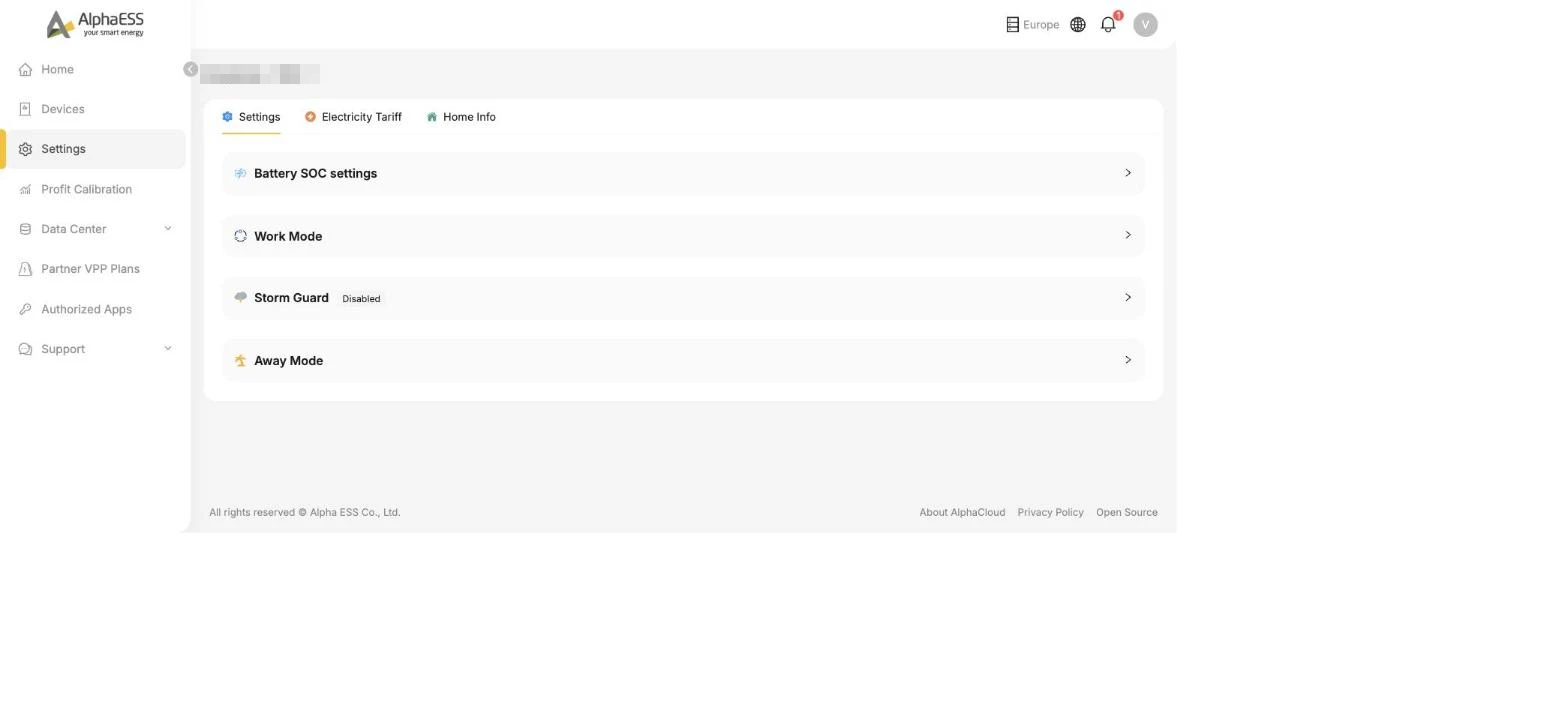
Battery SOC settings
Controls how far your battery charges and discharges:
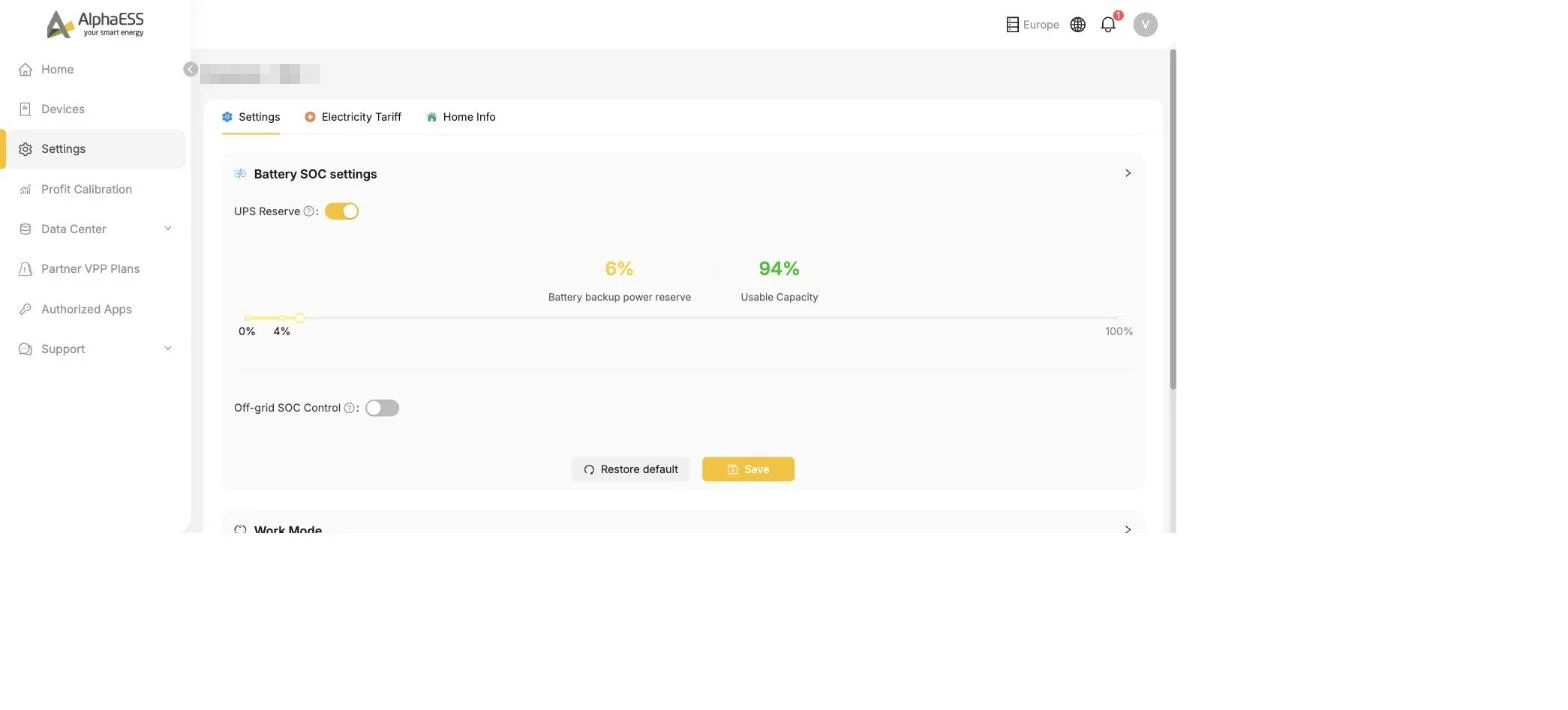
- UPS Reserve — keeps a share of the battery back for power cuts. The slider splits your battery between Battery backup power reserve and Usable Capacity: a higher reserve means more security during an outage, less capacity for daily savings.
- Off-grid SOC Control — SOC management for off-grid operation.
Work Mode
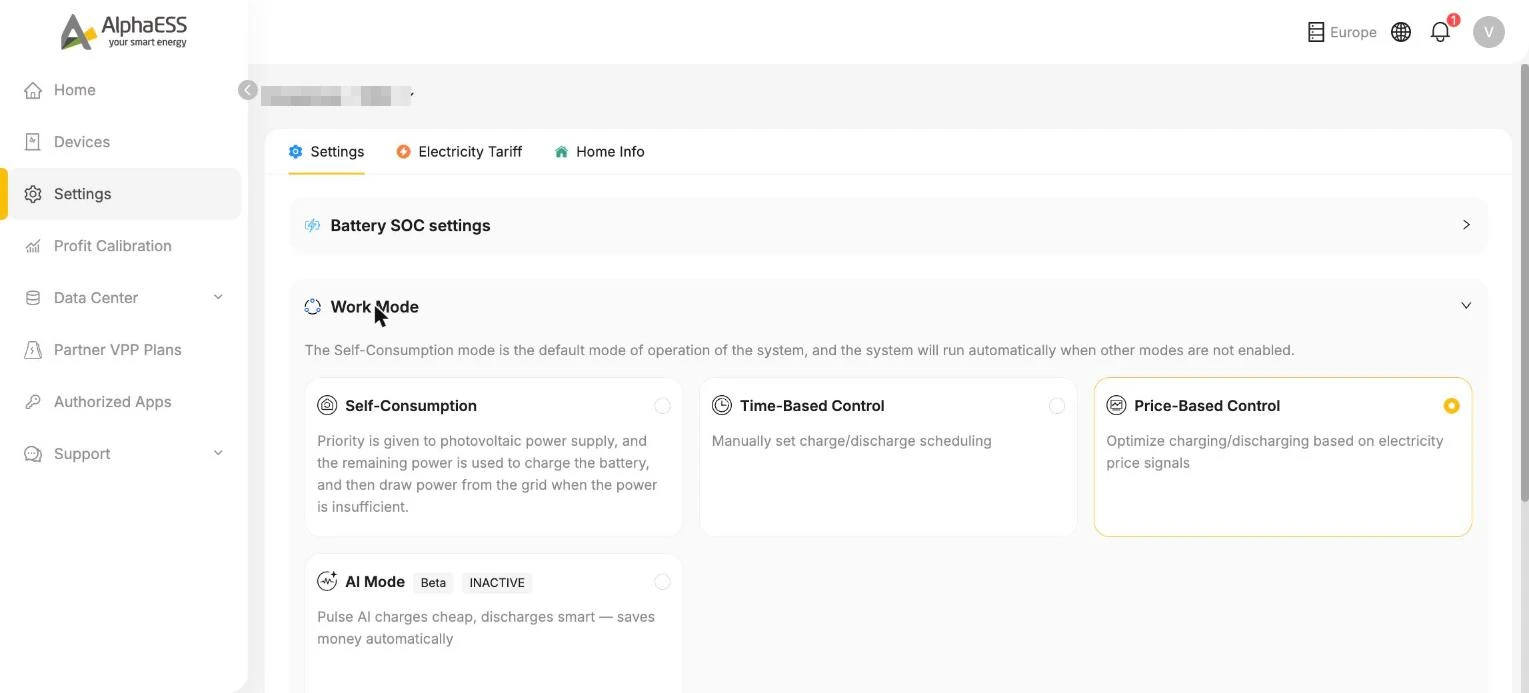
The strategy your system follows. Which modes you see depends on your system and country:
| Mode | What it does |
|---|---|
| Self-Consumption (default) | Solar powers your home first, surplus charges the battery, and the grid is only used when both fall short. Runs automatically when no other mode is enabled. |
| Time-Based Control | You define charge/discharge time windows yourself — useful with time-of-use tariffs. |
| Price-Based Control | Optimises charging and discharging on live electricity price signals (below). Available in selected regions, rolling out progressively. |
| AI Mode (Beta) | Pulse AI charges cheap and discharges smart — automatically (below). Beta — available in selected regions, rolling out progressively. |
Price-Based Control
Built for dynamic tariffs: the system watches live market prices (e.g. ENTSO-E day-ahead) and plans charging and discharging around them.
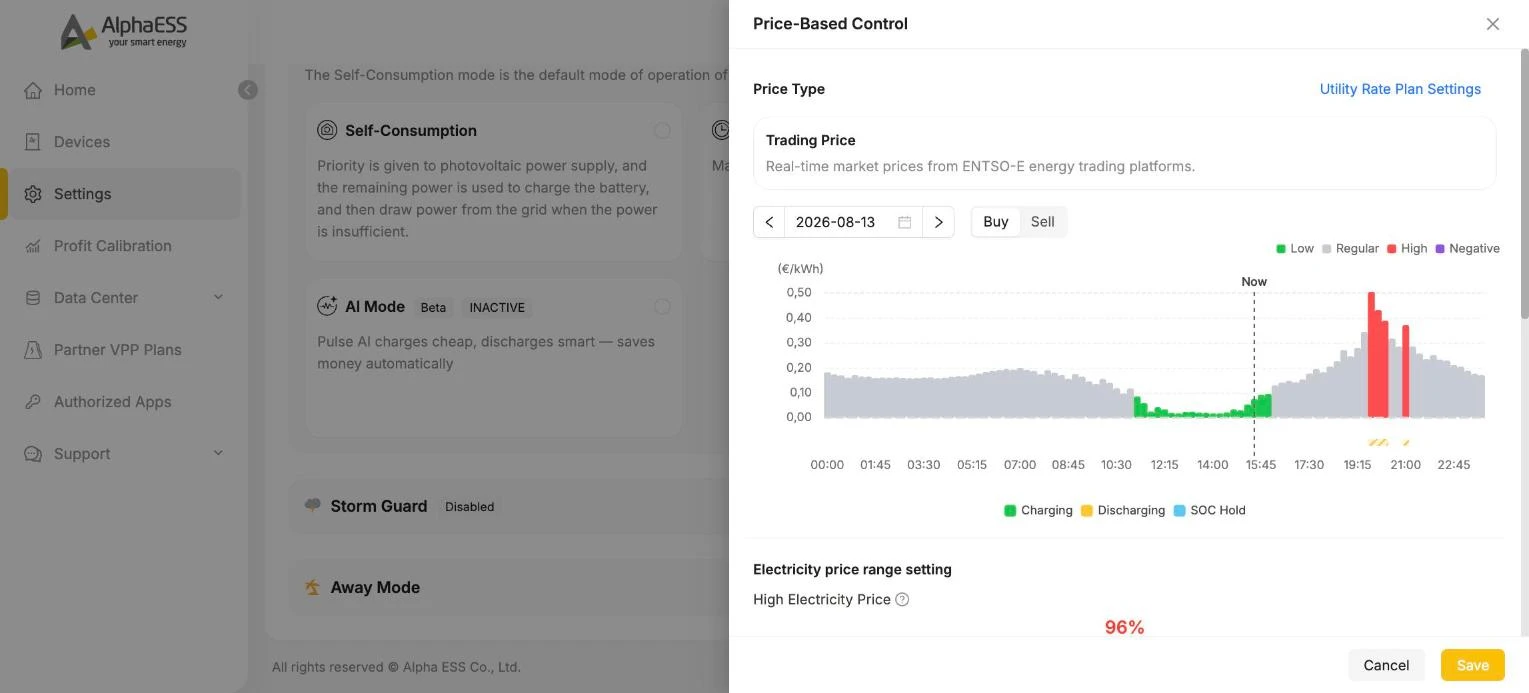
- The chart shows today's hourly Buy/Sell prices, classified Low / Regular / High / Negative, with the system's planned actions overlaid (Charging / Discharging / SOC Hold)
- Electricity price range setting — percentile sliders that define what counts as a high or low price for your market
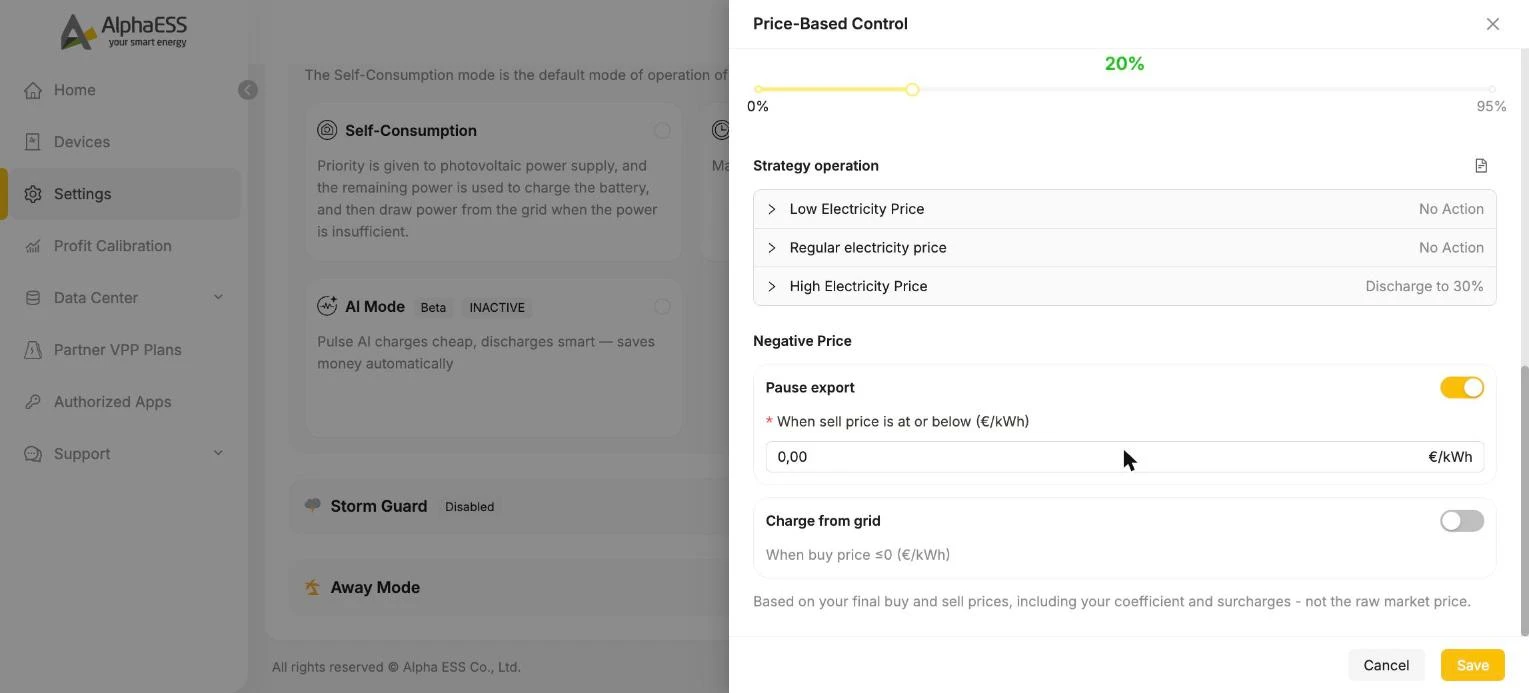
- Strategy operation — what to do in each price band (e.g. High Electricity Price → Discharge to 30%)
- Negative Price — for markets with negative prices: Pause export when the sell price falls to or below a threshold, and optionally Charge from grid when the buy price is ≤ 0 — you get paid to charge
💡 Price-Based Control uses your final buy and sell prices — including the coefficient and surcharges from your Dynamic Tariff (Trading Price) — not the raw market price.
AI Mode (Beta)
One step further than rules: Pulse AI forecasts your household load, solar yield (weather) and market prices (ENTSO-E), and dispatches the battery automatically to minimise your electricity cost.
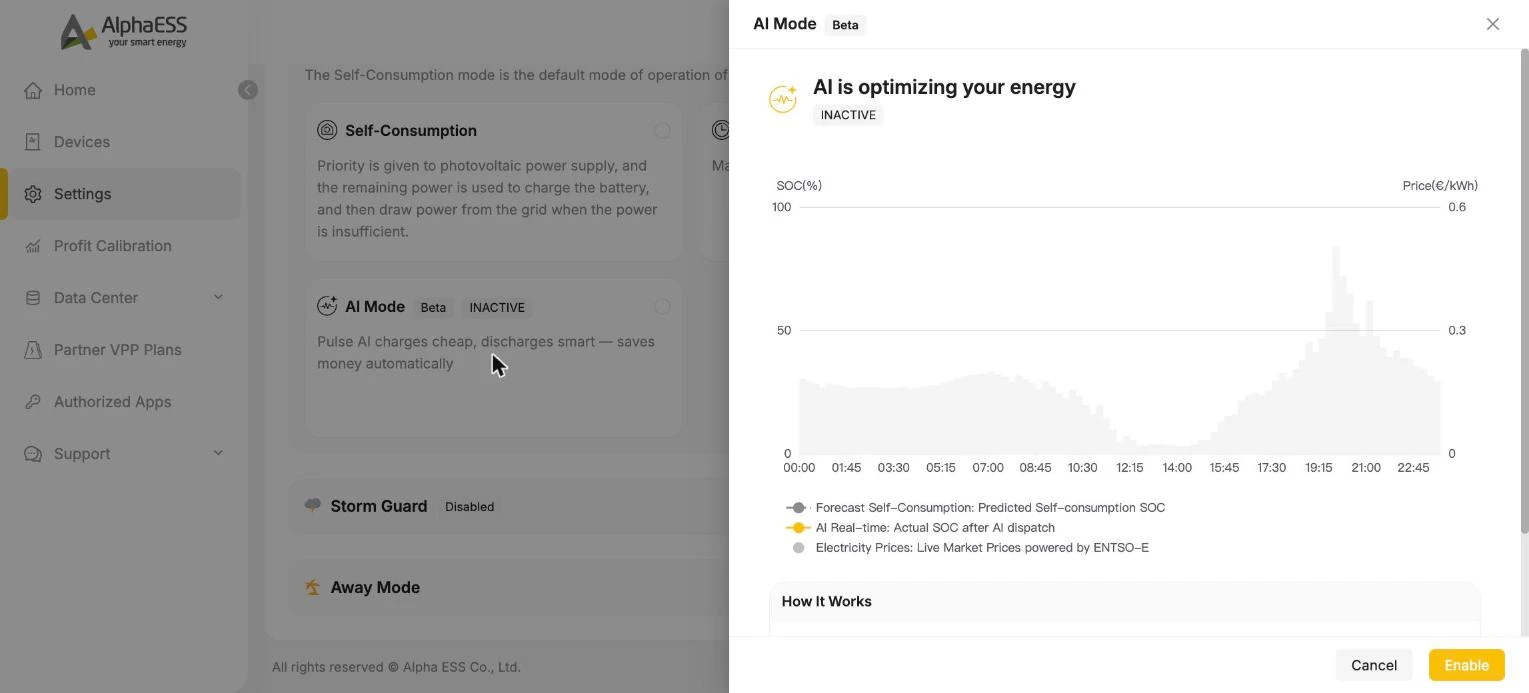
- The chart compares the forecast self-consumption SOC with the actual SOC after AI dispatch, against live prices — so you can see what the AI is doing and why
- How It Works lists the inputs: ENTSO-E · Weather · Load
- Click Enable to activate; you can return to another work mode at any time
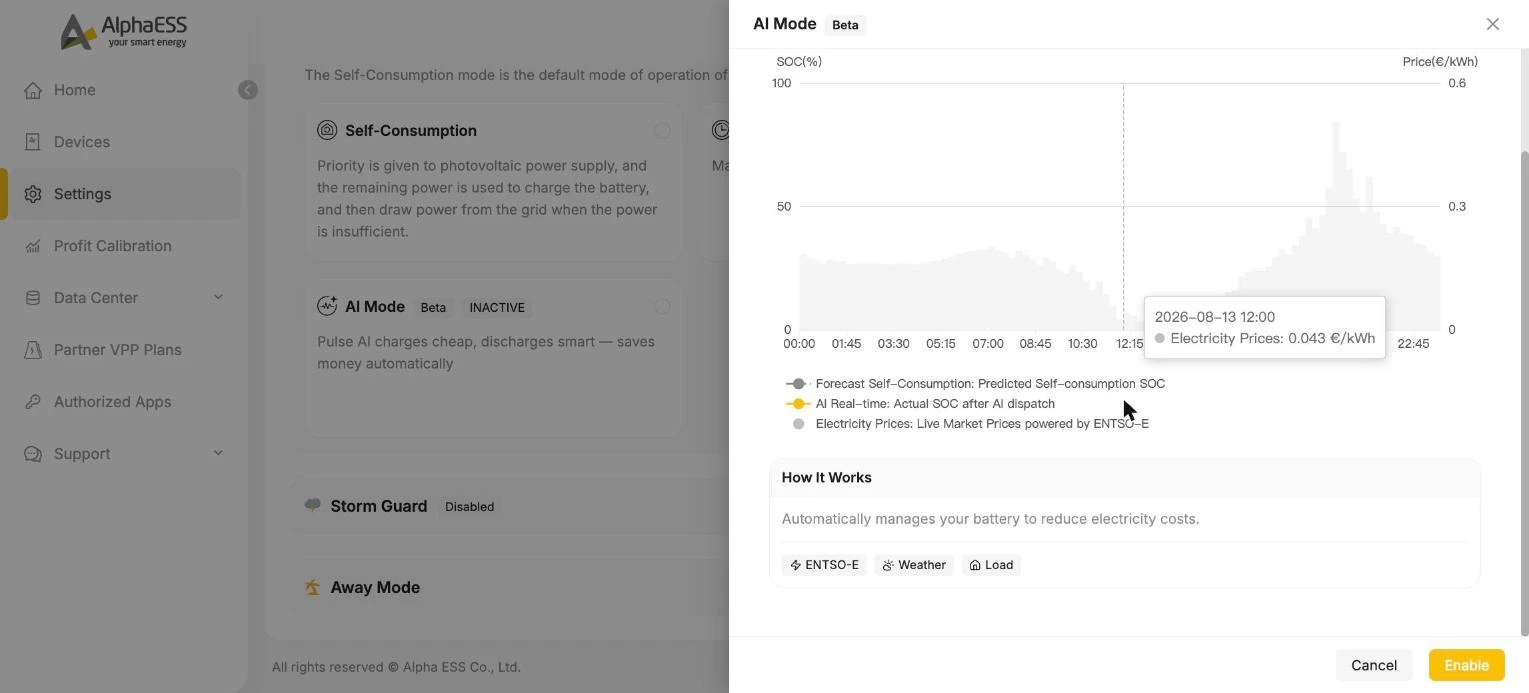
💡 Price-Based Control and AI Mode need a configured dynamic tariff (Dynamic Tariff (Trading Price)) and are being rolled out region by region — if you cannot see them yet, they are not yet available for your market or system.
Storm Guard
When enabled, the system reacts to severe-weather warnings by charging the battery in advance, so you enter a possible outage with a full battery. Shown as Disabled until you switch it on.
Away Mode
For longer absences (e.g. holidays) — shown for supported systems. The system keeps the battery in a healthy state while you are away.
💡 Changes take effect on the device shortly after saving. If a setting appears locked or missing, it may be managed by your installer or by a VPP plan you have joined — see Partner VPP Plans.