

Electricity Tariff
Settings → Electricity Tariff tells the Portal what you pay for electricity and what you earn for exporting it. Everything that involves money depends on it — the Savings and Profit figures, and the Price-Based Control and AI Mode work modes all use these prices. Ten minutes with your supplier's contract at hand is well spent.
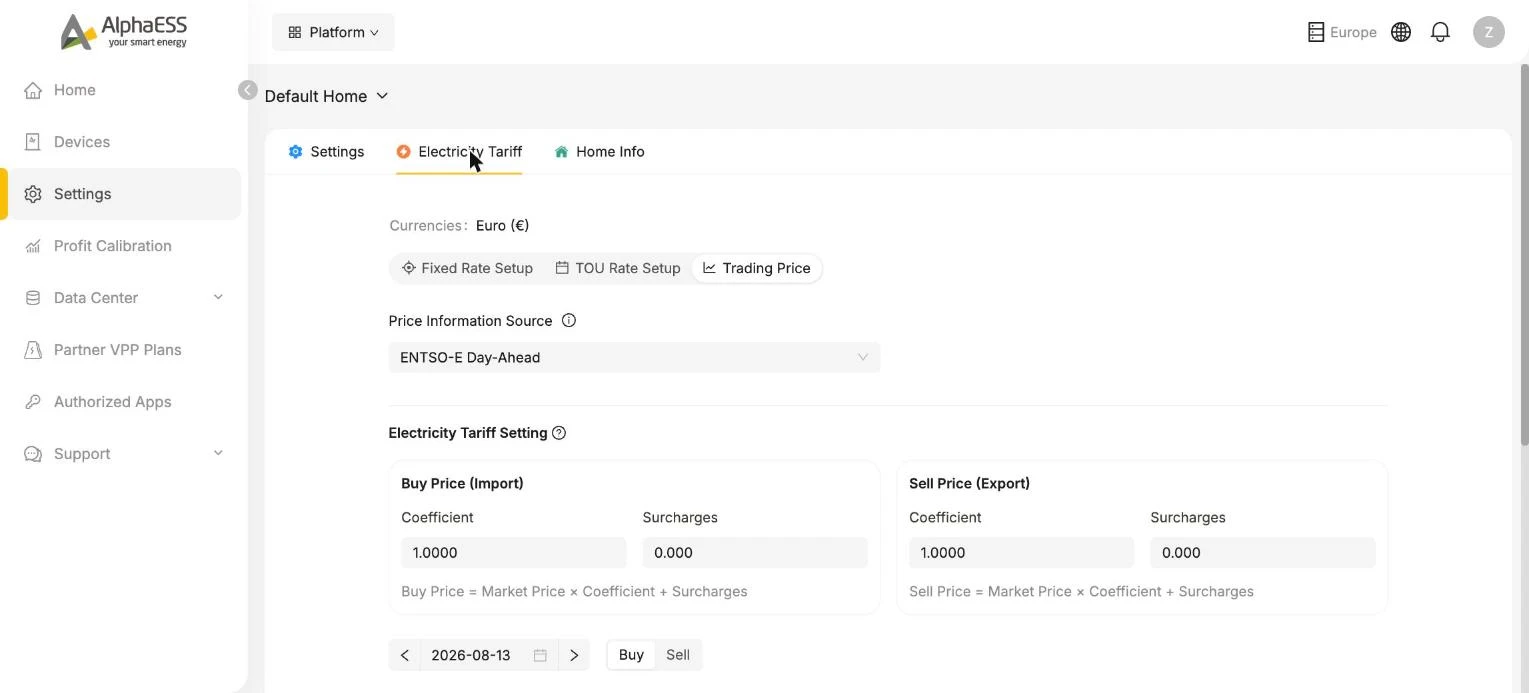
The Currencies field follows your home's country (for example Euro €) and cannot be changed here.
Choose your tariff type
| Tariff type | Use it when | What you need from your contract |
|---|---|---|
| Fixed Rate Setup | You pay one constant price per kWh, all day, all year | The per-kWh energy price for buying and, if you export, the feed-in price |
| TOU Rate Setup | Your price depends on the time of day (time-of-use tariff), and possibly on the season or weekday/weekend | The time blocks and their per-kWh prices |
| Trading Price | You are on a dynamic tariff indexed to the wholesale day-ahead market | The supplier's price formula: the factor applied to the market price and the fixed per-kWh add-on |
💡 Standing charges — a fixed amount per month or per year — cannot be expressed per kWh and are left out. They do not change when your system should charge or discharge, so leaving them out does not affect the system's decisions; it only means the Portal's profit figures cover the energy part of your bill.
Fixed Rate Setup
Enter Buy Price and Sell Price in your currency per kWh and click Save Configuration. Use the energy price from your bill including taxes if you want the profit figures to match what you actually pay.
TOU Rate Setup
For time-of-use tariffs. Click Start a new plan to begin. A plan is made of one or more seasons, each covering a range of months; within a season you define rate blocks — time ranges with their own buy and sell price — and you can set different blocks for weekdays, weekends or all days. Give the blocks your own level names (for example Peak and Off-peak) if your supplier uses them. The bar view shows the finished plan across the day so you can spot gaps or overlaps before saving.
💡 If your tariff has only two or three periods and no seasonal change, one season covering January to December is enough.
Trading Price
For dynamic tariffs, where your price follows the wholesale market hour by hour or quarter-hour by quarter-hour. The Portal fetches the market prices; you enter how your supplier turns them into your price. Because this is the setting people ask about most, it has its own chapter: Dynamic Tariff (Trading Price).
💡 After correcting a tariff that was wrong for a while, run a Profit Calibration so your historical profit figures are recalculated with the right prices.