

Home Info and Multiple Homes
Settings → Home Info holds your home's name and address, and the Portal supports several homes under one account.
Home Info
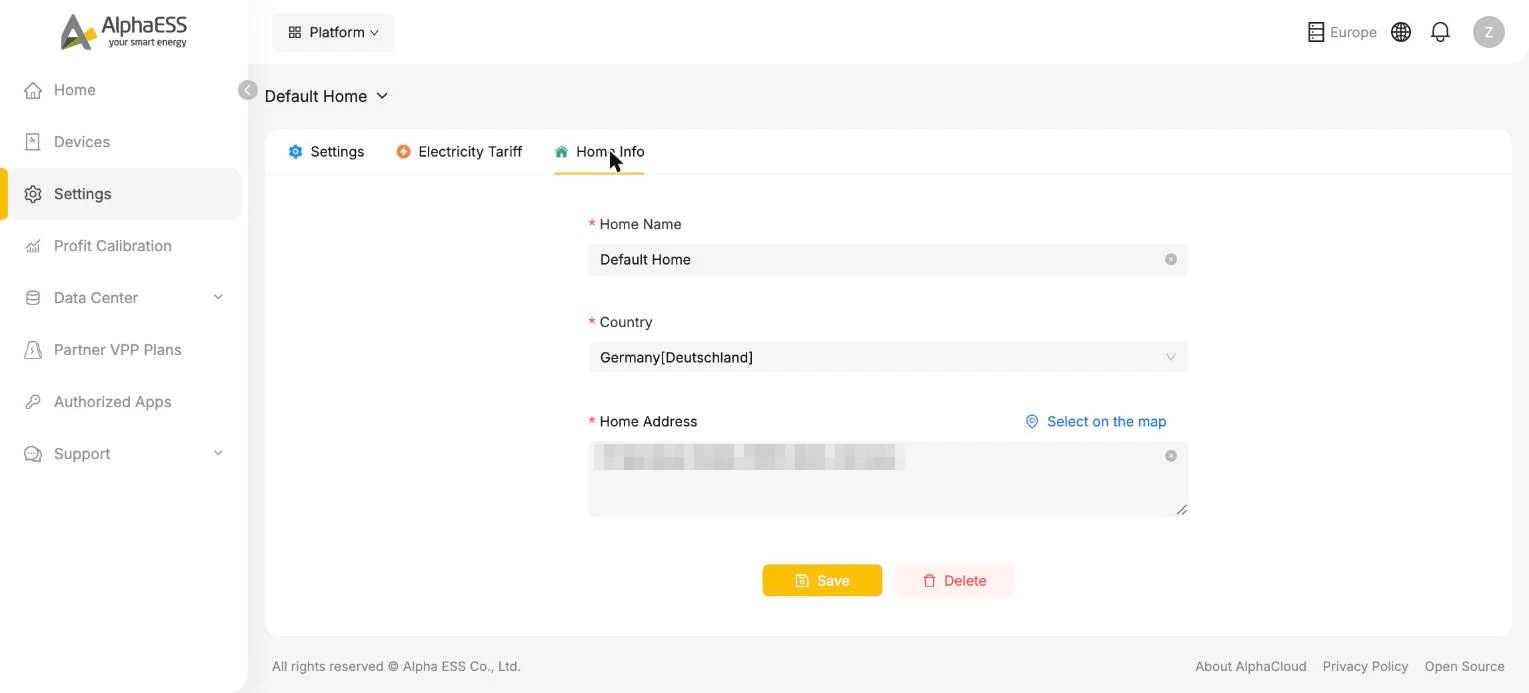
| Field | Notes |
|---|---|
| Home Name | The name shown at the top of every page (e.g. Default Home) — rename it to something friendly |
| Country | Set at installation; determines regulations, currency and available features |
| Home Address | Type it in or use Select on the map |
Click Save after editing.
⚠️ Delete removes the home and its configuration from your account — use it only if you really mean to, for example after moving out. Your device history is tied to the system, so talk to your installer before deleting anything.
💡 Your address is used for location-based features such as weather-driven Storm Guard and accurate solar forecasts, so it is worth keeping correct.
Managing several homes
One account can own several homes — a main residence and a holiday home, for instance.
- Switch home: click the home name at the top of any page (e.g. Default Home ⌄) and pick another home. All pages — dashboard, devices, settings — then show that home.
- Add a device to a specific home: when adding a device, the first field selects which home it joins.