

Information and Services
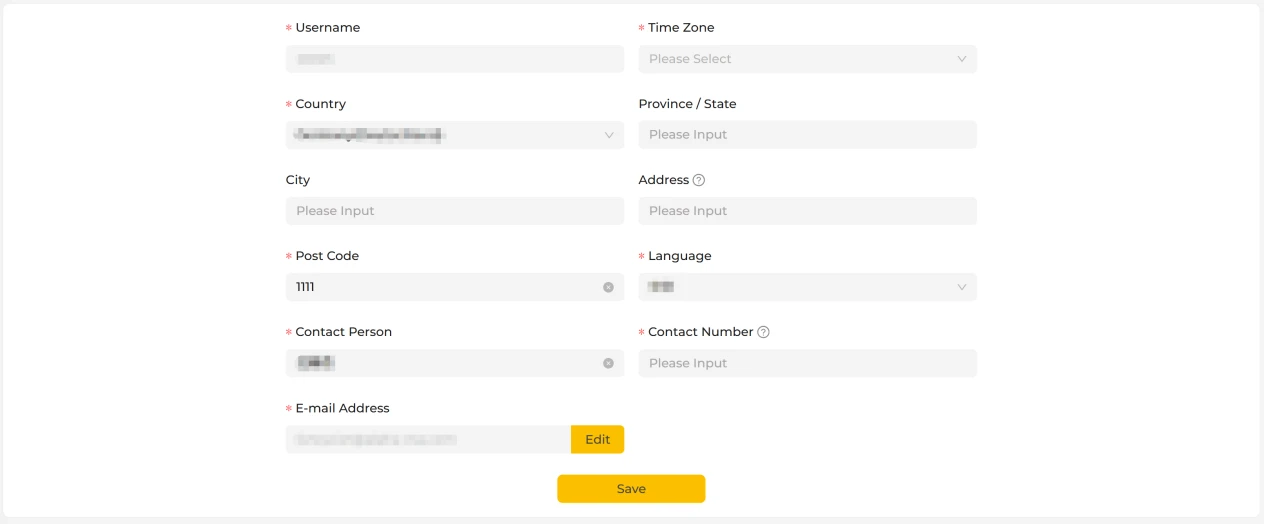
User Information Settings
This page is used to manage and maintain your basic user information. Here you can view and modify your personal details to ensure your account information is accurate and complete. Once you have made your changes, please save the settings promptly — the system will then apply the latest information.
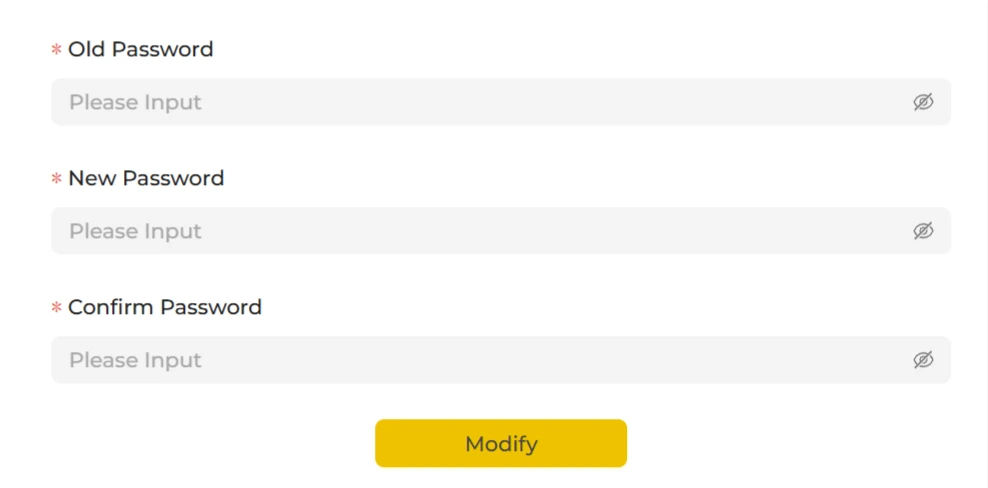
Change Password
This page is used to change the login password for the current account. To keep your account secure, please follow the on-screen prompts to enter your existing password and set a new login password.
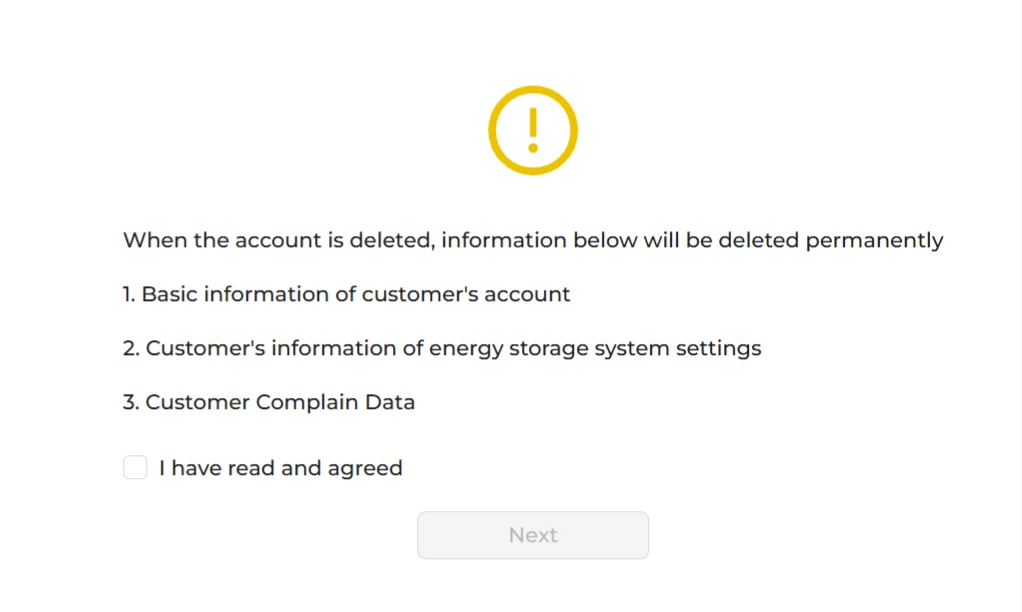
Delete Account
Once you tick the consent box, your personal data will be erased from the system. To do this: first tick the consent box, then tap Next to request a verification code. The code will be sent to your email address. Enter the code and tap Confirm to complete the account deletion.
Resource Centre
When you tap Resource Centre, the system automatically takes you to the online service centre website. There you can view and download installation manuals, user guides and related technical documentation for each equipment model.
The Resource Centre is maintained on an ongoing basis by a dedicated team and covers a comprehensive range of content, providing reliable reference and support for installation, commissioning and everyday use of your equipment.
If you run into any problems, we recommend consulting the relevant documentation for your equipment first, so that you can identify and resolve the issue quickly.
Customer Feedback
If you encounter any problems whilst using your equipment, you can report them to us by submitting a complaint. Once we receive it, we will process and follow up on your case, helping you to identify the problem promptly and providing an appropriate solution.
To help us handle your case more efficiently, we recommend providing complete equipment details and as full a description of the problem as possible.