Modes Switch
On the home page, tap Smart Mode to open the mode switching page, where you can switch between six modes. Tap the question mark beside a mode to see the same explanation in the app, then tap Save to apply your choice.
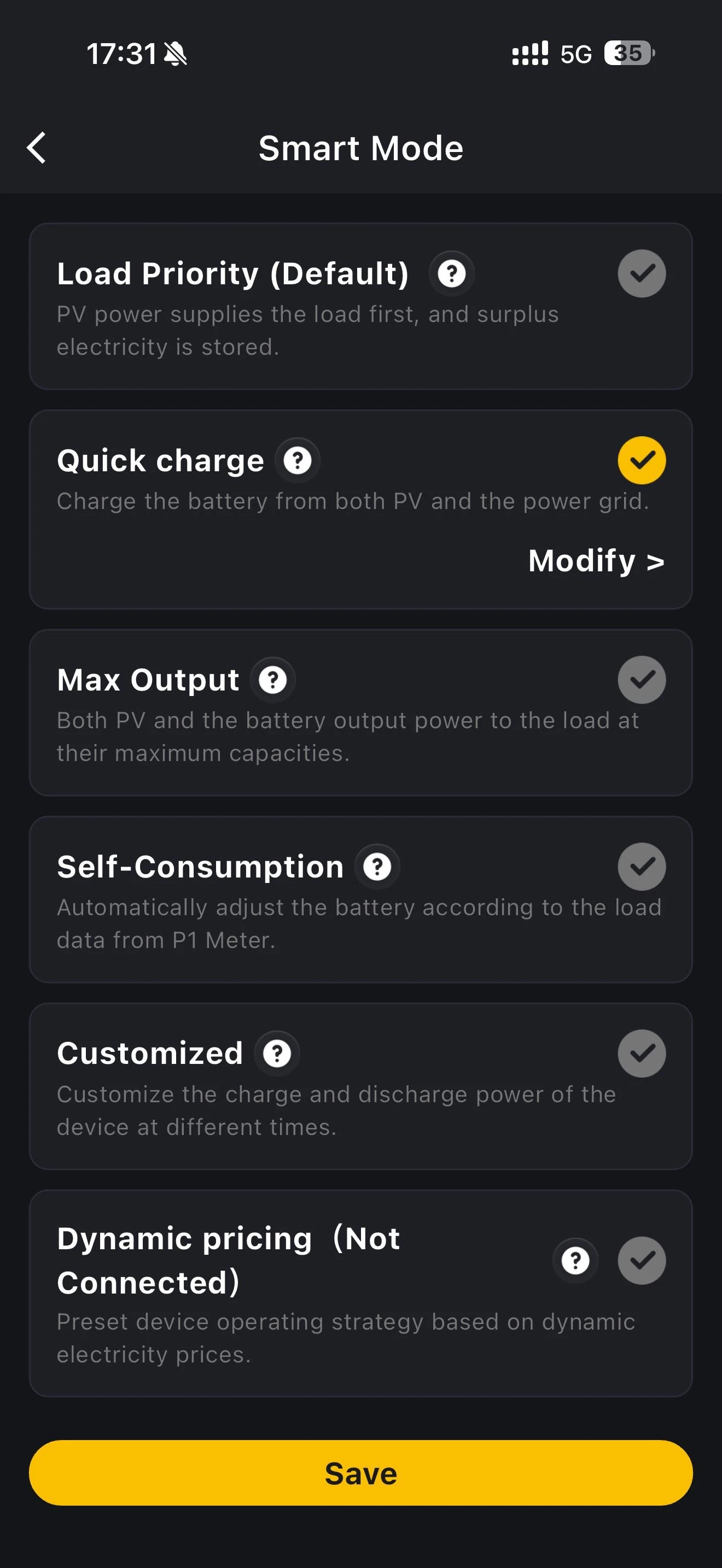
Three of the modes have settings of their own. Select one of those modes, then tap Modify to open them.
INFO
Once the maximum grid-connected power has been unlocked in the storage system's device details, the fixed grid feed-in power in Load Priority and Customized can be set above 800W, up to 2000W on VT1000 and 3680W on VitaPower 3600 AC.
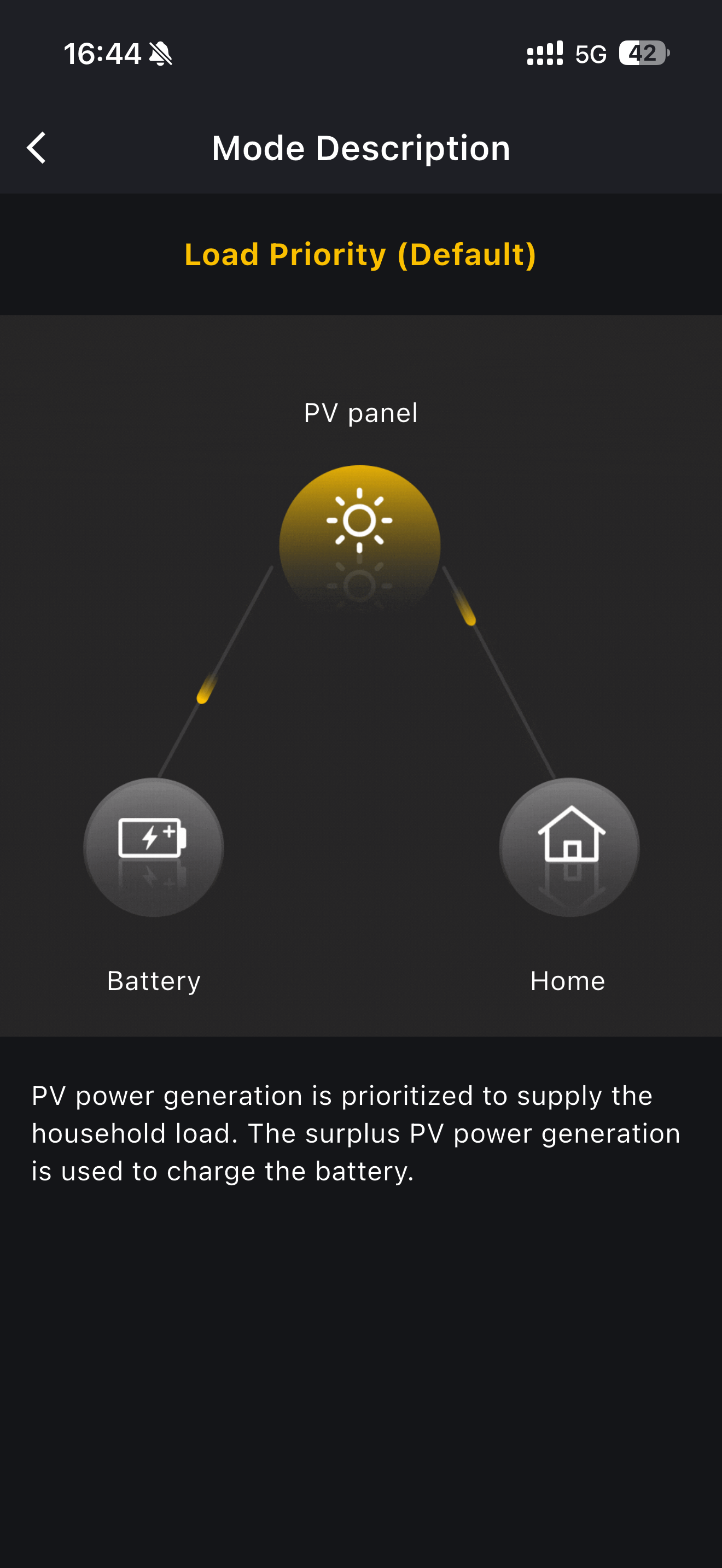
Load Priority (Default)
PV output powers your home first, and any surplus charges the battery.
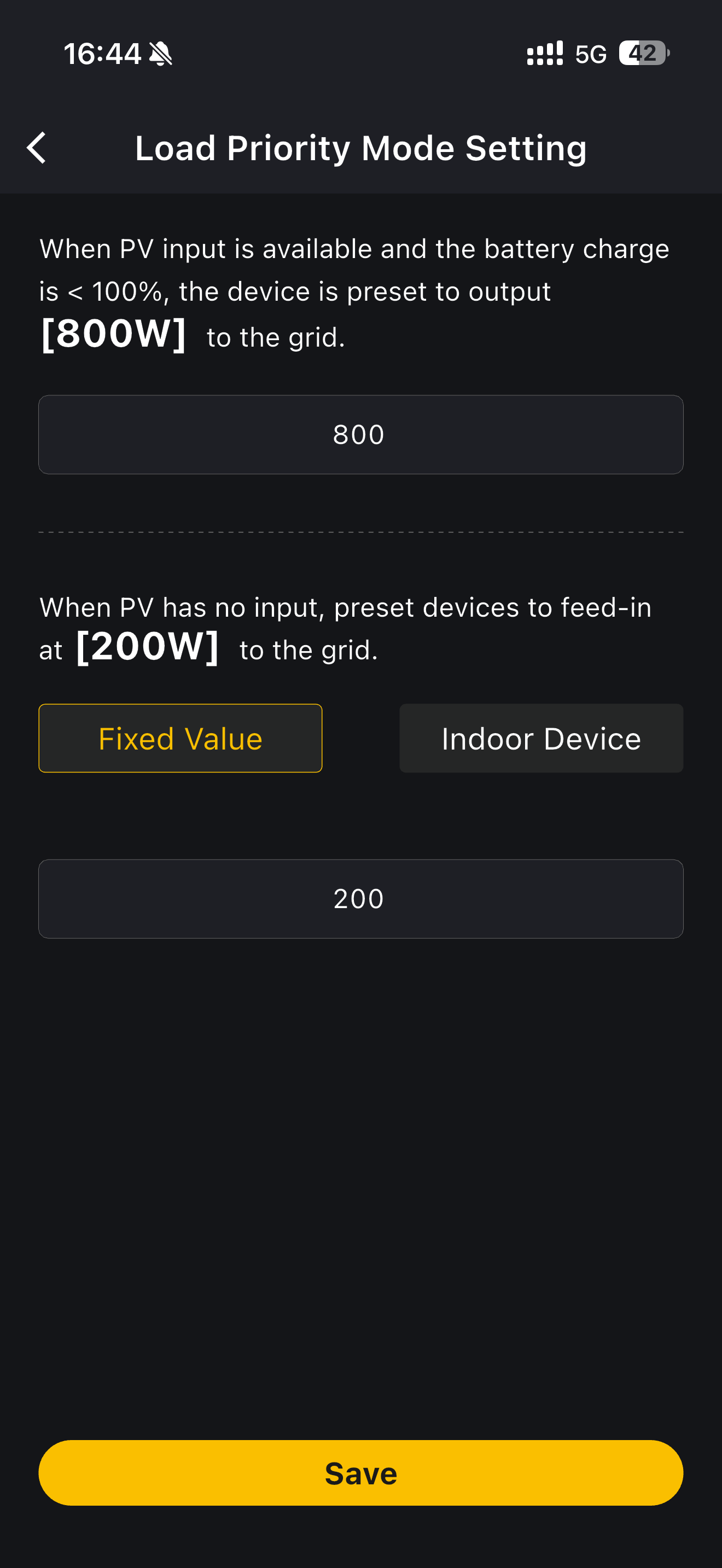
Under Modify you can set how much power the device feeds to the grid in two situations: when PV is generating and the battery is not yet full, and when there is no PV input at all. For the second situation you can either enter a Fixed Value or choose Indoor Device. Tap Save to apply.
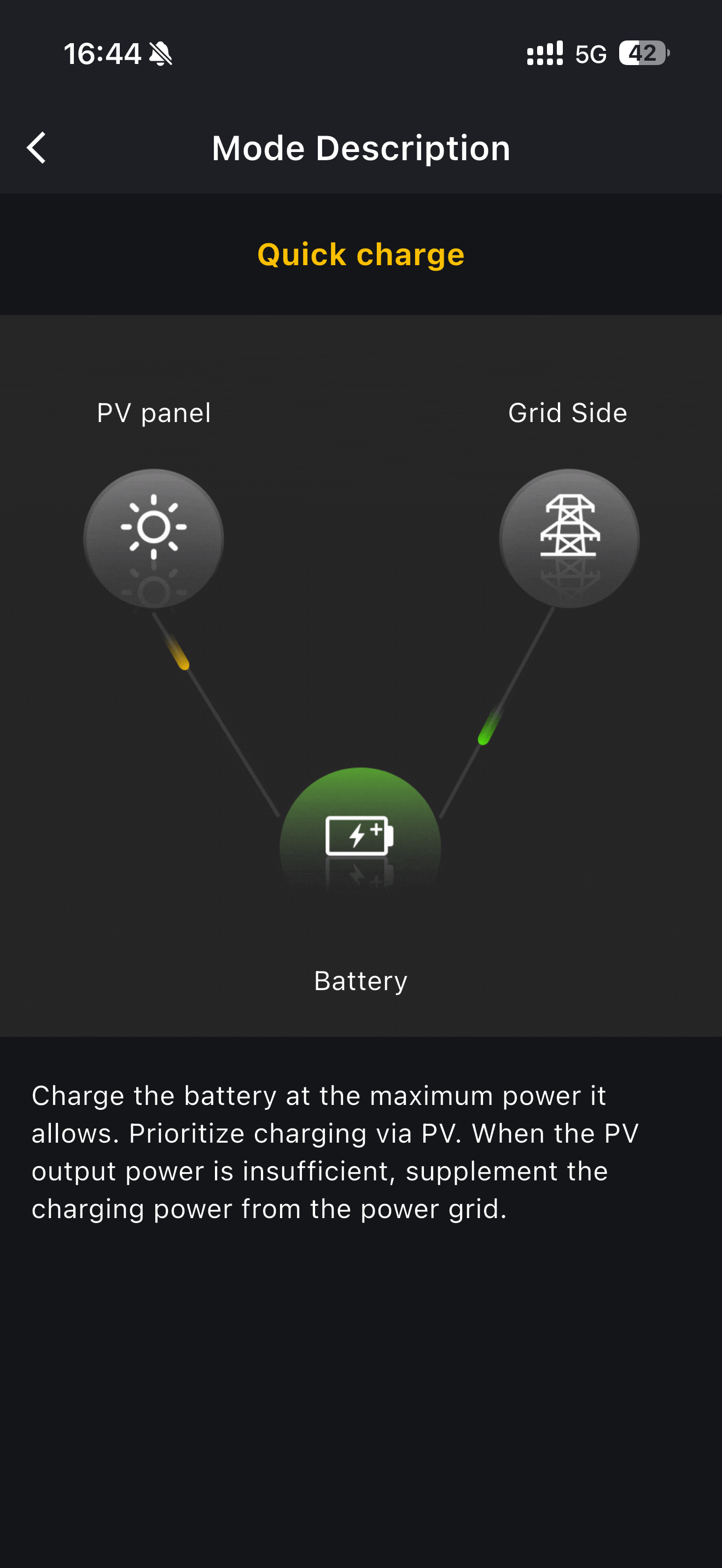
Quick charge
The battery charges at the highest power it allows, from PV first, topping up from the grid whenever PV cannot supply enough.
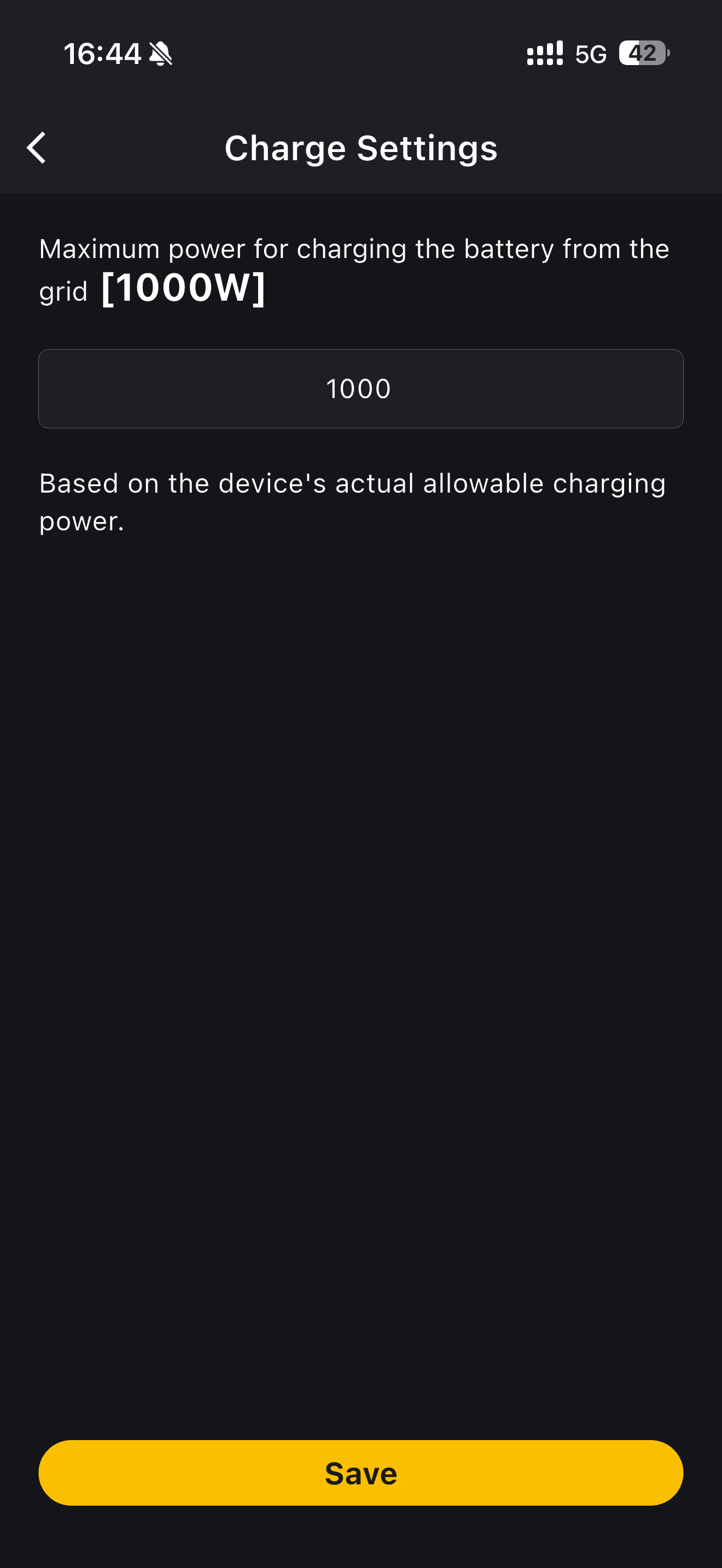
Under Modify, Charge Settings lets you cap the power drawn from the grid to charge the battery. Whatever you enter, the device never exceeds the charging power it actually allows. Tap Save to apply.
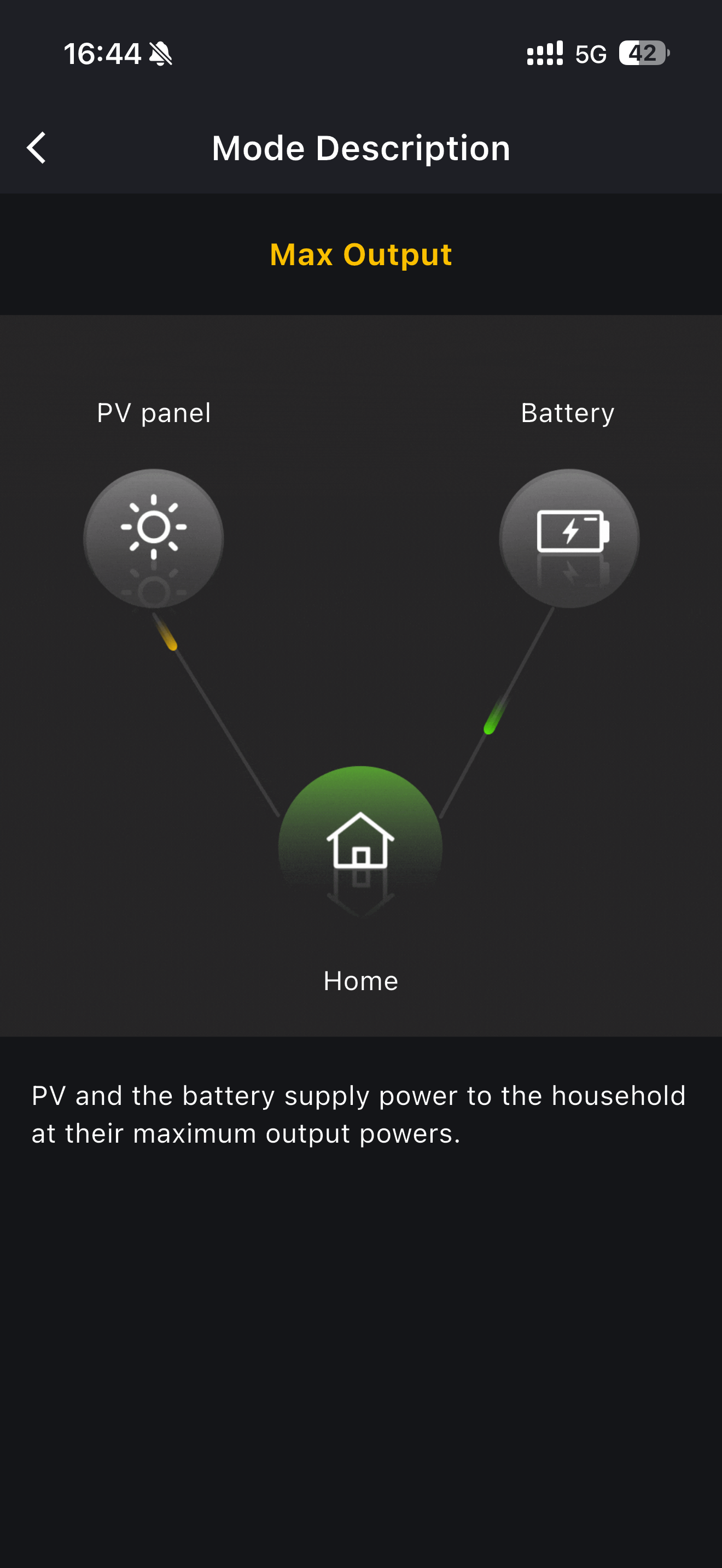
Max Output
PV and the battery together supply your home at their maximum output power.
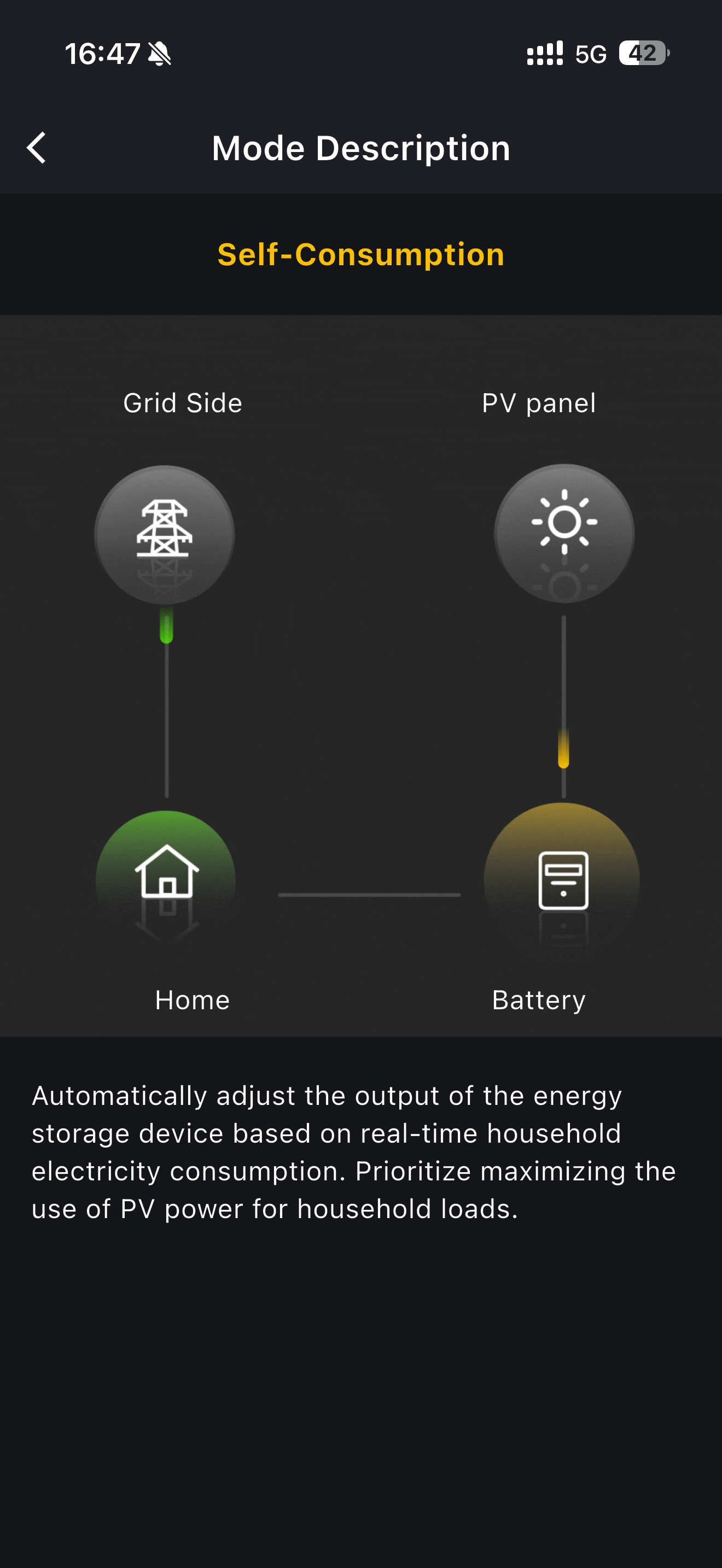
Self-Consumption
The system adjusts its output to follow your home's consumption in real time, using as much of your PV generation as possible to supply the household.
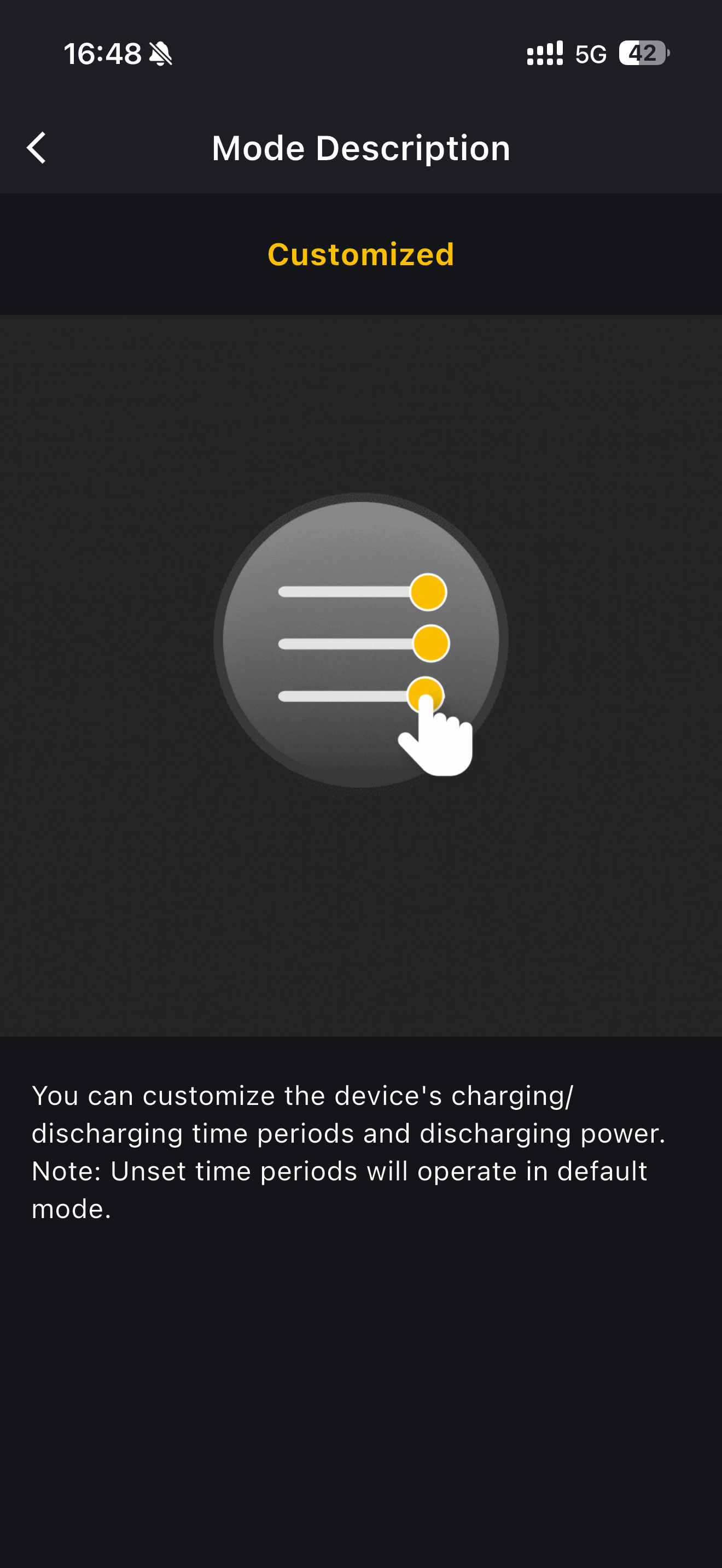
Customized
You set your own charging and discharging time periods and discharging power. Outside the periods you set, the system runs in the default mode.
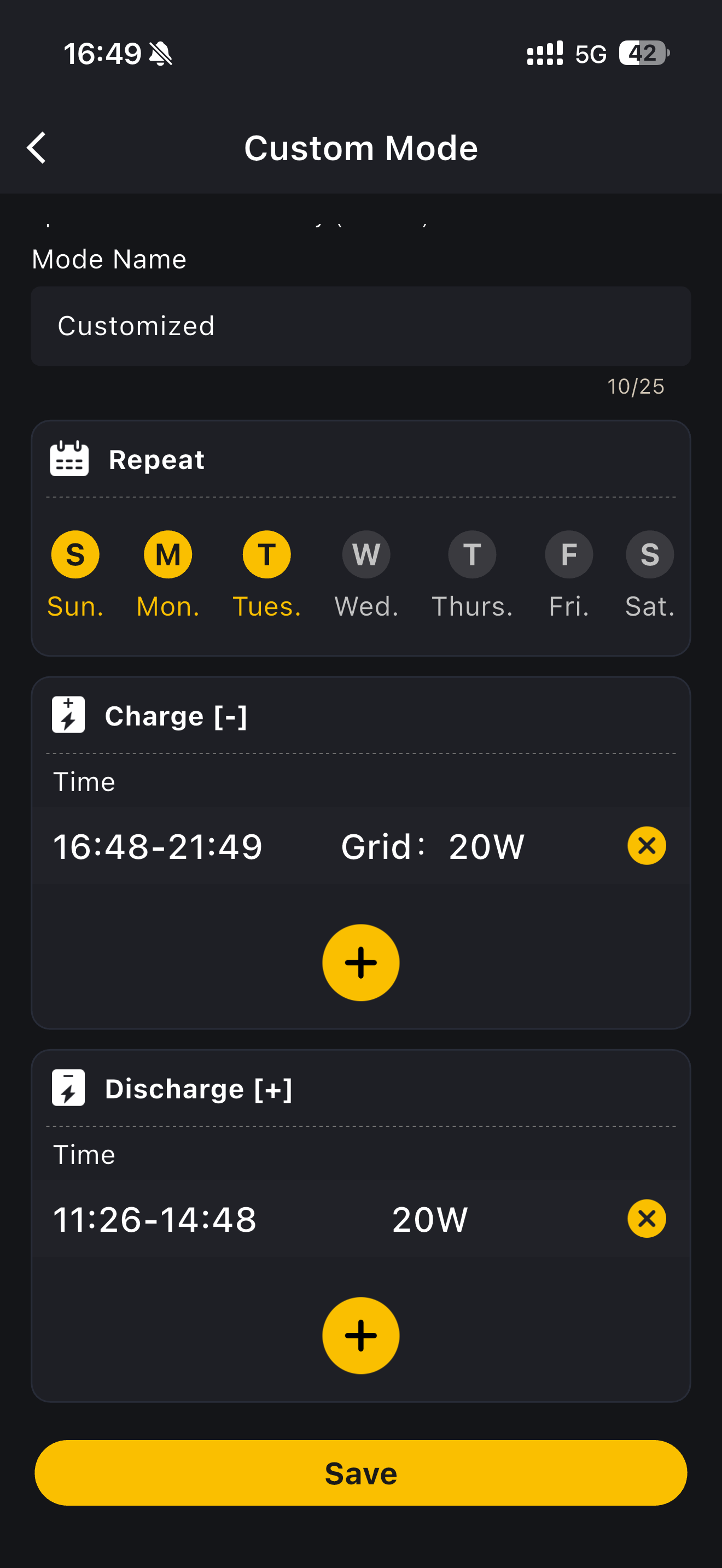
Under Modify, Custom Mode lets you:
- give the mode a Mode Name of your own, up to 25 characters
- choose which days it repeats on under Repeat
- add one or more Charge [-] periods, each with a start and end time and the power drawn from the grid
- add one or more Discharge [+] periods, each with a start and end time and a discharging power
Tap Save to apply.
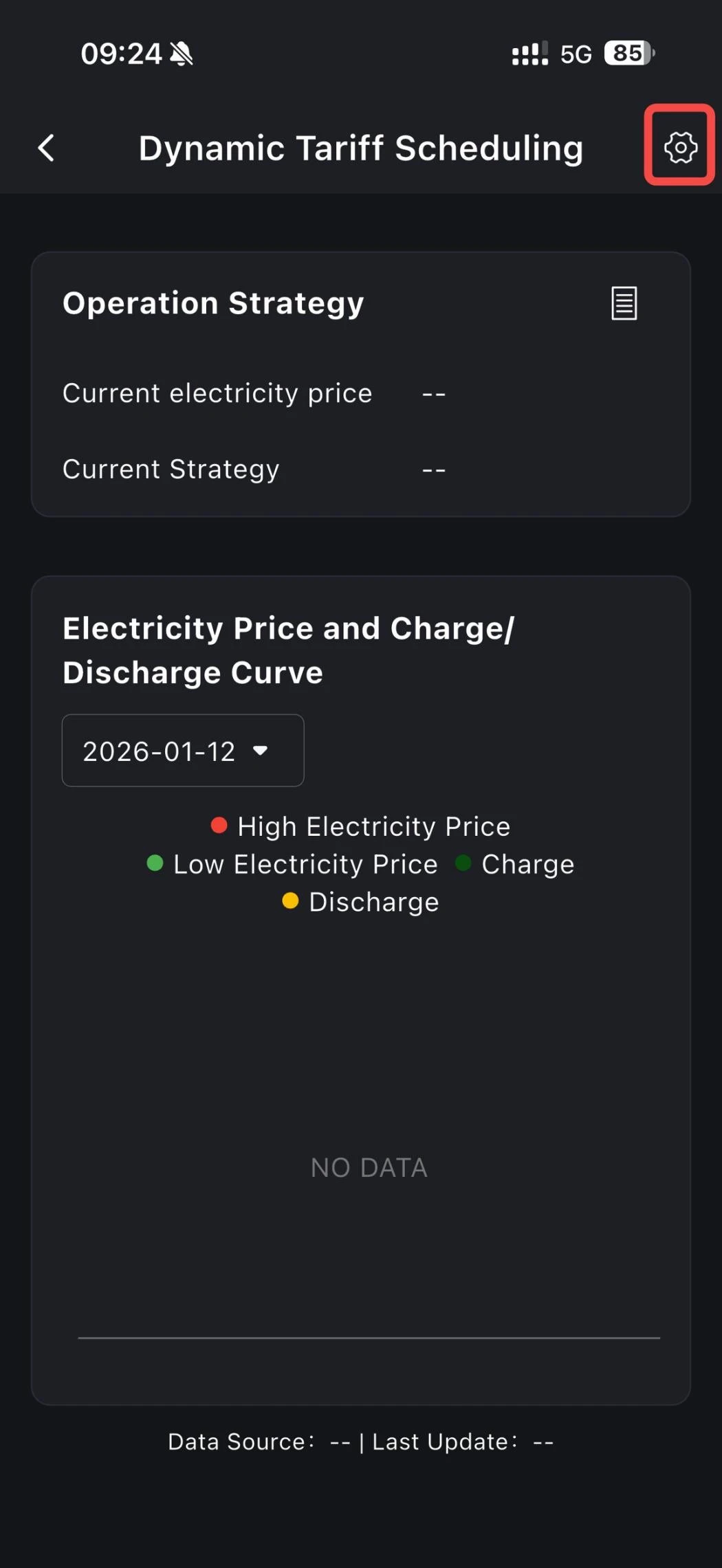
Dynamic pricing
Charging and discharging are scheduled around the electricity price.
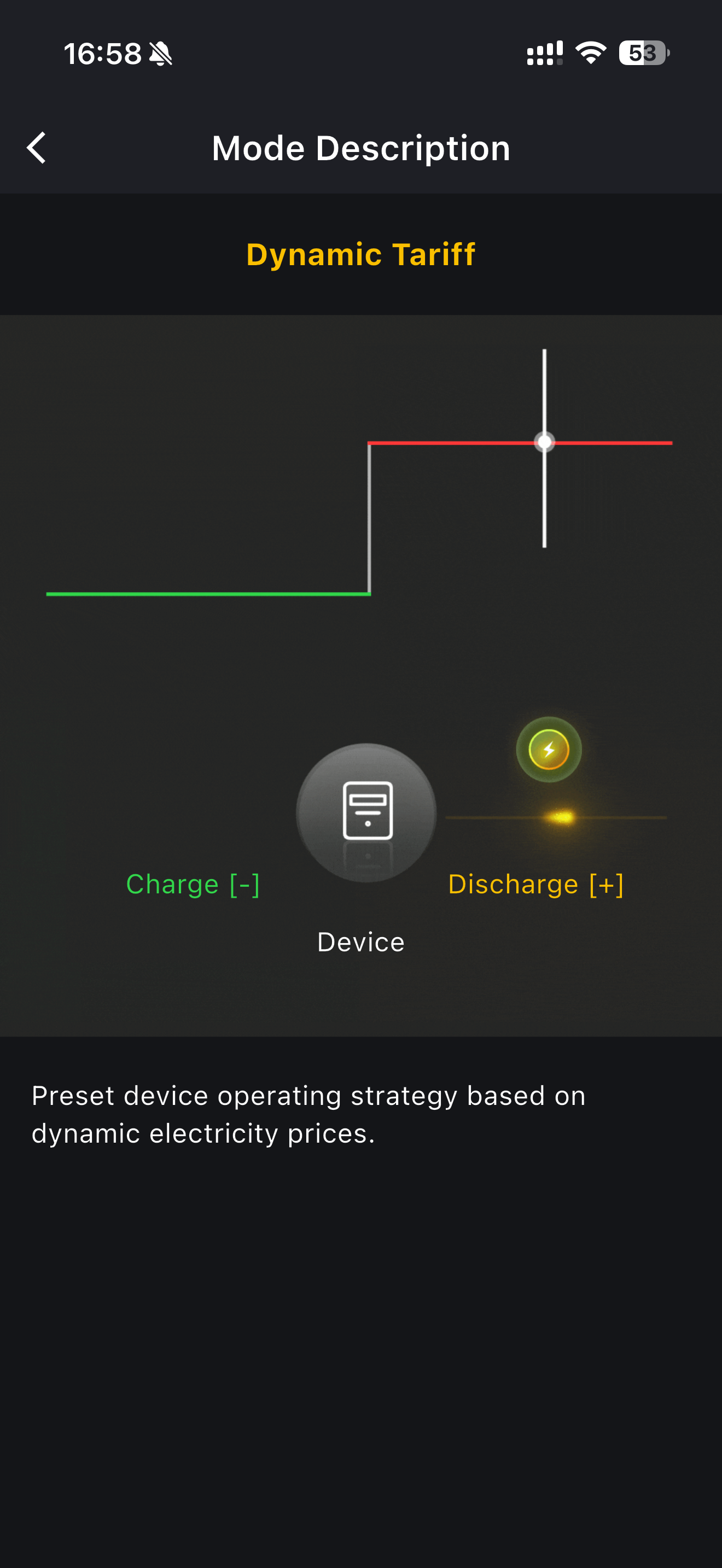
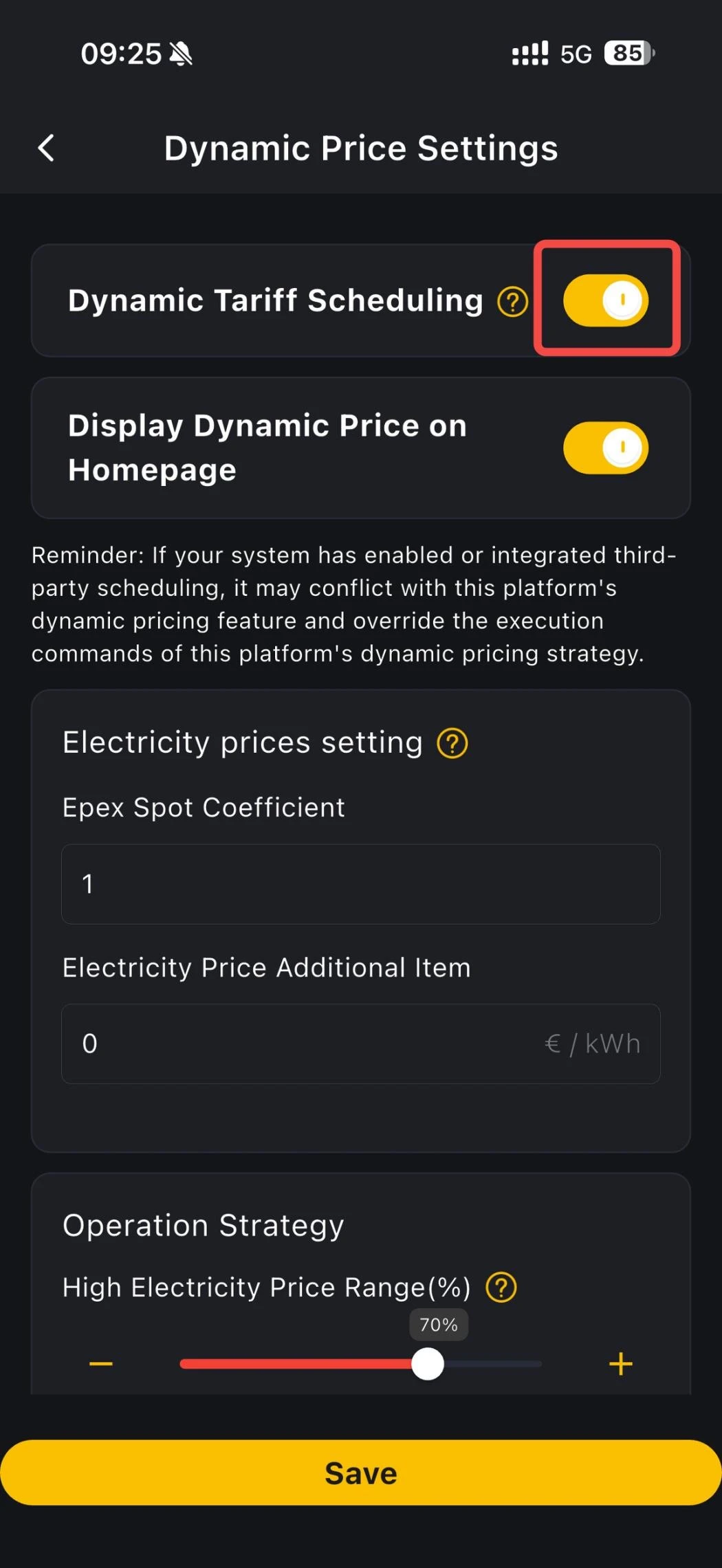
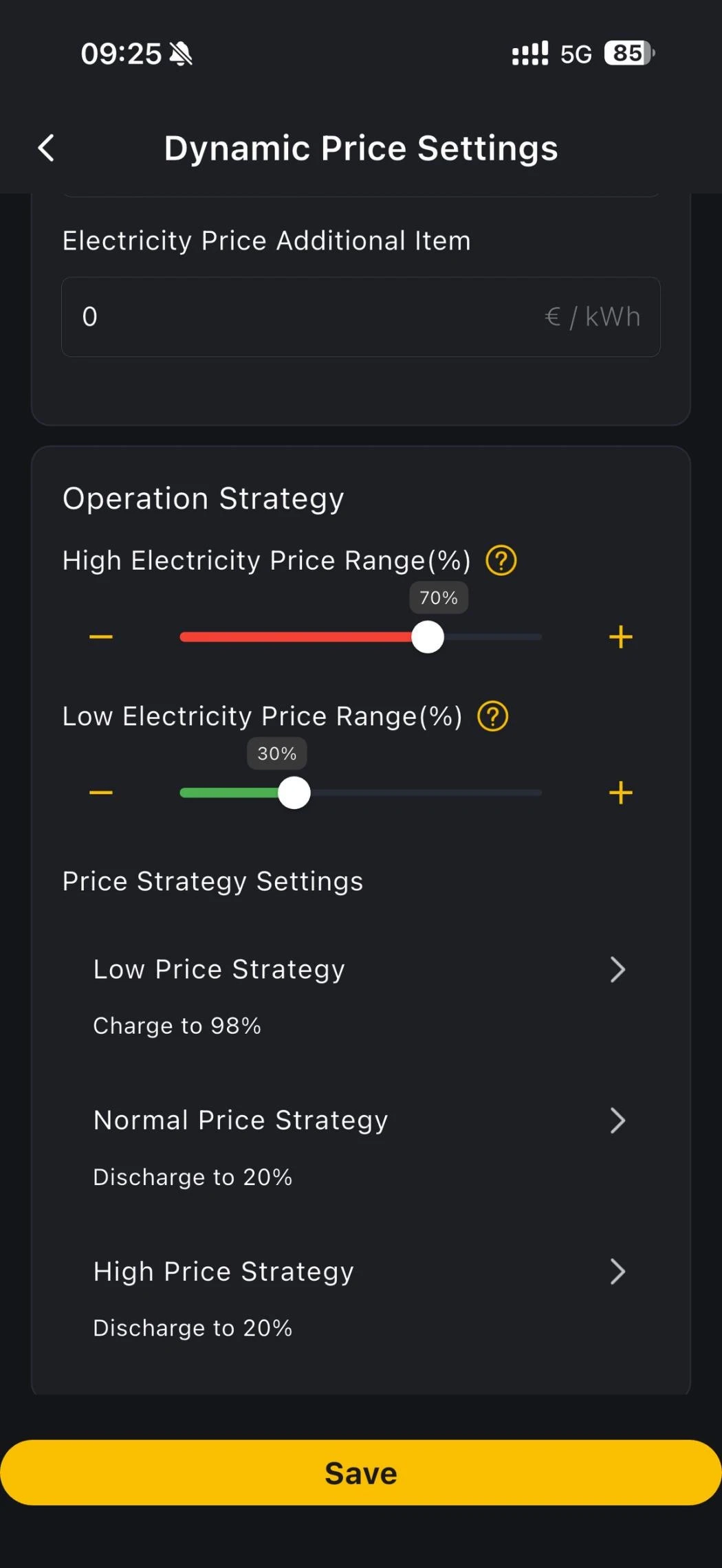
Before you use Dynamic pricing, open the mode settings page, turn on Dynamic Tariff Scheduling, enter your electricity price settings, and configure the operation strategy.