Device Monitoring
On Home Page
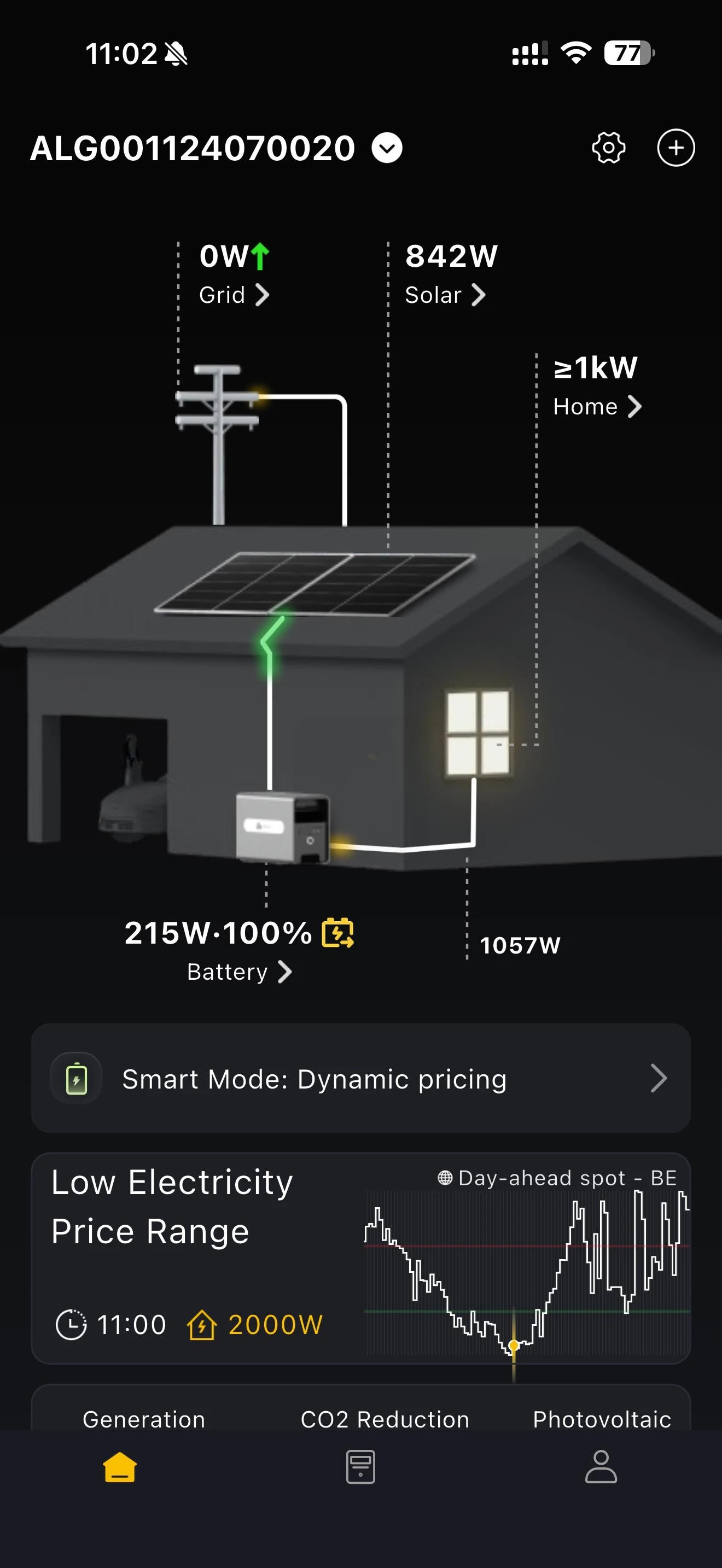
The home page shows the live operating data of your home energy system: the power you are buying from or feeding into the grid, the PV output, the power going into your home, the total home load, and whether the battery is charging or discharging and at what power. Tap any side of the diagram to see the detailed operating conditions of the device in that position.
If you have enabled dynamic electricity prices on the home page, it also shows the current electricity price range, the start time of the strategy, and the strategy currently running.
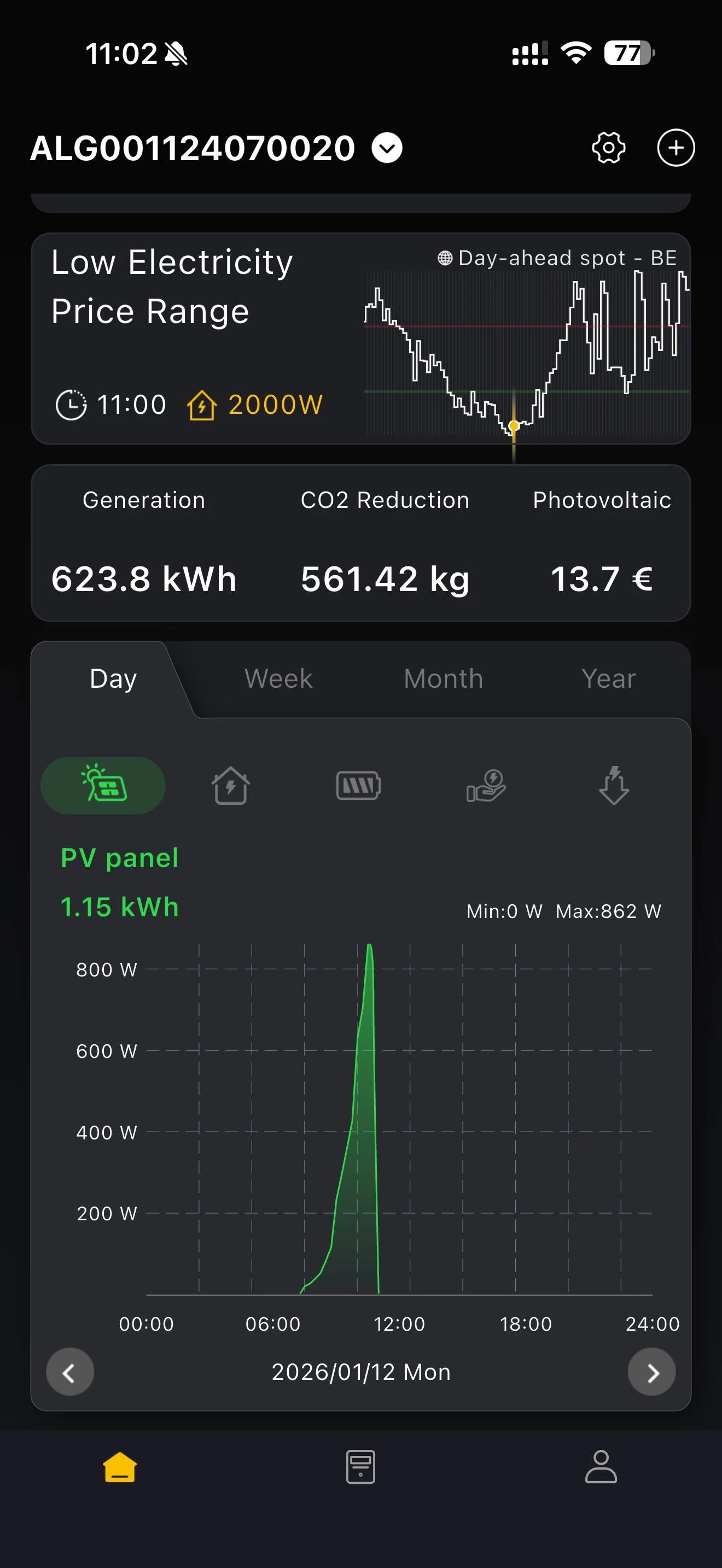
The chart below can be viewed by day, week, month or year. It shows the electricity used by the home load, the electricity in and out of the battery, the electricity fed into the grid, and the electricity purchased.
On Device List Page
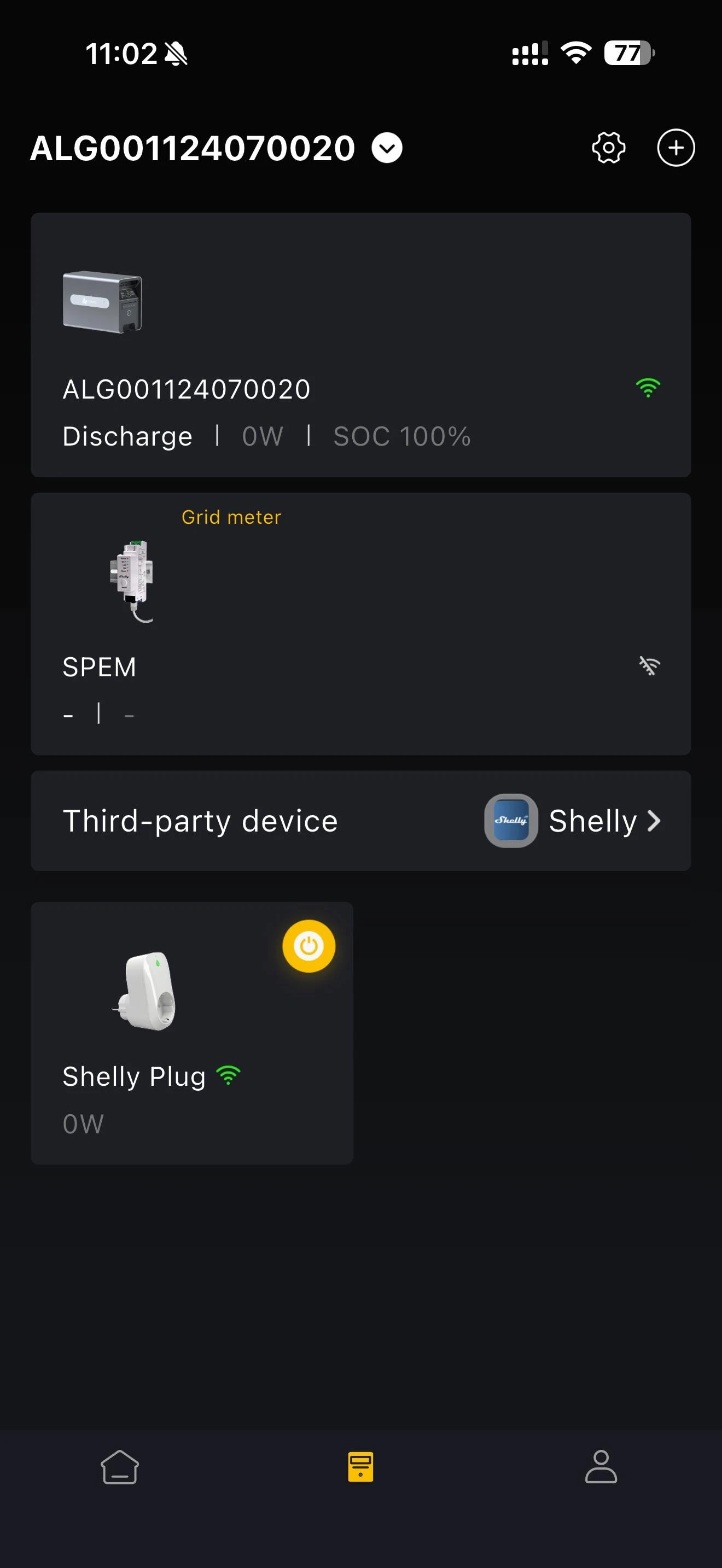
The device list shows every device in your home energy system, with the operating data and status of each bound device. You can also switch online monitoring accessories on and off remotely from here.
On Device Details Page
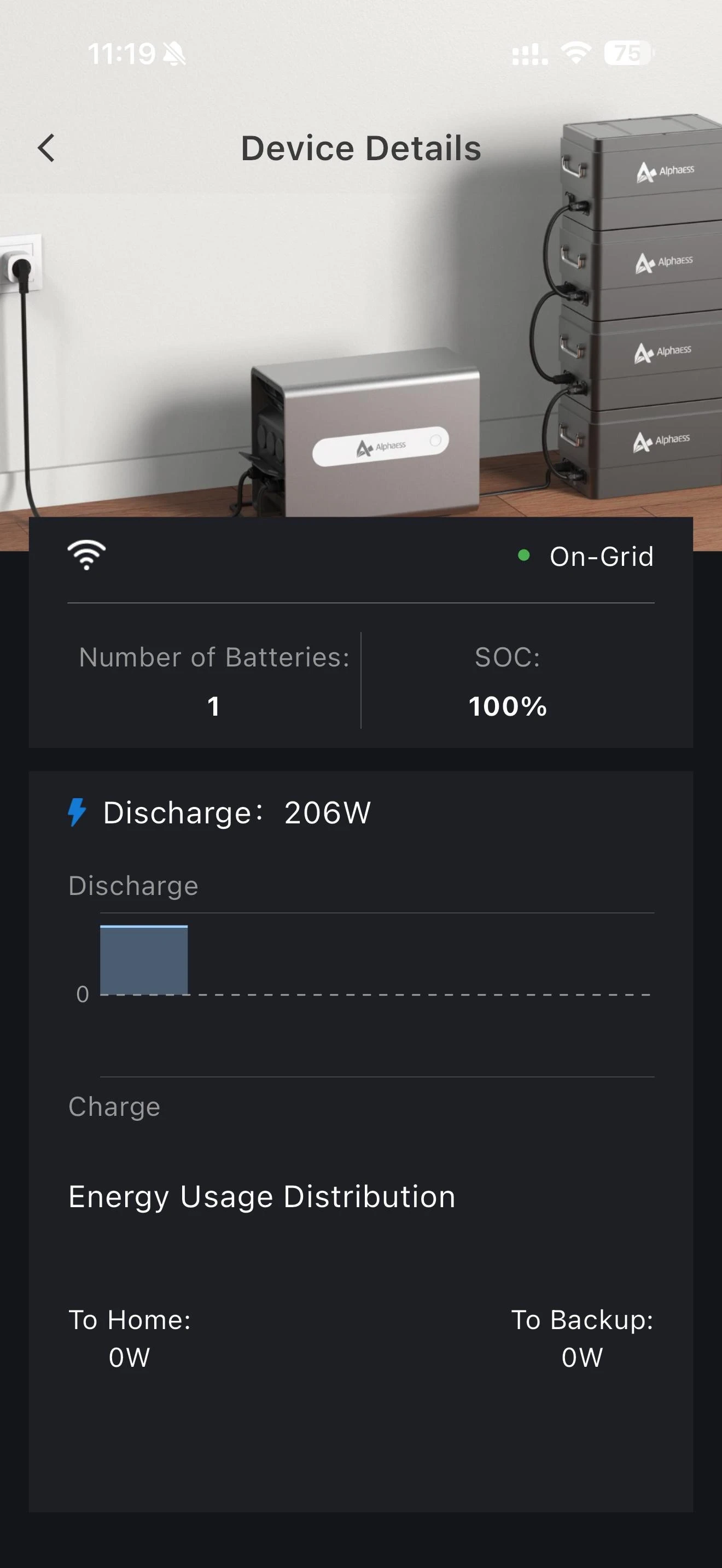
Storage system details: you can see whether the battery is connected to the grid, whether the device is online, the SOC (state of charge), the number of batteries, the charge and discharge power graph, and where the energy came from.
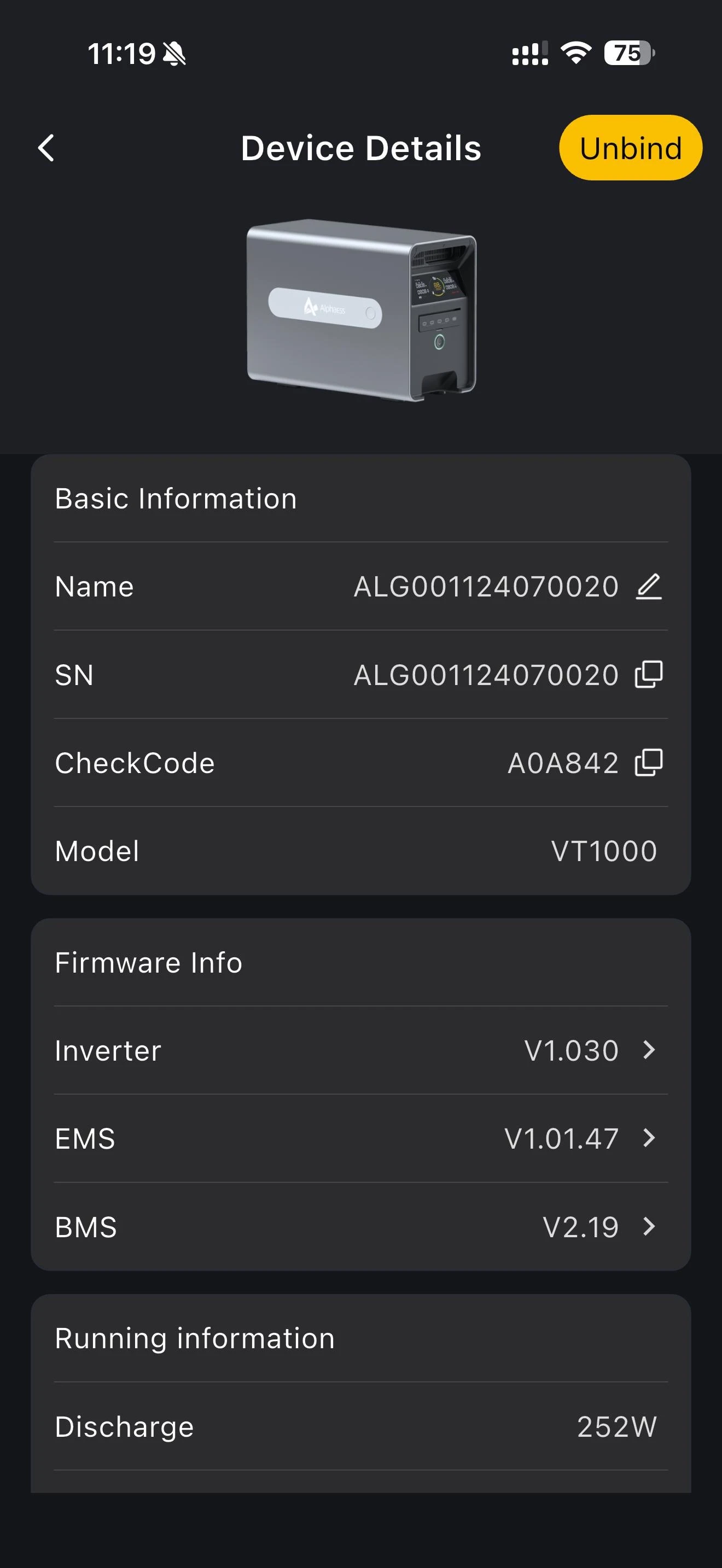
More details: on this page you can unbind the device, view its custom name, device SN, model, firmware information and operating information, and change settings such as maximum grid-connected power and off-grid standby duration.
Changing the maximum grid-connected power adjusts the maximum grid feed-in power of the storage system.
INFO
- You can adjust the output value according to local grid and regulatory requirements.
- To go beyond the grid and regulatory requirements, the maximum grid feed-in power limit has to be unlocked using the unlock code together with the installer code or AAT.
- The maximum grid feed-in power that can be set after unlocking depends on your model: 2000W on VT1000, and 3680W on VitaPower 3600 AC. Until the limit is unlocked, the value stays at 800W.
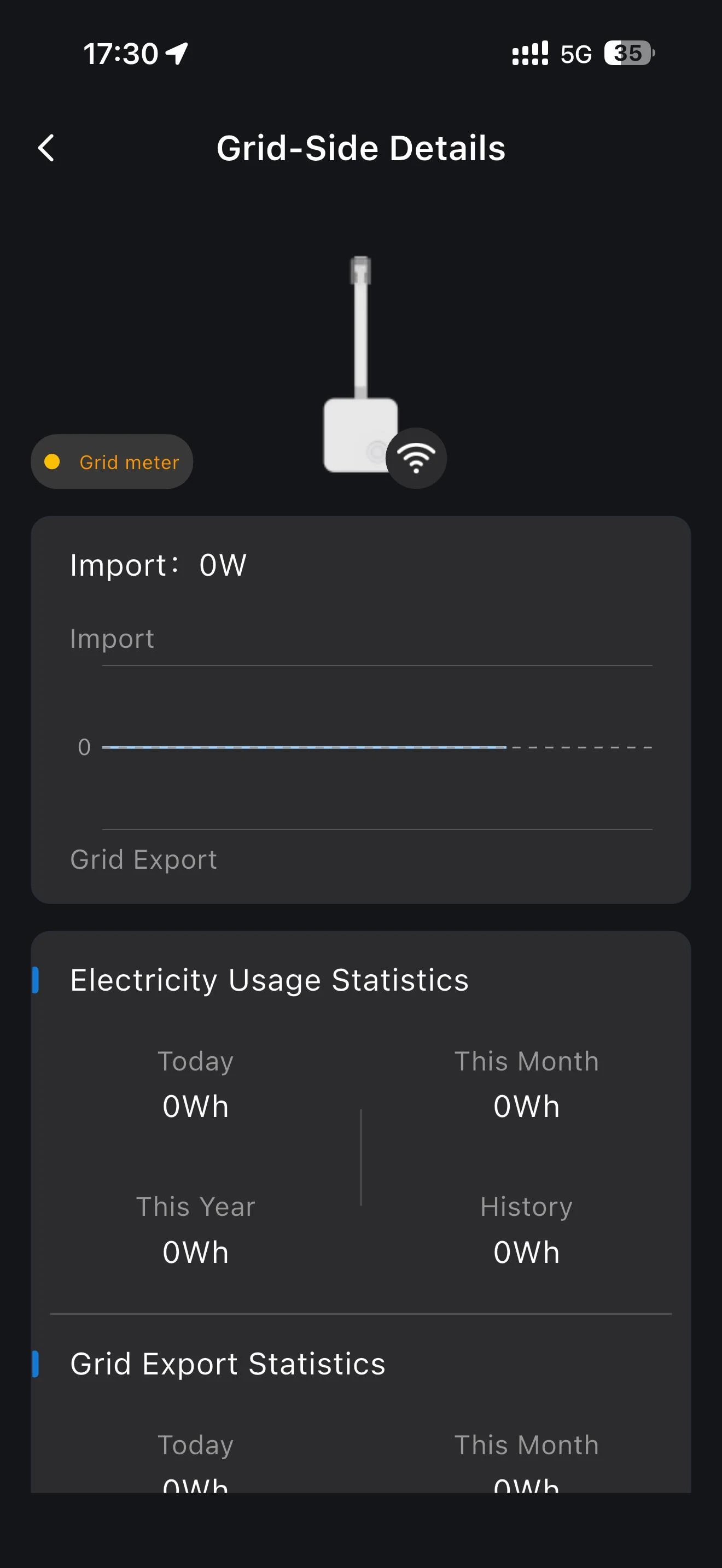
Meter and Smart Plug details: you can see whether the device is online, graphs of the power used and the power fed into the grid, and historical electricity consumption statistics.
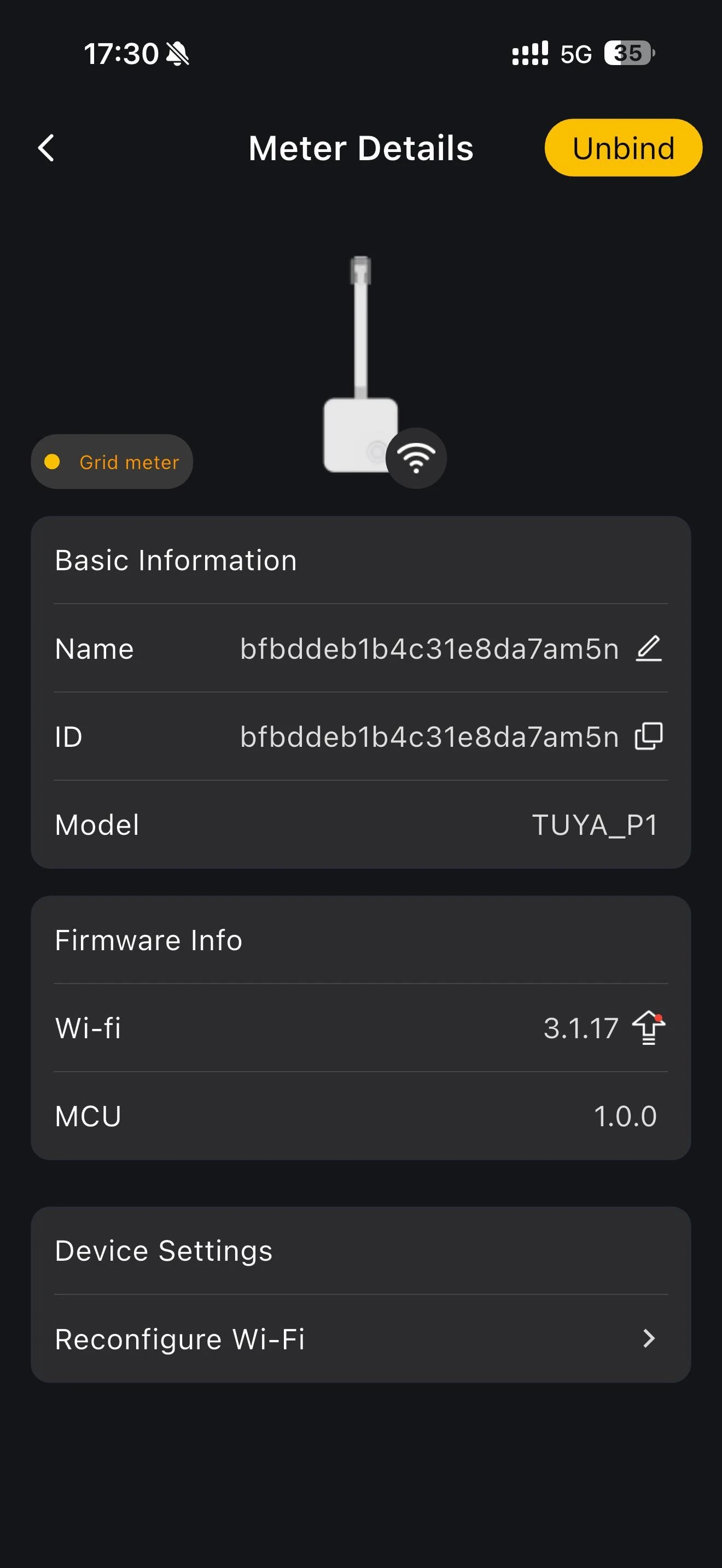
More details: on this page you can unbind the device and view the custom name, SN, model and Wi-Fi version of the Smart Plug or meter.