

AlphaESS Devices
Bind the AlphaESS devices in your system: your storage system, and the accessories that work with it. To bind a Shelly device instead, see Third-Party Devices.
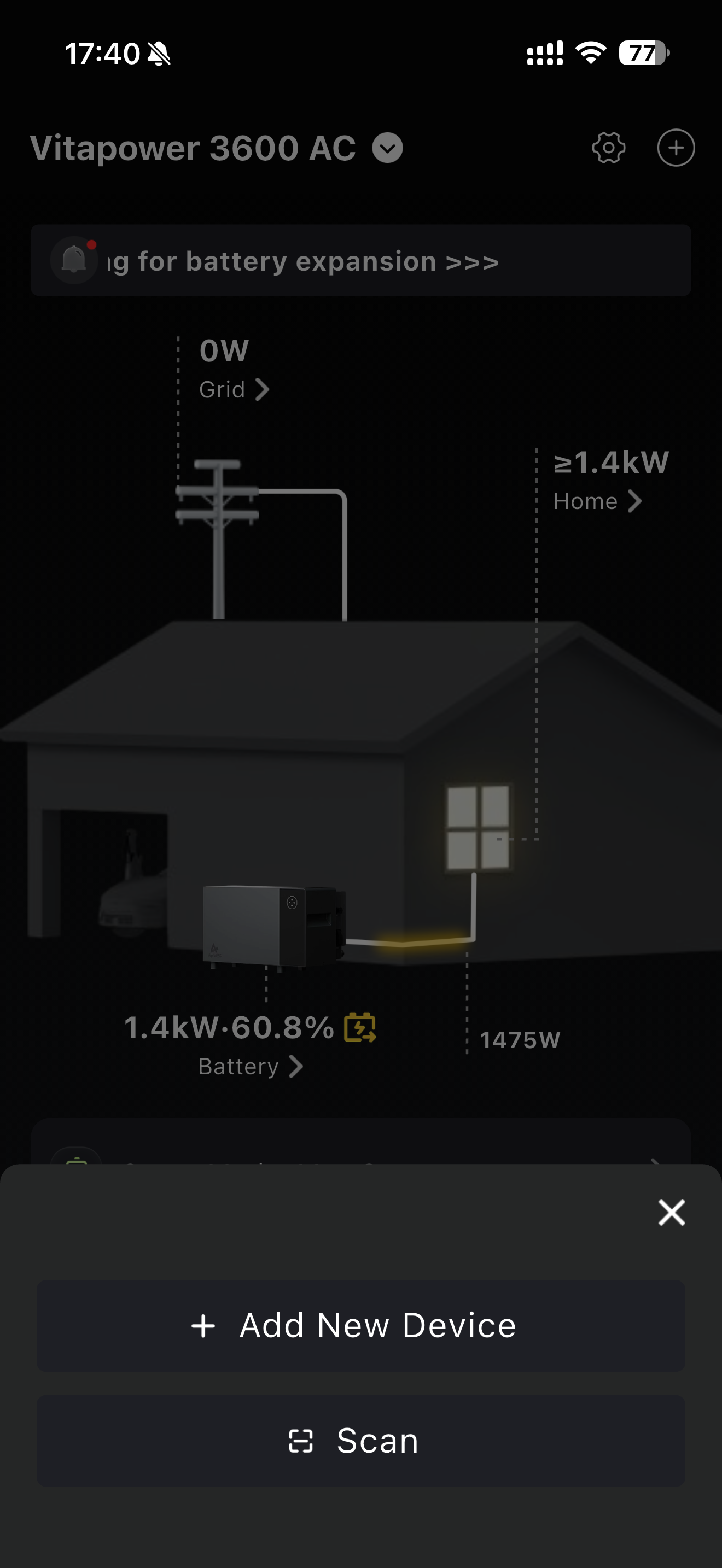
Once you are logged in, tap + in the top right corner of the home page or the device list. There are two ways to add a device.
Scan QR Code
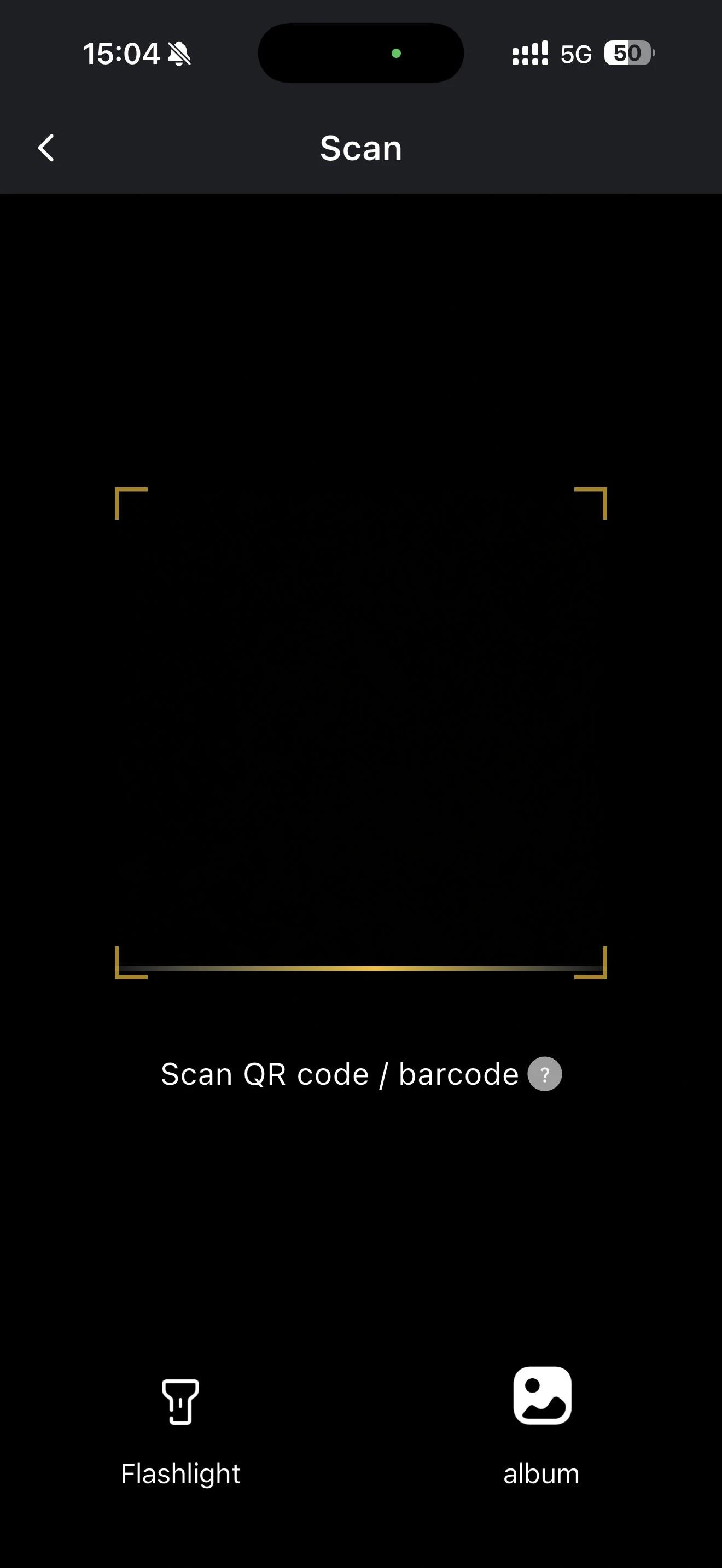
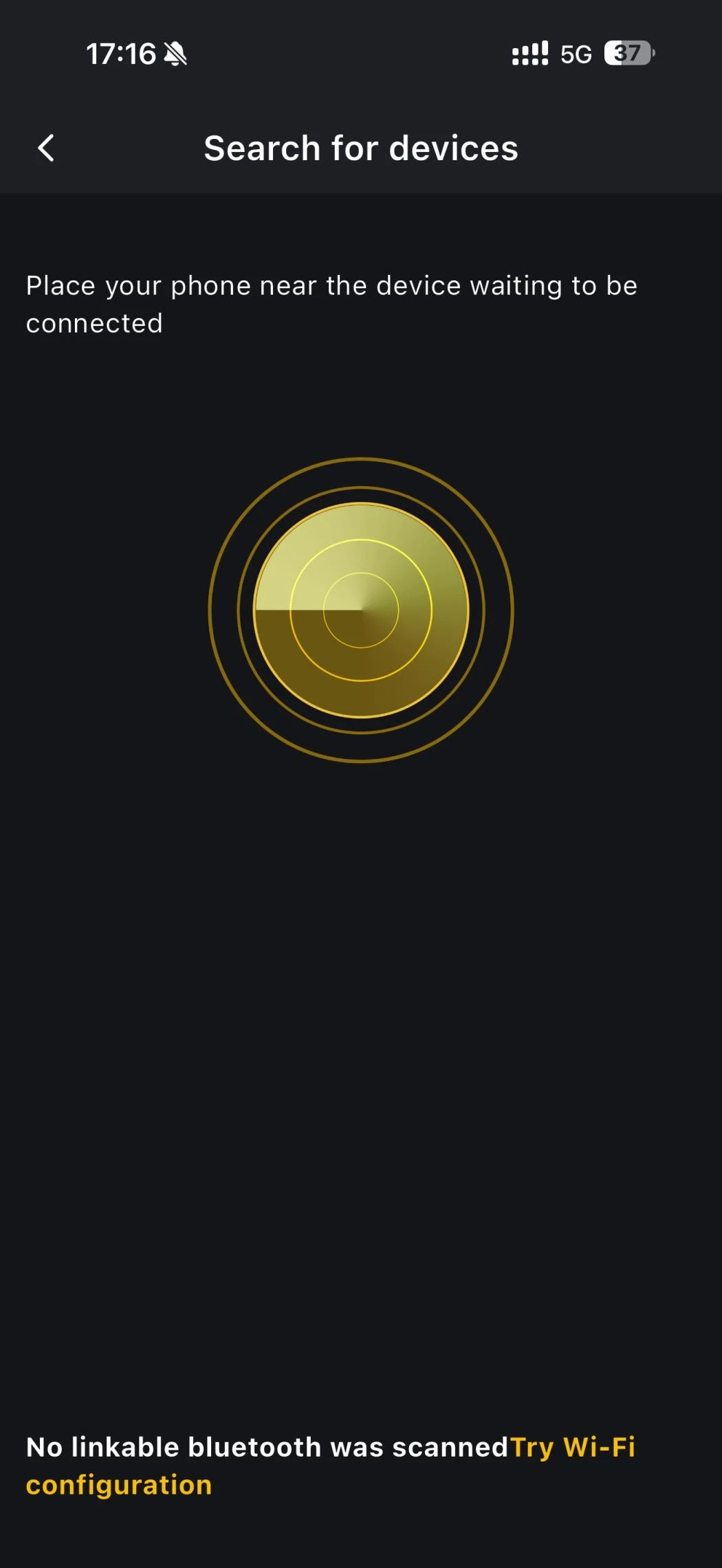
Tap Scan in the pop-up window, then scan the QR code or barcode on the side of your device and follow the steps in the app to set up its network connection and bind it. If binding does not succeed here, follow the prompt through to the Bluetooth Search page and add the device from there.
INFO
Devices supported for binding in this way: VitaPower 3600 AC, SMILE-A-AECP1-R12-WB
INFO
- Make sure the device is powered on and waiting for network configuration.
- Make sure the home or public network you are using can access the internet normally.
- After the device is bound, it goes through a status check lasting about 30 seconds. Please wait.
- If the app says the device is already bound, unbind it from the original home energy system first.
Bluetooth & Wi-Fi Direct
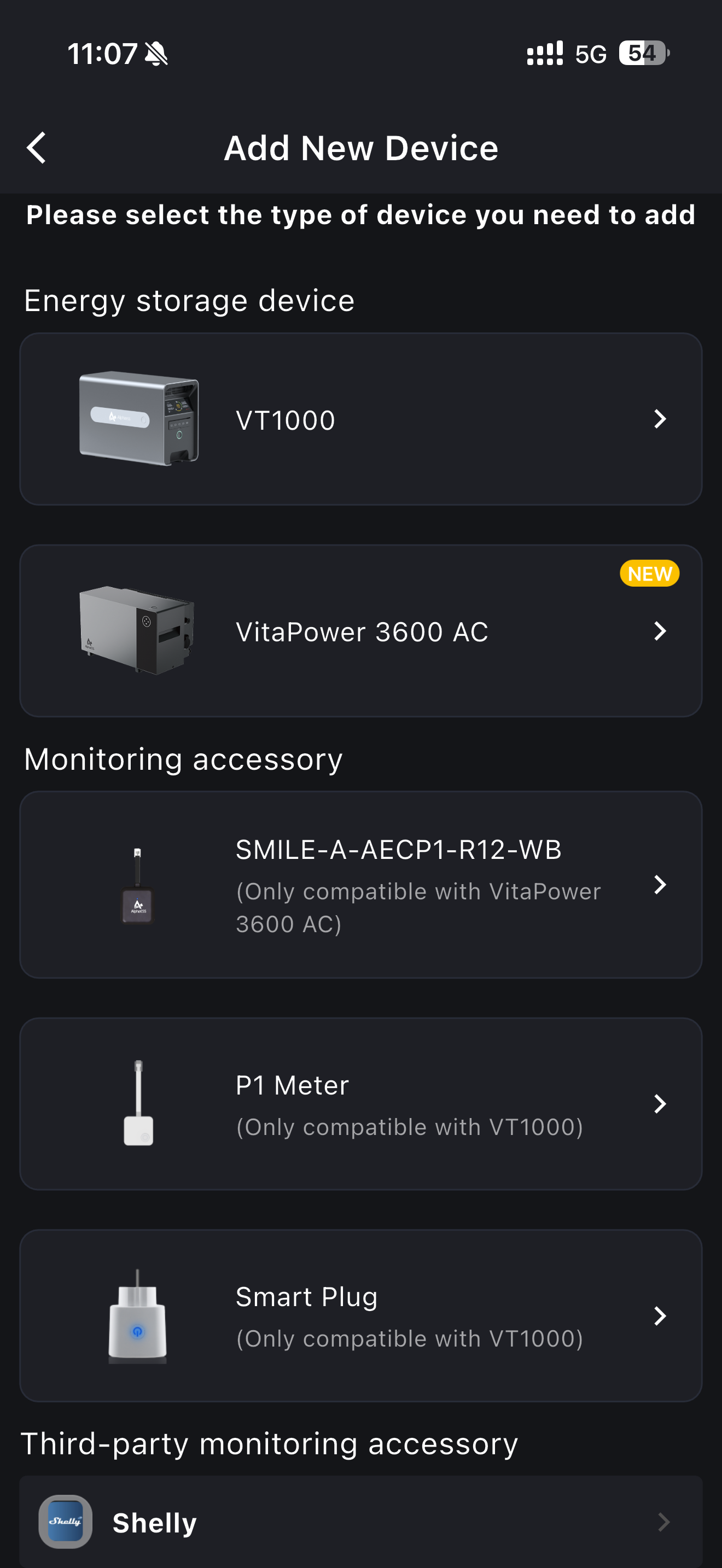
Tap Add New Device in the pop-up window and follow the steps in the app to complete the binding over Bluetooth. If Bluetooth search cannot find your device, try the Wi-Fi Direct method instead.
INFO
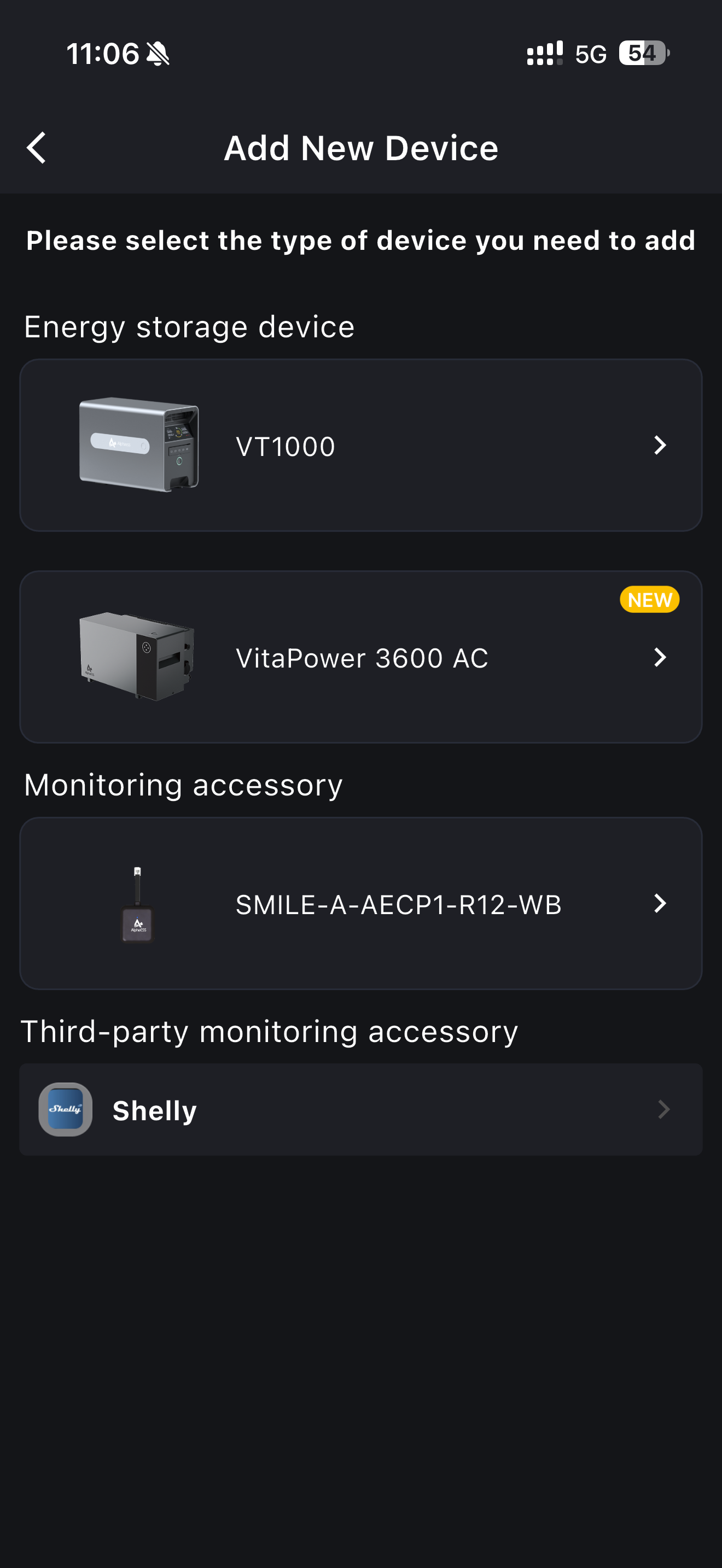
Devices supporting Bluetooth binding: VT1000, VitaPower 3600 AC, P1 Meter, Smart Plug, SMILE-A-AECP1-R12-WB
The accessories offered to you depend on the storage system you have already bound, because each accessory only works with one of them. Once VitaPower 3600 AC is bound, for example, the list shows only the accessories that fit it. If you have not bound a storage system yet, every accessory is listed, each marked with the system it works with.
INFO
- Make sure the device is powered on and waiting for network configuration.
- Make sure the home or public network you are using can access the internet normally.
- After the device is bound, it goes through a status check lasting about 30 seconds. Please wait.
- If the app says the device is already bound, unbind it from the original home energy system first.