

APP(End User)
Please ensure the end user has downloaded the AlphaESS APP.
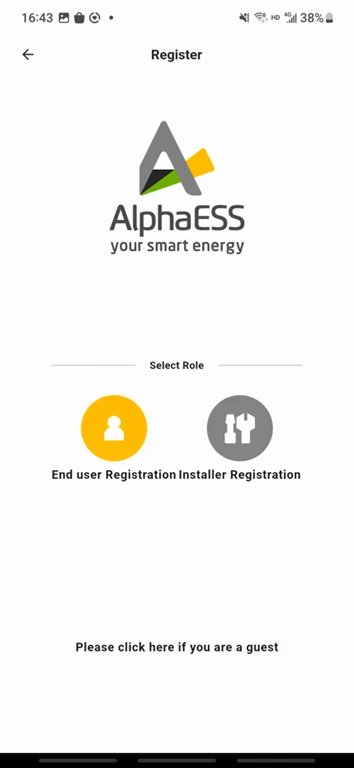
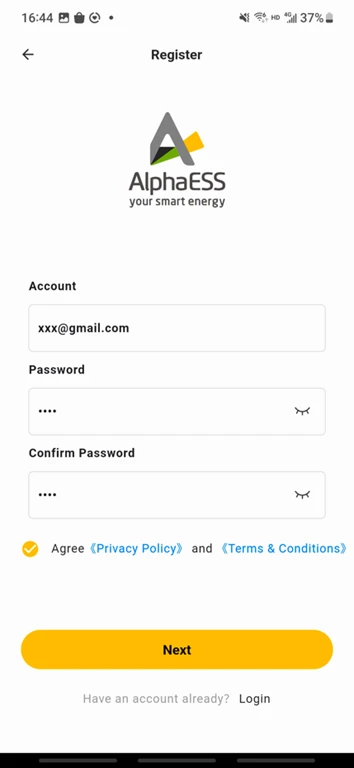
Select Installer Registration as the required type. To complete the registration, provide a valid email address and set a password. Please note that you cannot proceed with registration if the email address is unavailable.
Before proceeding, please review our Privacy Policy and Terms and Conditions. If you agree to the terms, tap the Next button to enter the registration screen.
 |  |
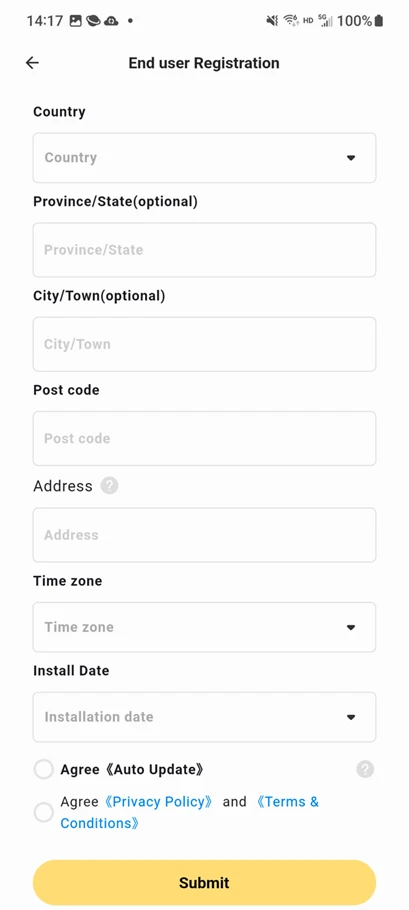
After filling in the required fields, click submit to continue.An activation email will then be sent to the email address you provided.
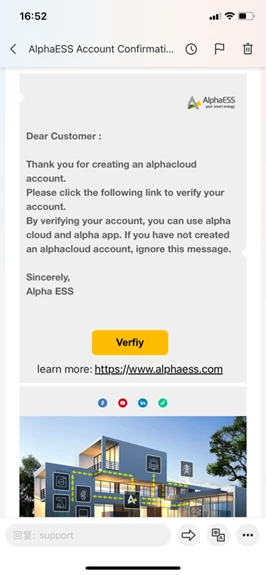
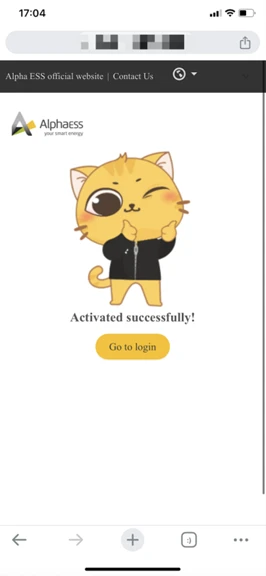
Afterwards, you will receive an account activation email as shown below.Click the Verify button to confirm account activation, and you will be automatically redirected to the login page.
 |  |
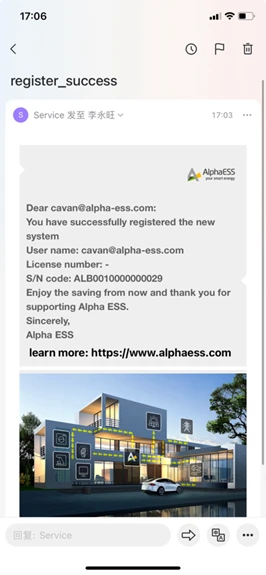
Finally, after completing the registration process, a registration success email will be sent to your email address.
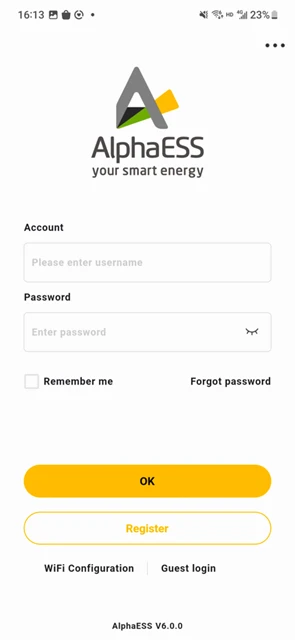
After successful registration, you can log in with your account number and password. The login interface is shown below:
For detailed operating procedures, please refer to the APP user manual.